
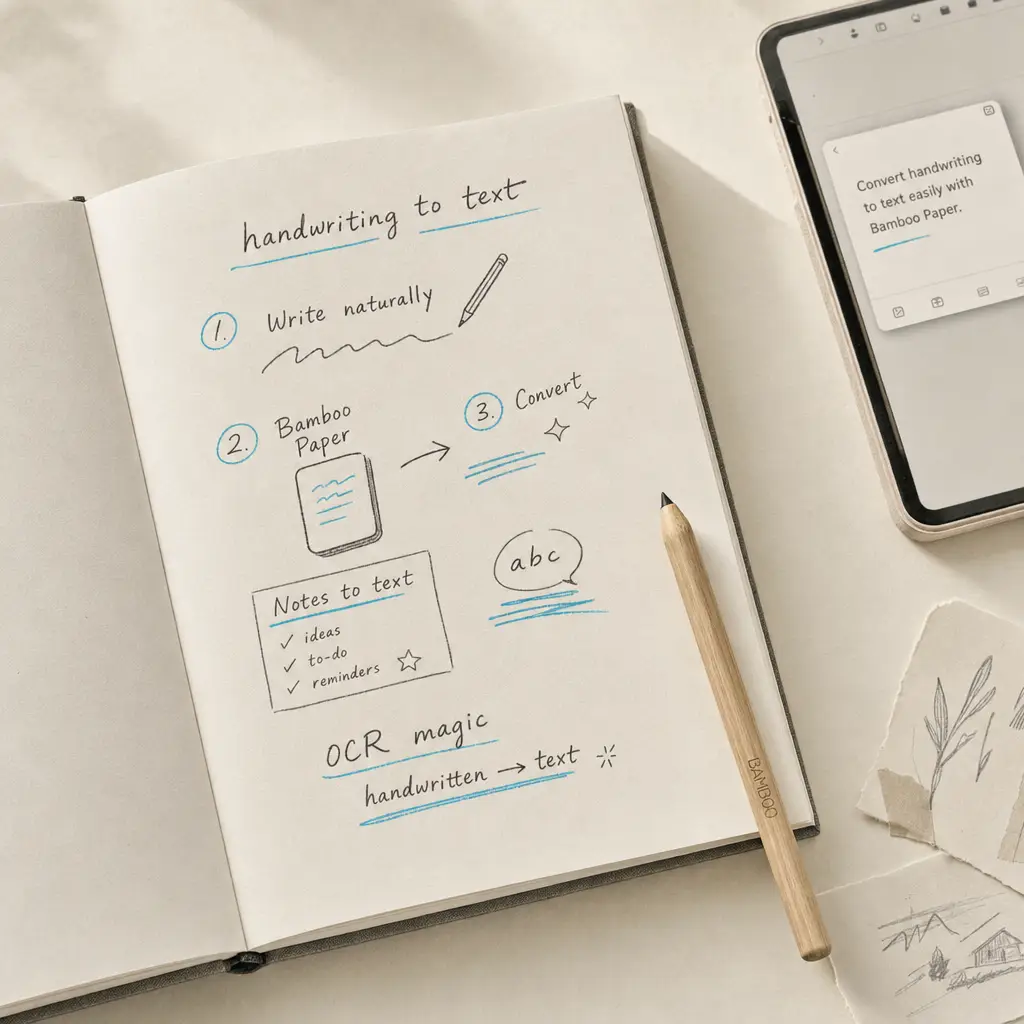
Converting handwriting to text from Bamboo Paper requires exporting your notes and using a specialized OCR service. While Bamboo Paper excels at capturing handwritten notes with a stylus, it doesn’t include built-in text conversion. This guide shows you how to export your Bamboo Paper notes and convert them to editable digital text using HandwritingOCR.
Whether you’re digitizing meeting notes, study materials, or creative sketches with annotations, the export-and-convert workflow gives you searchable, editable text while preserving your original handwriting when needed.
Quick Takeaways
- Bamboo Paper lacks native handwriting to text conversion features
- Export options include PDF, image formats, and cloud storage destinations
- HandwritingOCR processes exported Bamboo Paper files with high accuracy
- Multi-page notebooks convert as single PDF documents for efficient processing
- Converted text maintains the structure and formatting of your original notes
Why Convert Handwriting to Text from Bamboo Paper
Bamboo Paper provides an excellent digital writing experience, especially with Wacom stylus devices. Converting your handwritten notes to text unlocks additional benefits.
Searchable archives let you find specific information across hundreds of pages instantly. You can search for meeting notes from months ago or locate a specific research citation without manually reviewing every page.
Editable text allows you to refine, reorganize, and repurpose your handwritten content. Meeting notes become formal reports. Lecture notes transform into study guides. Brainstorming sessions turn into structured project plans.
Converting handwritten Bamboo Paper notes to text makes your ideas searchable, shareable, and ready for any workflow.
Digital text integrates seamlessly with other tools. Copy converted text into documents, presentations, or databases. Share notes with colleagues who need typed versions. Archive content in systems that require text format.
Bamboo Paper Export Options Explained
Understanding export formats helps you choose the right approach for text conversion. Bamboo Paper offers several export paths, each suited to different workflows.
PDF Export
PDF export creates a single document containing all pages from your notebook. This format preserves the exact appearance of your handwriting, including colors, pressure variations, and any embedded images.
For text conversion, PDF format provides the best results. HandwritingOCR processes multi-page PDFs efficiently, maintaining page order and document structure. One file contains your entire notebook, simplifying the conversion workflow.
Image Export
Image export saves individual pages as JPG or PNG files. This format works well for sharing single pages or when you need specific notes rather than entire notebooks.
Image files work perfectly with OCR services. However, processing multiple pages requires uploading each image separately unless you combine them into a PDF first.
Cloud Storage Integration
Bamboo Paper integrates with cloud storage services like Dropbox, Google Drive, and OneDrive. Exporting directly to cloud storage creates a backup while making files accessible for conversion.
Cloud export typically uses PDF format, giving you both secure storage and conversion-ready files. You can access exported files from any device to begin the conversion process.
How to Convert Handwriting to Text from Bamboo Paper
Converting your Bamboo Paper notes to digital text takes just a few steps. This process works for individual pages or entire notebooks.
Step 1: Prepare Your Notes
Open the Bamboo Paper app and navigate to the notebook containing notes you want to convert. Review the pages to ensure all content is complete and legible.
For best conversion results, check that handwriting is clear and hasn’t been obscured by excessive highlighting or overlapping elements. The clearer your original writing, the more accurate the text conversion.
Step 2: Export from Bamboo Paper
Select the notebook or specific pages you want to convert. Tap the share or export icon, usually located in the top menu bar or as a three-dot menu option.
Choose your export format. For converting handwriting to text, select PDF format. If exporting multiple pages, ensure you select “entire notebook” or choose all relevant pages before exporting.
Save the PDF to a location you can easily access, such as your device’s Downloads folder or a cloud storage service.
Step 3: Upload to HandwritingOCR
Visit HandwritingOCR and create a free account if you haven’t already. The service provides complimentary credits so you can test conversion quality with your actual Bamboo Paper notes.
Click the upload button and select your exported PDF file. HandwritingOCR accepts PDF files up to 20MB and processes multi-page documents as single jobs.
The service automatically detects page count and confirms your credit balance before processing begins.
Step 4: Process and Download
HandwritingOCR processes your document, typically completing within minutes depending on page count and handwriting complexity. You’ll receive a notification when processing completes.
Review the converted text in your dashboard. HandwritingOCR preserves paragraph structure, spacing, and formatting from your original handwritten notes.
Download the results in your preferred format. Choose plain text, Microsoft Word, or JSON format depending on how you plan to use the converted content.
HandwritingOCR maintains the structure and character of your handwritten Bamboo Paper notes while delivering accurate, editable text.
Comparison: Export Formats for Text Conversion
| Format | Pages per File | File Size | Best For | OCR Compatibility |
|---|---|---|---|---|
| Multiple | Medium | Full notebooks, archives | Excellent | |
| JPG | Single | Small | Individual pages, quick shares | Good |
| PNG | Single | Large | High-quality images | Good |
| Cloud Backup | Varies | N/A | Long-term storage | Depends on format |
Getting the Best Conversion Results
Several factors influence conversion accuracy when you convert handwriting to text from Bamboo Paper notes. Following these practices ensures reliable results.
Write Clearly and Consistently
Stylus handwriting typically produces cleaner results than finger writing. Use consistent letter formation and adequate spacing between words. Avoid excessive cursive connections that obscure individual letter shapes.
If you know you’ll convert notes to text later, write slightly larger than you might for personal notes. Larger handwriting gives the OCR system more detail to work with.
Use Good Lighting When Handwriting
While Bamboo Paper is a digital app, lighting affects how clearly you see what you’re writing. Good visibility helps you maintain consistent, legible handwriting that converts more accurately.
Adequate lighting also matters if you photograph physical sketches or diagrams before importing them into Bamboo Paper for annotation.
Export at Full Resolution
When exporting from Bamboo Paper, use the highest quality settings available. Higher resolution maintains handwriting detail that OCR systems need for accurate text conversion.
Avoid compressing or resizing exported files before uploading for conversion. HandwritingOCR handles optimization automatically while preserving necessary detail.
Review and Edit After Conversion
Even high-accuracy OCR may occasionally misinterpret ambiguous letters or unusual handwriting patterns. Review converted text and make corrections where needed.
HandwritingOCR typically achieves excellent accuracy with stylus handwriting, but a quick review ensures your converted text is completely accurate before you integrate it into other documents or systems.
Alternative Note-Taking Apps with Text Conversion
While this guide focuses on Bamboo Paper, you might explore other note-taking apps depending on your device and workflow needs. Different apps offer varying approaches to handwriting and text conversion.
For iPad users, Apple Notes provides native handwriting recognition with Scribble and Apple Pencil. Microsoft users often choose OneNote for its cross-platform availability.
Regardless of which app you use, the export-and-convert workflow works consistently. Export your notes as PDF, upload to HandwritingOCR, and download editable text that preserves your original structure and intent.
For comprehensive information about converting handwriting to text across different apps and workflows, visit our complete guide covering all major platforms and use cases.
Common Questions About Converting Bamboo Paper Notes
Does Bamboo Paper work with all styluses?
Bamboo Paper is optimized for Wacom styluses but works with most capacitive styluses and even finger input. Wacom styluses typically provide the best writing experience with pressure sensitivity and palm rejection.
The conversion process works regardless of which input method you used. HandwritingOCR converts the resulting handwriting, not the tool used to create it.
Can I convert handwritten tables and diagrams?
HandwritingOCR focuses on handwritten text conversion. Simple tables with text content convert well, with the service maintaining row and column structure where clear.
Complex diagrams, illustrations, or heavily visual content won’t convert to text. For these elements, keep the original PDF as a visual reference alongside the converted text.
What languages does conversion support?
HandwritingOCR supports over 300 languages, including Latin, Cyrillic, Arabic, and Asian scripts. If you write notes in multiple languages, the service handles mixed-language documents.
Language detection happens automatically during processing. You don’t need to specify which language you’ve written in.
How long does conversion take?
Processing time depends on document length and complexity. Single-page documents typically process within 1-2 minutes. Multi-page notebooks may take several minutes but process as a single job.
You can navigate away from the HandwritingOCR dashboard during processing. The service sends a notification when your converted text is ready to download.
Start Converting Your Bamboo Paper Notes
Converting handwriting to text from Bamboo Paper gives you the best of both worlds: the natural writing experience of stylus notes and the versatility of digital text. Your handwritten ideas become searchable, editable, and ready to integrate into any workflow.
HandwritingOCR handles the technical complexity of OCR while maintaining the structure and character of your original handwriting. The service keeps your documents private, processing them only to deliver your results without using your content for model training or sharing it with third parties.
Ready to transform your Bamboo Paper notes into editable text? Try HandwritingOCR free with complimentary credits and see how accurately it converts your handwritten content.
Frequently asked questions
Can Bamboo Paper convert handwriting to text automatically?
Bamboo Paper does not have built-in handwriting to text conversion. You need to export your notes as PDF or image files and use a specialized OCR service like HandwritingOCR to convert the handwriting to digital text.
What file formats can I export from Bamboo Paper?
Bamboo Paper allows you to export your handwritten notes as PDF files, image files (JPG, PNG), or to cloud services. For text conversion, PDF or image formats work best with OCR services.
How accurate is handwriting conversion from Bamboo Paper notes?
Conversion accuracy depends on handwriting clarity and the OCR service used. HandwritingOCR achieves high accuracy rates even with stylus handwriting, typically requiring minimal editing after conversion.
Can I convert multiple Bamboo Paper pages at once?
Yes. Export your entire notebook as a multi-page PDF from Bamboo Paper, then upload the PDF to HandwritingOCR. The service processes all pages in a single conversion job.
Does HandwritingOCR preserve Bamboo Paper note formatting?
HandwritingOCR maintains the structure and layout of your handwritten notes during conversion, preserving paragraph breaks, lists, and spacing from your original Bamboo Paper documents.