
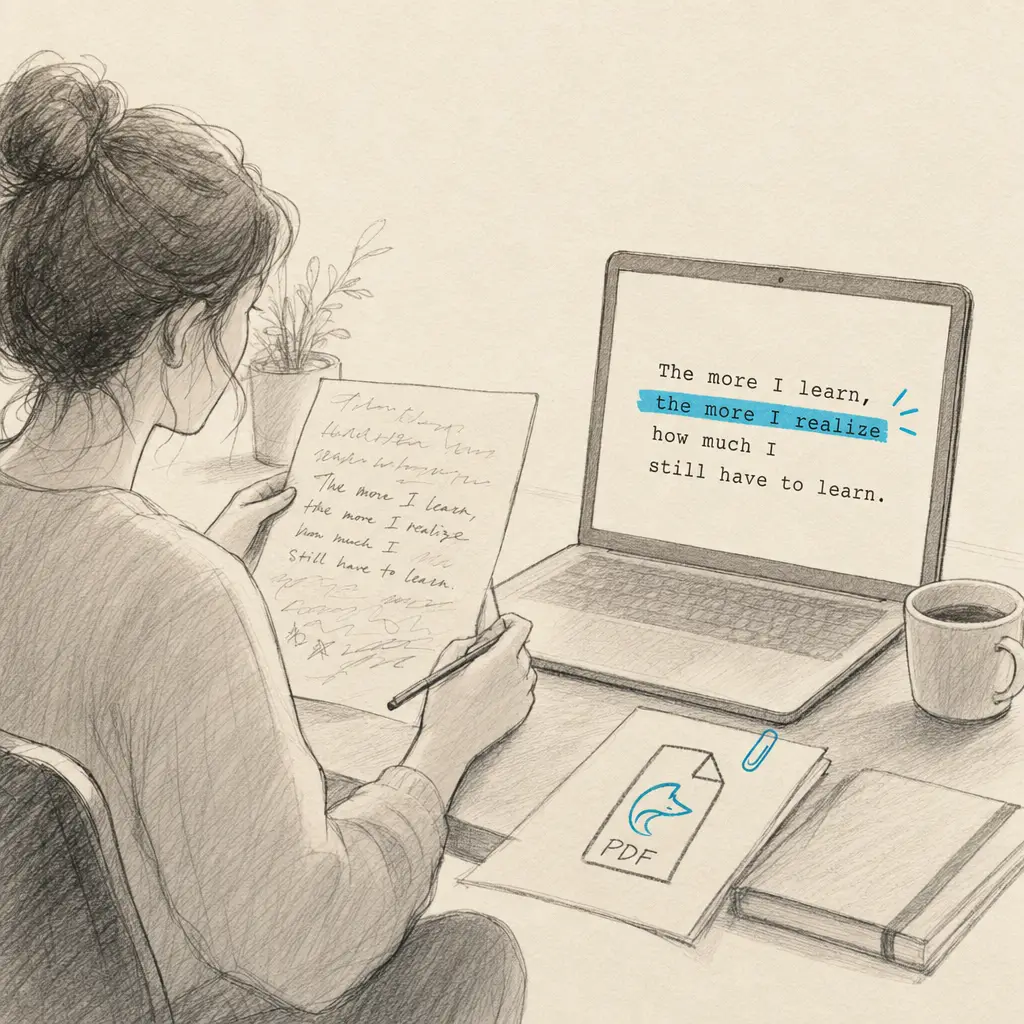
Foxit PDF Editor is a widely used tool for managing, editing, and securing PDF documents. Many users wonder if Foxit can convert handwriting to text effectively. While Foxit includes OCR (Optical Character Recognition) capabilities, these features are primarily designed for printed text rather than handwritten content. The distinction matters because handwritten text presents unique challenges that require specialized recognition algorithms.
When you need to convert handwriting to text from PDFs, images, or scanned documents, understanding the limitations of general PDF software helps you choose the right tool for accurate results.
Quick Takeaways
- Foxit’s OCR is optimized for printed text, not handwriting
- Specialized handwriting OCR tools achieve significantly higher accuracy with handwritten content
- HandwritingOCR supports 300+ languages and handles various handwriting styles
- Dedicated tools preserve document formatting and structure better than general PDF editors
- Privacy-focused OCR solutions protect your sensitive handwritten documents
Understanding Foxit’s OCR Capabilities
Foxit PDF Editor includes optical character recognition as part of its feature set. This functionality works well when you need to make printed PDF documents searchable or editable. The software can recognize standard fonts and clean, machine-printed text with good accuracy.
However, handwriting introduces variables that standard OCR engines struggle to handle. Every person’s handwriting is unique. Letter shapes vary, spacing is inconsistent, and cursive writing connects characters in ways that printed text never does.
Handwriting recognition requires AI models specifically trained on diverse handwriting samples, not just printed fonts.
When you attempt to convert handwriting to text using Foxit, you’ll likely encounter several limitations:
Recognition accuracy drops significantly with anything other than very neat, print-style handwriting. Cursive writing, which connects letters together, proves particularly challenging for tools not designed for this purpose.
Processing time increases as the software attempts to analyze unclear characters. Standard OCR engines make quick work of printed text because they’re matching against known fonts. Handwriting recognition requires more computational analysis.
Formatting often gets lost during conversion. Handwritten documents may include diagrams, annotations, or non-linear text placement that general OCR tools can’t properly interpret.
Why Handwriting OCR Requires Specialized Tools
Converting handwriting to text demands different technology than converting printed text. Specialized handwriting OCR tools use advanced machine learning models trained on millions of handwriting samples representing different styles, languages, and writing conditions.
These tools analyze not just individual characters but also context, word patterns, and document structure. When someone writes the word “minimum” in cursive, for example, the individual letter shapes become ambiguous. Specialized OCR understands language patterns and can accurately interpret these connected characters.
| Feature | Standard OCR (Foxit) | Handwriting OCR (HandwritingOCR) |
|---|---|---|
| Printed text accuracy | High | High |
| Handwriting accuracy | Low to Medium | High |
| Cursive recognition | Limited | Excellent |
| Languages supported | Limited set | 300+ languages |
| Privacy controls | Standard | Document auto-deletion, no training on user data |
| Format preservation | Basic | Advanced layout preservation |
The difference in results can be dramatic. Where Foxit might correctly recognize 60-70% of handwritten words (and much less with cursive), specialized tools like HandwritingOCR achieve accuracy rates exceeding 99% on the same documents.
How to Convert Handwriting to Text Effectively
When Foxit’s built-in OCR doesn’t deliver the results you need for handwritten documents, turning to a dedicated handwriting OCR service provides a better path forward. The process is straightforward and designed for accuracy.
Using HandwritingOCR for Handwritten Documents
HandwritingOCR specializes in converting handwritten text to digital format. The service handles everything from neat handwriting to challenging cursive styles, historical documents, and multilingual content.
Step 1: Prepare your document
Start with a clear scan or photo of your handwritten material. While HandwritingOCR works with various image qualities, better source material produces better results. Ensure adequate lighting if photographing documents, and use at least 300 DPI for scans when possible.
Step 2: Upload your file
The platform accepts multiple formats including PDF, JPG, PNG, TIFF, HEIC, and GIF. You can upload individual pages or multi-page documents. For large projects, batch processing handles hundreds of pages efficiently.
Your documents remain private and are processed only to deliver your results. They are not used to train models or shared with anyone else.
Step 3: Process and download
The AI analyzes your handwriting and converts it to editable text. Processing typically completes within seconds for most documents. You can then download results in your preferred format: plain text, Microsoft Word (DOCX), or structured JSON data.
The converted text preserves the original document structure, including paragraphs, spacing, and layout. This makes it easier to work with the digitized content without extensive reformatting.
Why Choose Specialized Handwriting OCR
The advantages of using purpose-built handwriting OCR extend beyond just accuracy. These tools understand the specific challenges of handwritten content and provide features that general PDF editors don’t offer.
Language versatility means you can convert handwriting to text in over 300 languages. Whether you’re working with English cursive, historical German script, or handwritten Arabic text, specialized OCR handles it.
Privacy protections matter when dealing with personal notes, medical records, legal documents, or confidential business materials. HandwritingOCR processes your documents securely and includes automatic deletion options. Your files aren’t used to train AI models, and you maintain complete control over your data.
Format options let you export to the format that best fits your workflow. Convert handwritten meeting notes to Word documents for sharing. Extract handwritten table data to Excel spreadsheets for analysis. Save everything as searchable text for archiving.
Batch processing transforms how you handle large volumes of handwritten documents. Upload entire folders of scanned forms, historical records, or archived notes and process them all at once.
Alternative Tools for Handwriting Conversion
While HandwritingOCR offers the most comprehensive solution for converting handwriting to text, several other specialized tools exist for specific use cases.
Note-Taking Apps with Recognition
Some digital note-taking applications include handwriting recognition for notes created within their apps. These work well if you’re writing directly on a tablet or touchscreen device.
The limitation is that these apps typically only recognize handwriting created in their own environment. You can’t upload existing handwritten documents, scanned pages, or photos of handwritten notes for conversion.
For converting existing handwritten materials to digital text, web-based OCR services provide more flexibility. You can learn more about how to convert handwriting to text in Google Keep or explore converting handwriting to text in Microsoft Office.
General PDF Editors
Adobe Acrobat represents another option in the PDF editor space. Like Foxit, Adobe includes OCR capabilities primarily designed for printed text. If you’re specifically using Adobe products, our guide on how to convert handwriting to text in Adobe explains the process and limitations.
For most users dealing with handwritten content, the investment in a specialized tool pays off quickly through time saved and better accuracy.
Common Use Cases for Handwriting OCR
Understanding when to use specialized handwriting OCR versus general PDF tools helps you choose the right approach for each project.
Historical Document Research
Genealogists and historians regularly work with handwritten records spanning decades or centuries. Old census forms, birth certificates, letters, and diary entries contain valuable information locked in handwritten format.
Converting these documents to searchable text opens new research possibilities. You can search across hundreds of pages for specific names, dates, or locations. Digital text also enables easier sharing with fellow researchers and preserves fragile documents by reducing handling.
HandwritingOCR handles historical handwriting styles including old cursive scripts that differ significantly from modern writing. The multilingual support proves essential when working with documents in various languages or scripts.
Business Documentation
Many businesses still handle handwritten forms, timesheets, inspection reports, and customer feedback. Converting handwriting to text streamlines data entry and record-keeping.
Instead of manually typing information from hundreds of forms, you can scan them and use handwriting OCR to extract the data automatically. The time savings scale dramatically with volume.
Export options matter here. Converting handwritten form data to Excel or CSV format allows direct import into databases and business systems.
Personal Archives
Personal letters, journals, recipe cards, and family records often exist only in handwritten format. Converting handwriting to text makes these materials searchable and preserves them for future generations.
Your handwritten journals become fully searchable. Recipe collections can be compiled into digital cookbooks. Old family letters can be transcribed and shared with relatives.
The privacy controls offered by HandwritingOCR make it particularly suitable for personal materials. Your private documents stay private, processed securely without being used for any other purpose.
Getting Started with Handwriting Conversion
When you’re ready to move beyond Foxit’s limitations and convert handwriting to text accurately, specialized OCR tools deliver the results you need. HandwritingOCR provides a straightforward way to digitize your handwritten documents with high accuracy across multiple languages and handwriting styles.
With word error rates below 1%, specialized handwriting OCR transforms even challenging handwritten documents into accurate digital text.
The service processes your documents securely and delivers results in your preferred format. Whether you’re working with a single handwritten page or thousands of archived documents, the platform scales to meet your needs.
Ready to convert your handwriting to text? Try HandwritingOCR free with complimentary credits and see the difference specialized OCR makes for handwritten content. Your documents remain private throughout the process, and you’ll have searchable, editable text in seconds.
For a complete overview of all handwriting conversion methods and detailed comparisons, visit our comprehensive guide on converting handwriting to text. You can also explore specific conversion techniques for Word users at how to convert handwriting PDF to text in Word.
Frequently asked questions
Can Foxit PDF Editor convert handwriting to text?
Foxit PDF Editor includes OCR functionality, but it's optimized for printed text rather than handwriting. While it may recognize some clear handwriting, specialized handwriting OCR tools like HandwritingOCR deliver significantly better accuracy for handwritten documents.
What's the best tool to convert handwriting to text?
HandwritingOCR is specifically designed to convert handwriting to text with high accuracy. It handles various handwriting styles, cursive writing, and supports over 300 languages. Unlike general PDF editors, it uses advanced AI models trained specifically for handwriting recognition.
Does Foxit work with handwritten notes?
Foxit can attempt to recognize handwritten text, but results vary significantly based on handwriting clarity. For reliable handwriting conversion, especially with cursive or challenging handwriting styles, dedicated handwriting OCR software provides better results.
Can I convert handwriting to text for free?
HandwritingOCR offers complimentary credits when you sign up, allowing you to try the service free. This lets you test the accuracy on your specific handwriting before committing to a paid plan.
What file formats work with handwriting OCR tools?
HandwritingOCR supports PDF, JPG, PNG, TIFF, HEIC, and GIF formats. You can upload scanned documents, photos of handwritten notes, or existing PDF files containing handwriting.