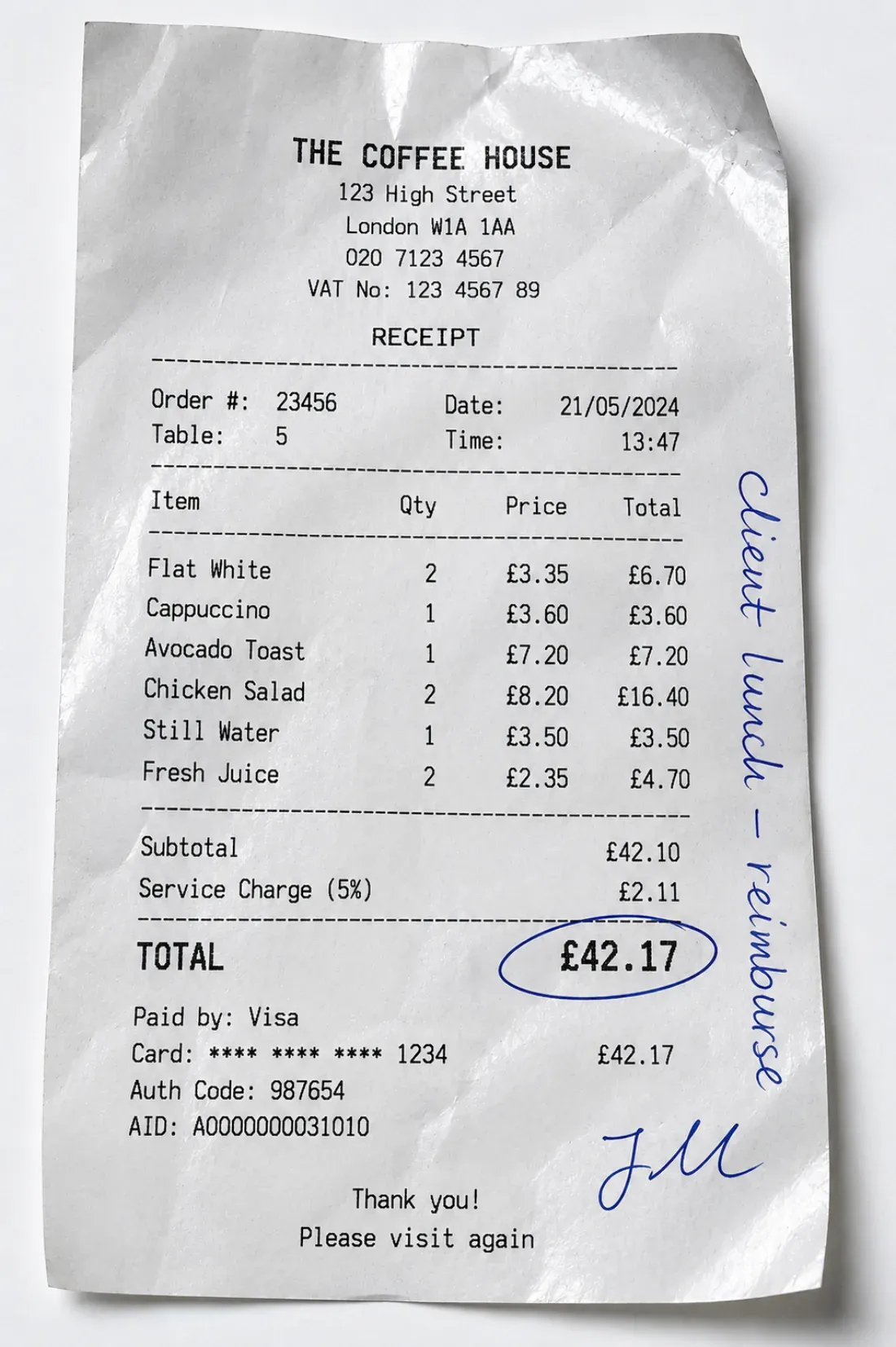
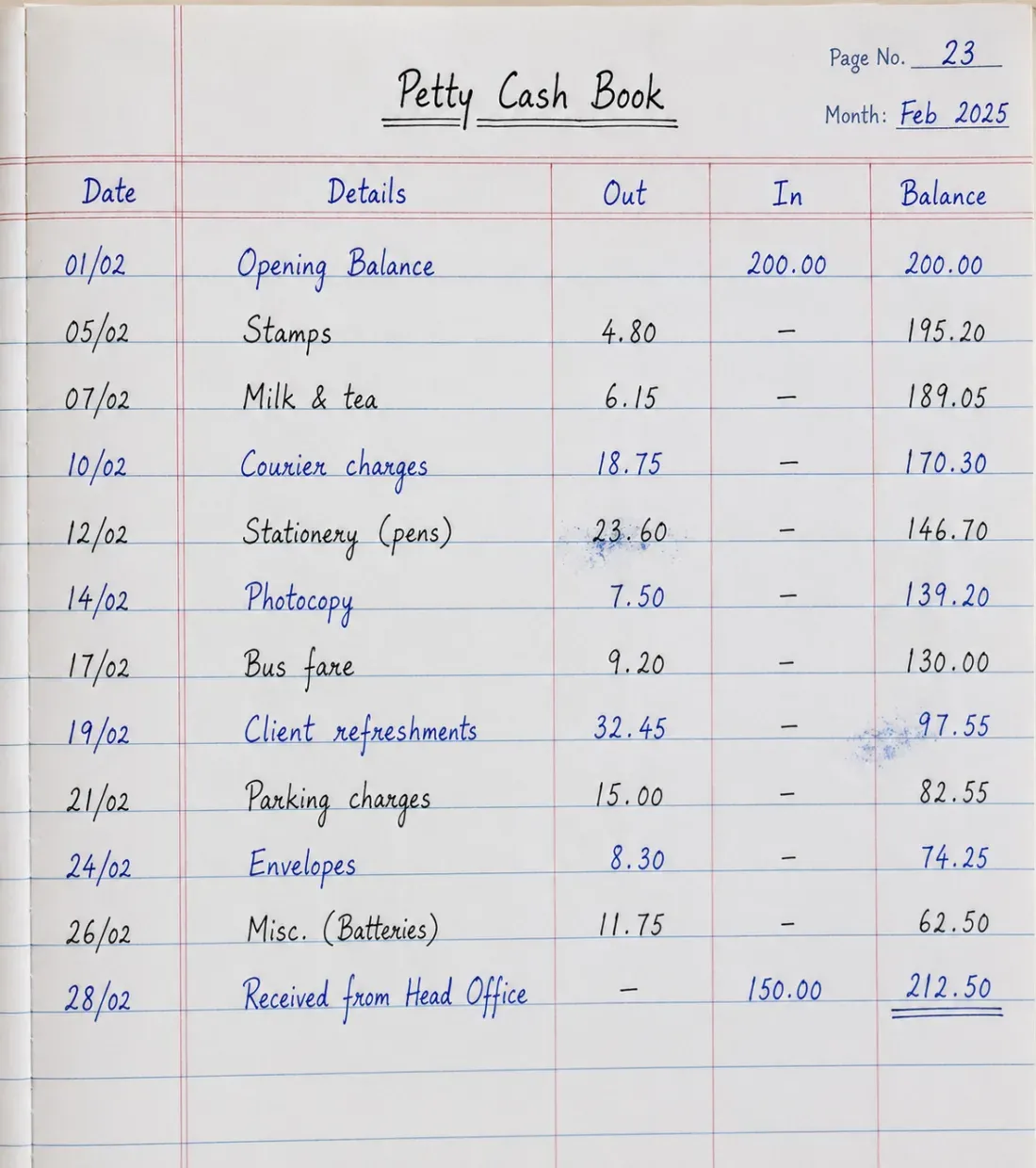
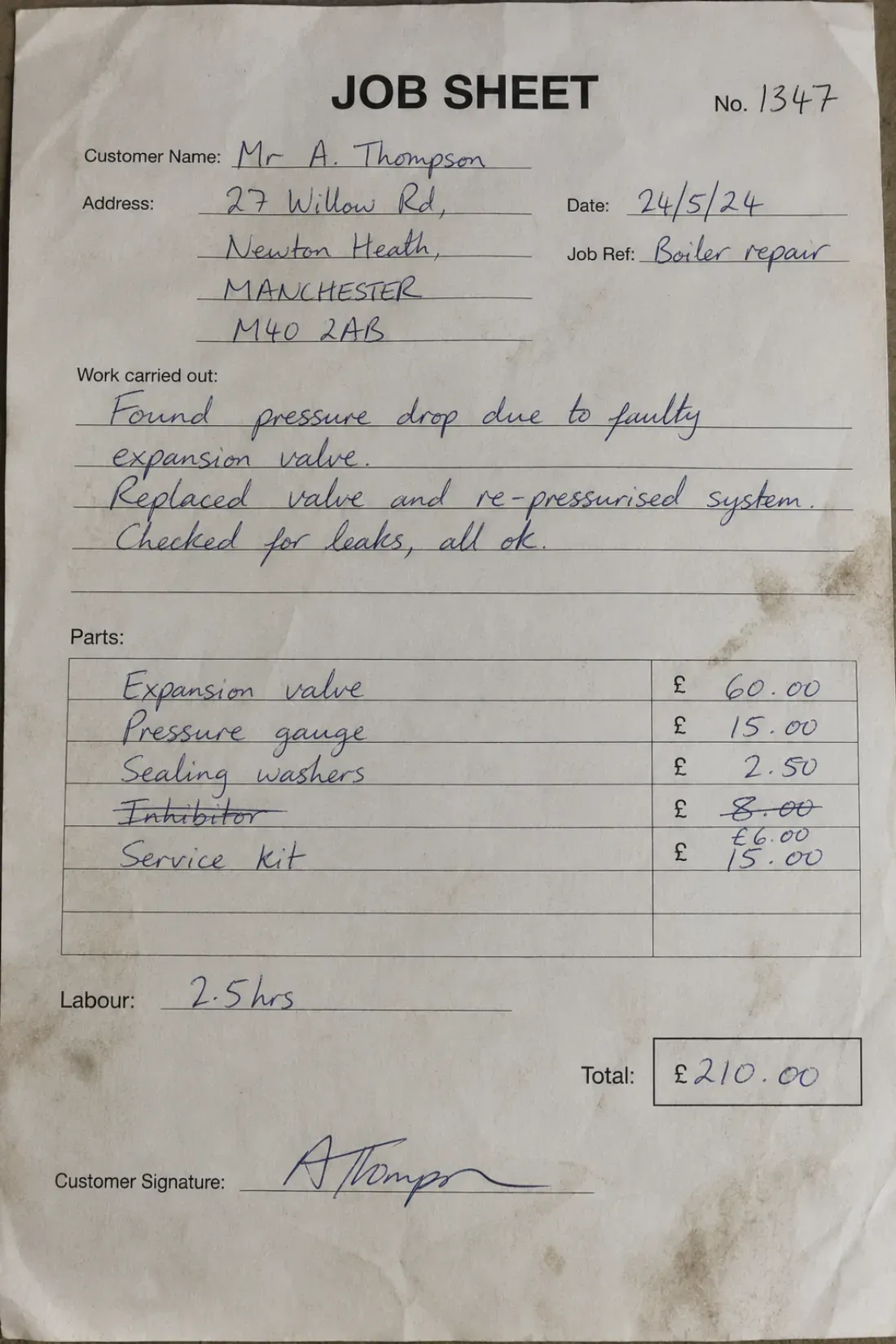
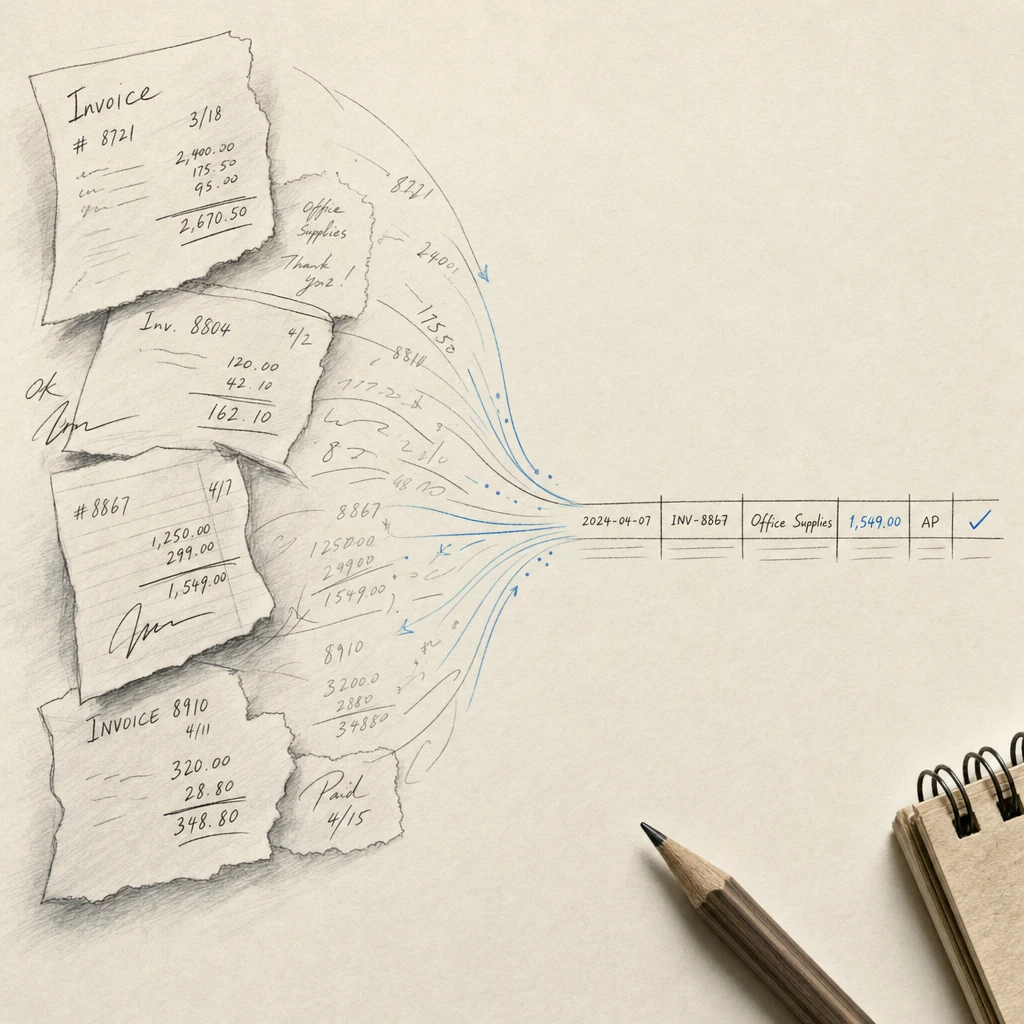
OCR Form Processing: Handwritten Survey & Form Data...

OCR Form Processing: Complete Guide to Handwritten and Printed Form Digitization

Last updated

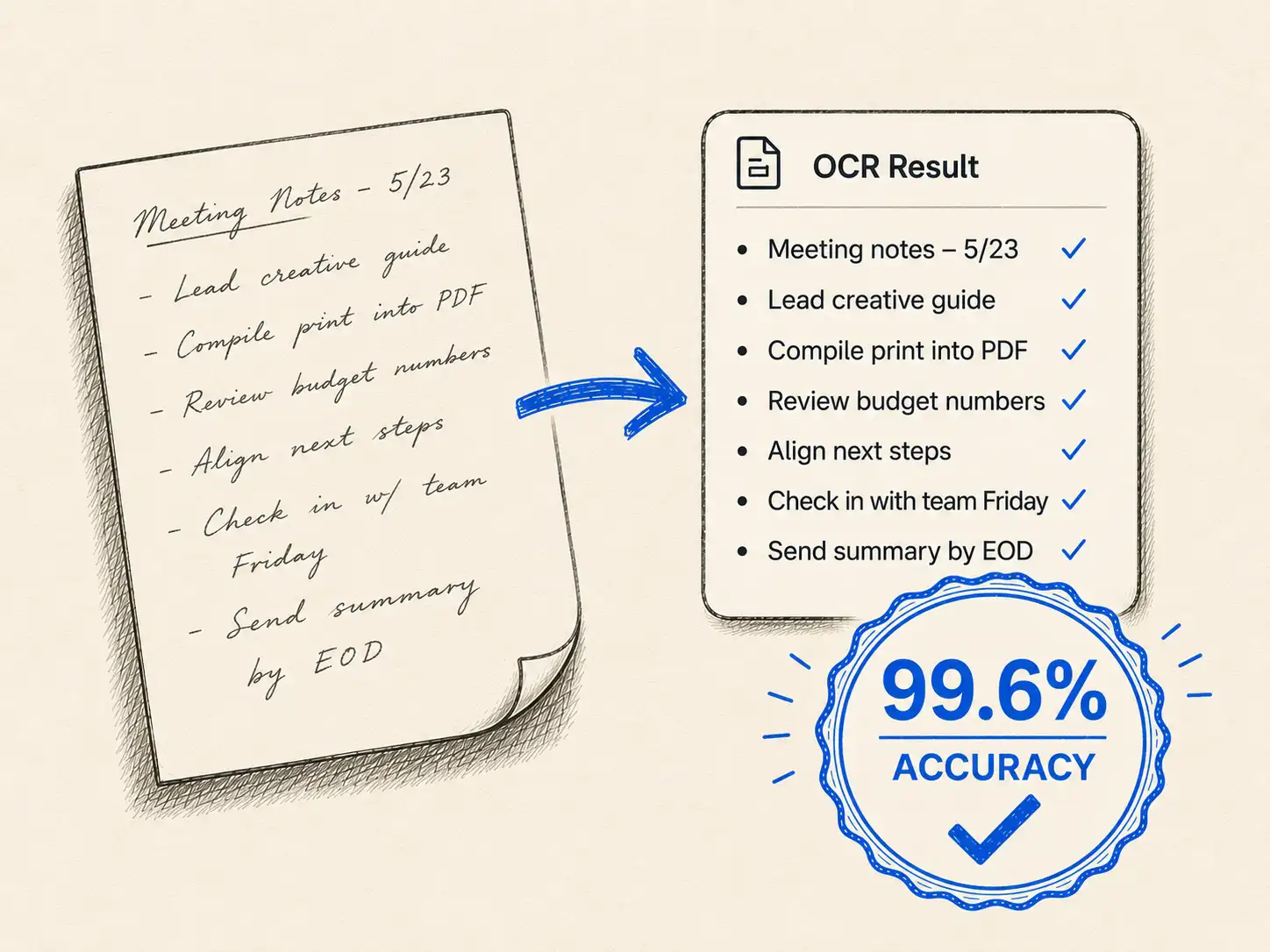
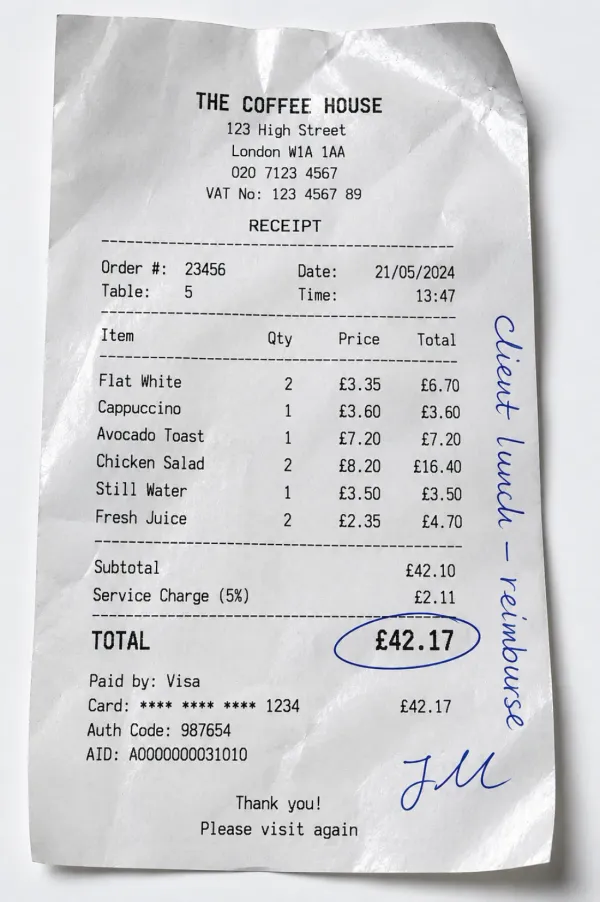
Paper forms remain essential across industries, from handwritten surveys and questionnaires to insurance applications and tax documents. Converting these forms into digital data manually wastes time and introduces errors. Form processing OCR automates this transformation, extracting structured data from both printed and handwritten documents with remarkable accuracy.

This guide explores how handwritten form recognition technology processes different form types, the methods used for data extraction from forms, and practical applications across industries. Whether you're digitizing handwritten survey responses or processing thousands of structured applications, understanding form processing OCR capabilities helps you choose the right approach.

Quick Takeaways

  • Modern form processing OCR handles both structured forms (fixed layouts) and semi-structured forms (variable layouts) with AI-powered recognition
  • Handwritten form recognition achieves 85-95% accuracy on surveys, applications, and questionnaires through machine learning trained on millions of samples
  • Industries from healthcare to government rely on data extraction from forms to reduce manual entry time by 70-90% while improving accuracy
  • Template-based extraction works best for high-volume standardized forms, while AI-powered methods excel with varying layouts and handwriting styles
  • Success requires quality scanning (300+ DPI), validation rules, and choosing the right approach based on form types, volume, and accuracy requirements

What is handwritten form OCR?

Handwritten form OCR (Optical Character Recognition) converts handwritten text on paper forms into machine-readable digital data. Unlike traditional OCR that handles printed text, handwritten form recognition tackles the challenge of varying writing styles, letter formations, and layouts.

Modern handwritten form recognition systems use artificial intelligence to recognize patterns across different handwriting styles. These systems learn from millions of handwritten samples, enabling them to extract accurate data from forms where human writing varies significantly between individuals.

The technology proves particularly valuable for:

  • Handwritten survey processing - Converting responses from paper questionnaires into analyzable datasets
  • Form field extraction - Identifying and capturing data from specific fields regardless of handwriting style
  • Paper to digital form conversion - Transforming physical documents into searchable, editable digital records
  • Form data capture - Extracting structured information while maintaining relationships between fields

What's the difference between structured and semi-structured forms?

Every day, businesses process countless forms as part of their operations. These forms typically fall into distinct categories that determine processing approach:

Structured forms

Structured forms maintain a rigid, predictable layout. Every field sits in exactly the same spot across all copies, with only the entered data changing. Think of standardized survey forms, tax documents, or medical intake sheets where checkboxes, fields, and labels never move.

This consistency makes structured forms ideal for template-based form processing OCR. The system knows precisely where to look for information, enabling:

  • Faster processing speeds through position-based extraction
  • Higher accuracy rates due to predictable field locations
  • Simplified validation by comparing extracted data against expected field types
  • Automated batch processing without manual intervention

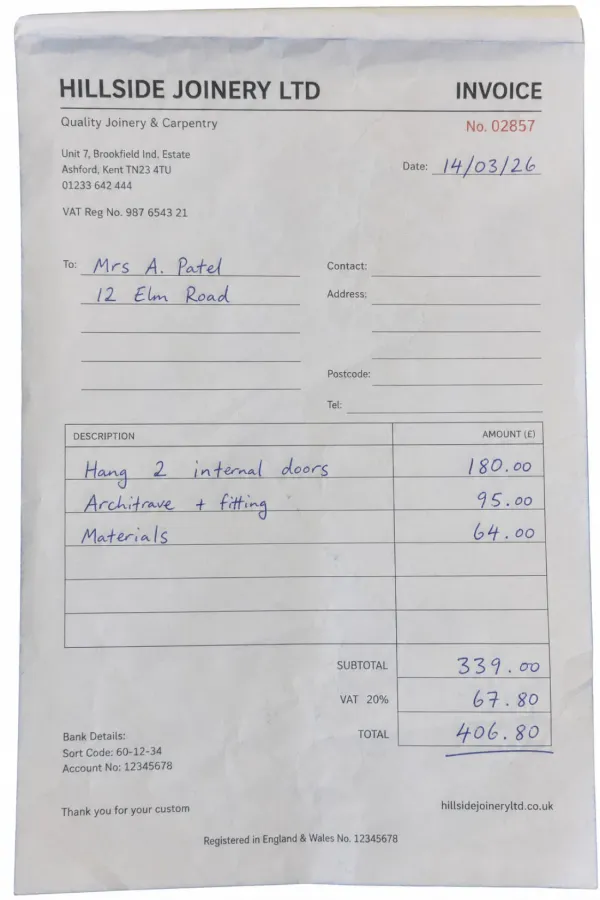
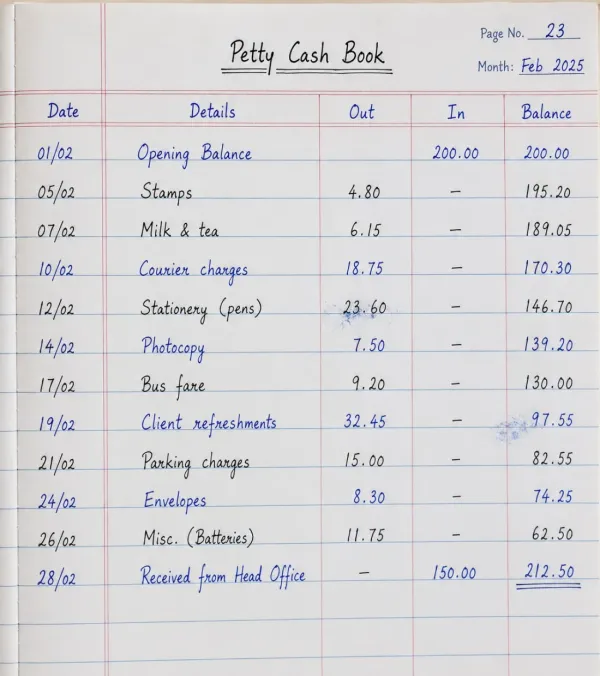
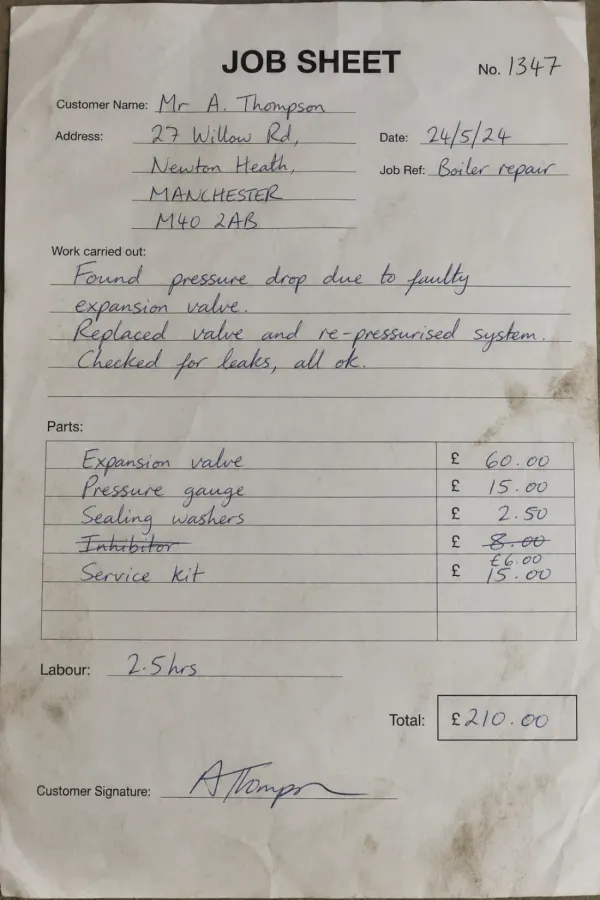
However, challenges arise when handwritten text overlaps field boundaries or lines. A "1" written too close to field lines might become invisible to the OCR engine. Similarly, connected cursive writing that spans multiple fields requires intelligent segmentation.

Template-based form processing OCR delivers exceptional speed for high-volume structured forms, processing thousands of standardized documents without manual intervention.

Semi-structured forms

Semi-structured forms present greater complexity. Field positions can shift, identifiers may appear in different locations, and layouts vary between instances. Examples include:

  • Free-form questionnaires where respondents add additional sections
  • Medical forms with conditional fields that appear based on previous answers
  • Insurance applications with variable sections depending on coverage type
  • Research surveys with branching logic and optional follow-up questions

To handle semi-structured forms effectively, form processing OCR systems employ sophisticated business rules that identify data points based on contextual clues rather than fixed positions. These rules analyze:

  • Label text near fields to identify what data the field contains
  • Spatial relationships between form elements
  • Visual patterns like boxes, lines, and groupings
  • Semantic understanding of typical form structures

Unstructured handwritten documents

Beyond structured and semi-structured forms, truly unstructured handwritten documents require advanced natural language processing. Handwritten letters, notes, or narrative survey responses fall into this category. These documents lack predictable fields entirely, requiring AI models to understand context and extract meaningful information from continuous handwritten text.

Form data extraction methods

Different forms require different extraction approaches. Understanding these methods helps you select the right technology for your specific use case.

Template-based extraction

Template-based extraction works by creating a digital template that maps field locations on a form. The OCR system overlays this template on incoming documents, extracting data from predetermined coordinates.

This approach excels with high-volume structured forms where layout never changes. Benefits include:

  • Extremely fast processing once templates are configured
  • High accuracy for printed text in fixed positions
  • Lower computational requirements compared to AI-based methods
  • Straightforward validation against expected field types

However, template-based extraction fails when forms vary in layout or when handwritten text doesn't align perfectly with field boundaries.

AI-powered form data extraction

Modern AI-powered extraction uses machine learning models trained on millions of form examples. These systems understand form structure contextually rather than relying on fixed positions.

Key advantages for handwritten form recognition include:

  • Handwriting recognition across styles - Processes cursive, print, and mixed writing styles
  • Layout flexibility - Handles forms with varying structures without creating templates
  • Intelligent field detection - Identifies fields by understanding labels and visual structure
  • Context-aware extraction - Uses surrounding text to improve accuracy of ambiguous characters

AI-powered systems particularly excel at handwritten survey processing, where respondents may write outside boxes, add additional comments, or use inconsistent formatting.

Hybrid approaches

The most robust form processing solutions combine template-based speed with AI-powered flexibility. These hybrid systems:

  1. Attempt template-based extraction first for maximum speed
  2. Fall back to AI analysis when template matching fails
  3. Use AI to validate template-extracted data for quality assurance
  4. Learn from corrections to improve future processing

This approach delivers both efficiency and accuracy across diverse form types.

Handwritten survey processing: A specialized challenge

Handwritten surveys represent a unique challenge in data extraction from forms. Unlike applications or tax forms with defined fields, surveys often include:

  • Open-ended text responses requiring full sentence transcription
  • Rating scales with handwritten marks or circles
  • Multiple choice answers indicated by checkmarks, X marks, or filled circles
  • Margin notes and additional comments
  • Inconsistent field completion where respondents skip questions

Processing handwritten questionnaire responses

Modern handwritten form recognition systems approach questionnaire processing through several specialized techniques:

Response type detection - The system first identifies whether a field expects numeric ratings, text responses, or selections. This classification guides the extraction method.

Checkbox and selection recognition - For multiple choice questions, the form processing OCR analyzes mark intensity, shape, and position to determine which options the respondent selected. This handles various marking styles, from checkmarks to filled circles to X marks.

Free-text transcription - Open-ended responses require full handwriting recognition. AI models trained on diverse handwriting samples convert each word into digital text while maintaining context across sentences.

Data validation and quality checks - Extracted survey data undergoes validation against expected response types. Numeric scales get checked for range compliance, while text responses are verified for completeness.

Survey response OCR accuracy factors

Several factors influence accuracy when processing handwritten survey responses:

Factor Impact on Accuracy Optimal Condition
Writing clarity High Clear, separated letters improve recognition 20-30%
Field size Medium Adequate space reduces cramping errors by 15-20%
Ink quality High Dark, consistent ink provides better contrast
Form design Medium Well-designed surveys with clear boundaries
Language consistency Medium Single language processes 10-15% more accurately

Organizations processing handwritten surveys typically achieve 85-95% accuracy with modern AI-powered form processing OCR, with accuracy improving as systems learn from corrections.

Modern handwritten form recognition systems achieve 85-95% field-level accuracy on surveys and questionnaires, learning from corrections to improve over time.

Form processing use cases across industries

Let's explore how different industries leverage form processing OCR:

IRS forms can be processed quickly and easily with document OCR.

IRS forms can be processed quickly and easily with document OCR.

Tax documentation

Tax forms represent one of the most common applications for form processing OCR technology. These documents require precise data extraction for accurate processing. Key tax forms include:

  • Form 1040 - Personal tax returns with handwritten income figures
  • Form W-4 - Employee tax withholding with handwritten allowances
  • Form W-9 - Taxpayer identification with handwritten SSNs and signatures
  • Form 941 - Quarterly employer returns with handwritten payment details
  • Form W-2 - Annual wage reporting requiring accuracy in every field

Tax preparation services and accounting firms use handwritten form recognition to digitize client-submitted documents, reducing data entry time by up to 80% while improving accuracy through automated validation.

Insurance forms benefit from automated OCR processing.

Insurance documentation

Insurance companies rely heavily on standardized forms for policy management and claims processing. The industry standard ACORD forms come in multiple variations:

  • ACORD 25 - Liability insurance certification
  • ACORD 27 - Property insurance documentation
  • ACORD 80 - Home insurance applications with handwritten property details
  • ACORD 90 - Vehicle insurance requests including handwritten VINs
  • ACORD 125 - Commercial coverage applications
  • ACORD 126 - General liability details
  • ACORD 127 - Commercial auto information

Data extraction from forms enables same-day policy quoting and claims processing, dramatically improving customer experience while reducing operational costs.

Healthcare patient intake

Medical practices process countless patient intake forms, registration documents, and insurance verification forms daily. These forms contain critical information including:

  • Patient demographics and contact information
  • Medical history with handwritten symptom descriptions
  • Insurance details requiring accurate policy number extraction
  • Consent forms with signatures and dates
  • HIPAA authorization with handwritten initials

Handwritten form recognition in healthcare reduces patient wait times, eliminates transcription errors that could affect care, and ensures accurate billing through precise insurance information capture.

Research and academic surveys

Universities, research institutions, and market research firms frequently collect data through paper surveys. These handwritten questionnaires generate massive datasets requiring digitization:

  • Academic research studies with hundreds or thousands of respondents
  • Customer satisfaction surveys collected at physical locations
  • Event feedback forms with ratings and written comments
  • Student evaluations with both quantitative and qualitative responses
  • Field research data collection in areas without reliable internet

Handwritten survey processing with AI-powered form processing OCR transforms weeks of manual data entry into hours of automated extraction, accelerating research timelines while maintaining data integrity.

Financial application processing

Banks, credit unions, and lending institutions handle numerous application forms daily:

  • Loan applications with handwritten financial information
  • Account opening forms with signatures and initial deposits
  • Credit card applications including handwritten income figures
  • Investment account paperwork with beneficiary details
  • Wire transfer requests with handwritten account numbers

Form field extraction automation enables financial institutions to provide faster application decisions while maintaining compliance through accurate data capture and audit trails.

Government and civic forms

Government agencies process enormous volumes of handwritten forms for various civic functions:

  • Voter registration forms with handwritten personal information
  • Permit applications for construction, events, or business licenses
  • Census forms with household demographic data
  • Court documents with handwritten case details
  • Benefits applications for social services

Paper to digital form conversion helps government agencies reduce processing backlogs, improve citizen service, and maintain accurate public records.

How does OCR form processing work?

The journey from paper to digital data involves several crucial steps optimized for both printed and handwritten content:

Document capture and format detection

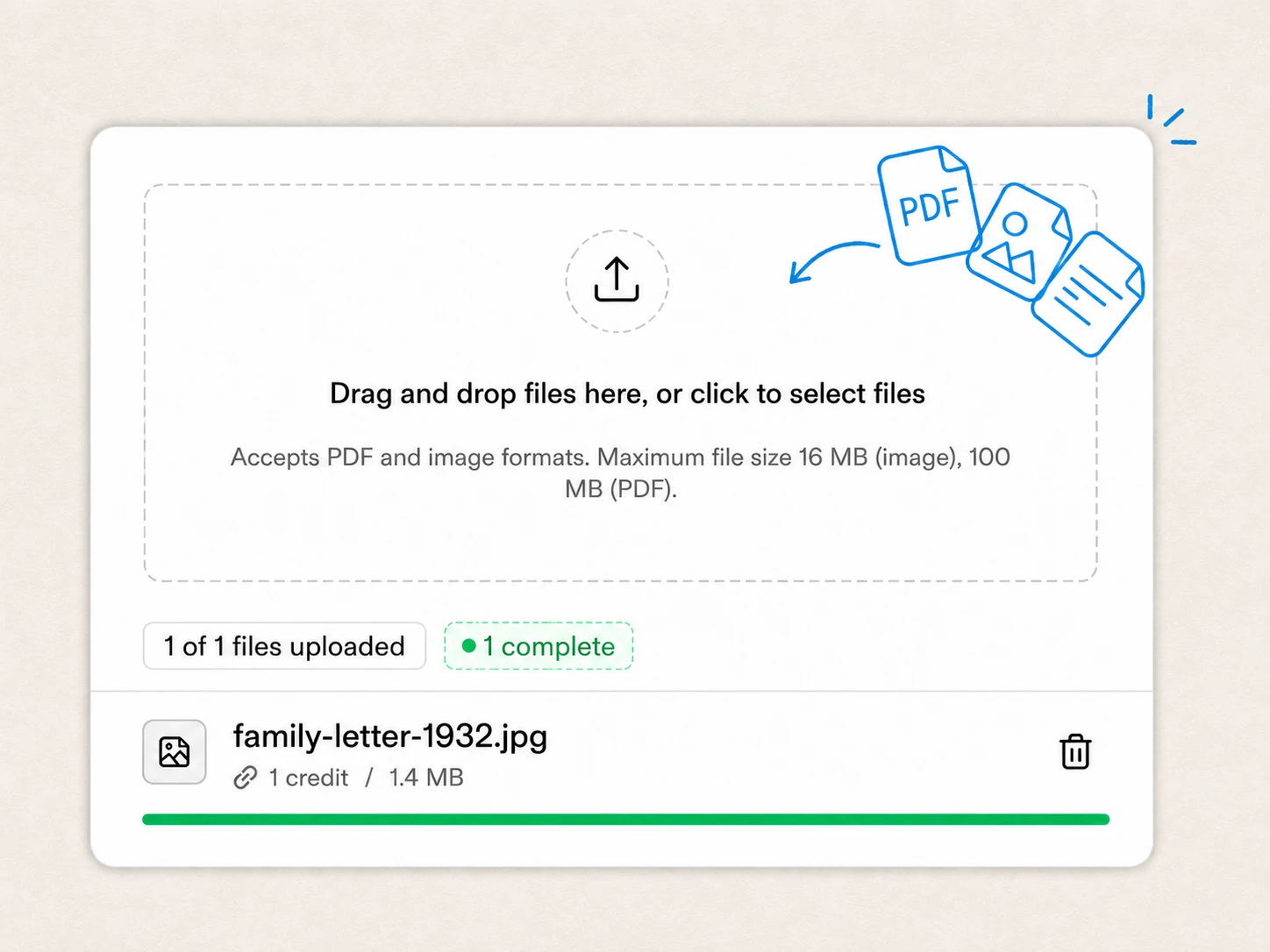
Initially, the system identifies the incoming document format. Forms arrive as scanned images, PDFs, or photographs taken with mobile devices. The form processing OCR system automatically detects the format and converts everything to optimized images for processing.

For handwritten forms, proper scanning resolution proves critical. Systems typically require 300 DPI or higher to capture the subtle details in handwriting that distinguish similar characters like "o" and "a" or "1" and "7".

Image pre-processing and enhancement

Quality enhancement plays a vital role in successful handwritten form recognition. Pre-processing steps include:

Deskewing - Straightening rotated or tilted forms to align text horizontally. Even slight angles can reduce recognition accuracy, so systems detect and correct rotation automatically.

Noise removal - Eliminating visual artifacts like scanner dust, paper texture, and stray marks. Advanced filtering techniques remove unwanted pixels while preserving handwritten strokes.

Contrast optimization - Adjusting image brightness and contrast to maximize distinction between handwriting and background. This step proves especially important for faded ink or low-quality scans.

Binarization - Converting grayscale images to black and white for cleaner text recognition. Adaptive thresholding ensures both light and heavy handwriting remains legible.

Border removal - Detecting and removing form borders that might interfere with field detection. This isolates actual content from structural elements.

Form structure analysis

Before extracting data, the form processing OCR system analyzes form structure:

Layout detection - Identifying visual elements like boxes, lines, labels, and field boundaries. The system builds a map of where different form sections exist.

Field classification - Determining what type of data each field expects: text, numbers, dates, checkboxes, or selections. This classification guides extraction methods.

Label association - Connecting field labels to their corresponding input areas. Understanding that "Name:" labels the field to its right ensures correct data attribution.

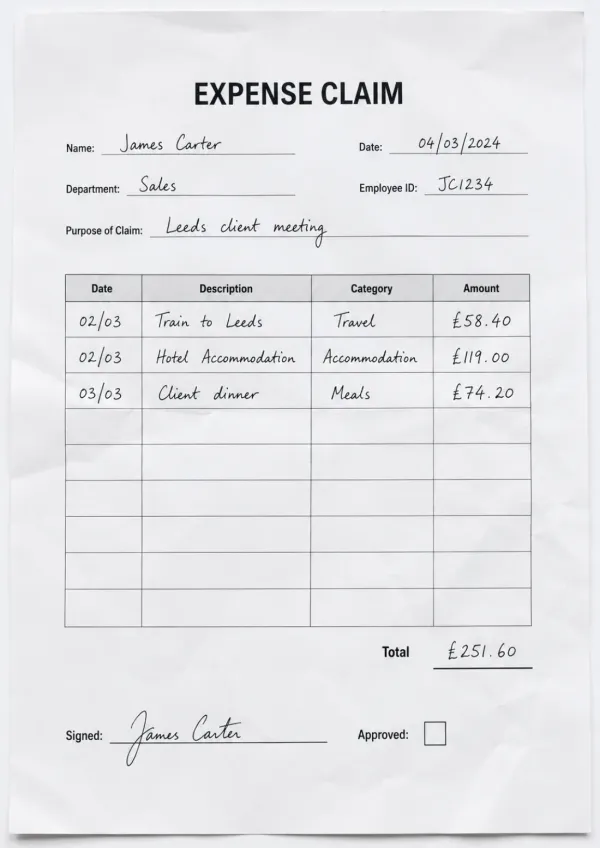
Table identification - Recognizing tabular structures where data appears in rows and columns. The system must maintain relationships between related data points.

Handwriting recognition and data extraction

This step represents the core of handwritten form recognition:

Character segmentation - Breaking handwritten text into individual characters or character groups. This proves challenging with cursive writing where letters connect.

Pattern recognition - Comparing segmented characters against learned patterns from training data. AI models evaluate multiple possibilities and select the most probable match based on context.

Word and sentence formation - Assembling recognized characters into complete words and sentences. Language models help resolve ambiguous characters by considering likely word formations.

Numeric field extraction - Specialized recognition for numbers, which often appear in specific formats like dates, currency, or identification numbers. Format awareness improves accuracy.

Checkbox and selection recognition - Detecting marks in checkbox fields through pattern analysis. Systems distinguish between checked and unchecked boxes regardless of marking style.

Table extraction

Table extraction requires more than simple character recognition. Form processing OCR systems must understand structure and relationships between data points:

Grid detection - Identifying row and column structures through line detection and spacing analysis. Even when grid lines are faint or incomplete, spatial patterns reveal table structure.

Cell extraction - Processing each table cell individually while maintaining its position in the overall structure. This preserves the relationship between headers and data values.

Multi-row handling - Recognizing when handwritten content spans multiple rows within a single logical field. Systems must associate all rows with the correct entry.

Key-value pair mapping

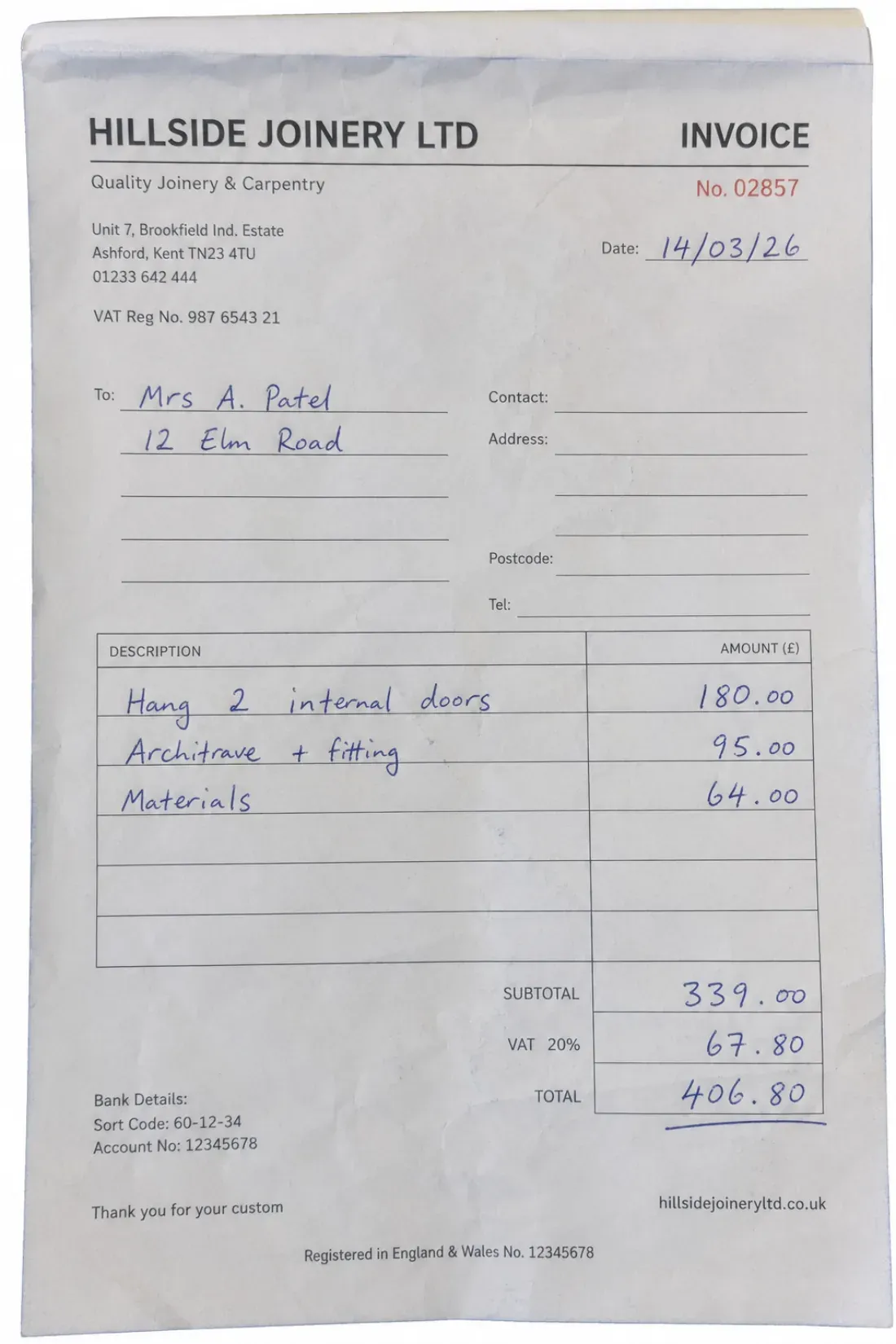
Key-value pairs represent related data elements, like "Name: John Smith" or "Date: 03/15/2024". Accurate mapping ensures extracted data maintains its meaning:

Proximity analysis - Identifying which values correspond to which labels based on spatial relationships. Labels typically appear left of or above their associated values.

Template matching - For structured forms, the system may use learned patterns about typical label-value arrangements specific to that form type.

Contextual validation - Verifying that extracted values make sense for their associated labels. A date field shouldn't contain a name, for example.

Post-processing and validation

After initial extraction, several validation steps ensure data quality:

Format validation - Checking that extracted data matches expected formats. Phone numbers should contain the right number of digits, dates should use valid months, and email addresses should include @ symbols.

Confidence scoring - Each extracted field receives a confidence score indicating recognition certainty. Low-confidence fields can be flagged for human review.

Cross-field validation - Verifying logical relationships between fields. For example, if a form indicates the respondent is 25 years old, their birth year should align with that age.

Database lookups - When applicable, comparing extracted data against reference databases to catch errors. For instance, verifying zip codes against known postal codes.

Human-in-the-loop review - Forms with low confidence scores or validation failures can route to human reviewers for correction, with the AI learning from these corrections.

Export and integration

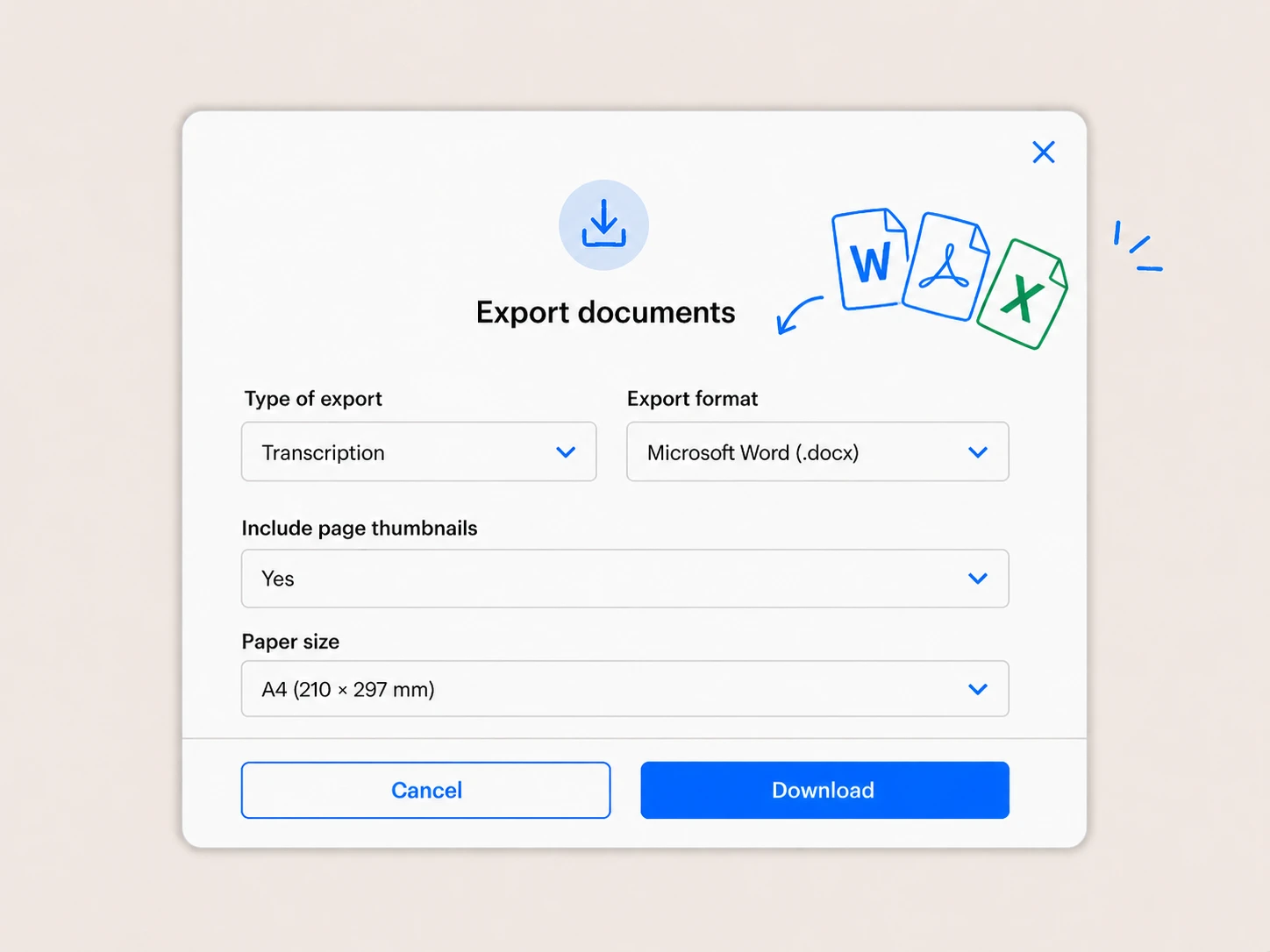
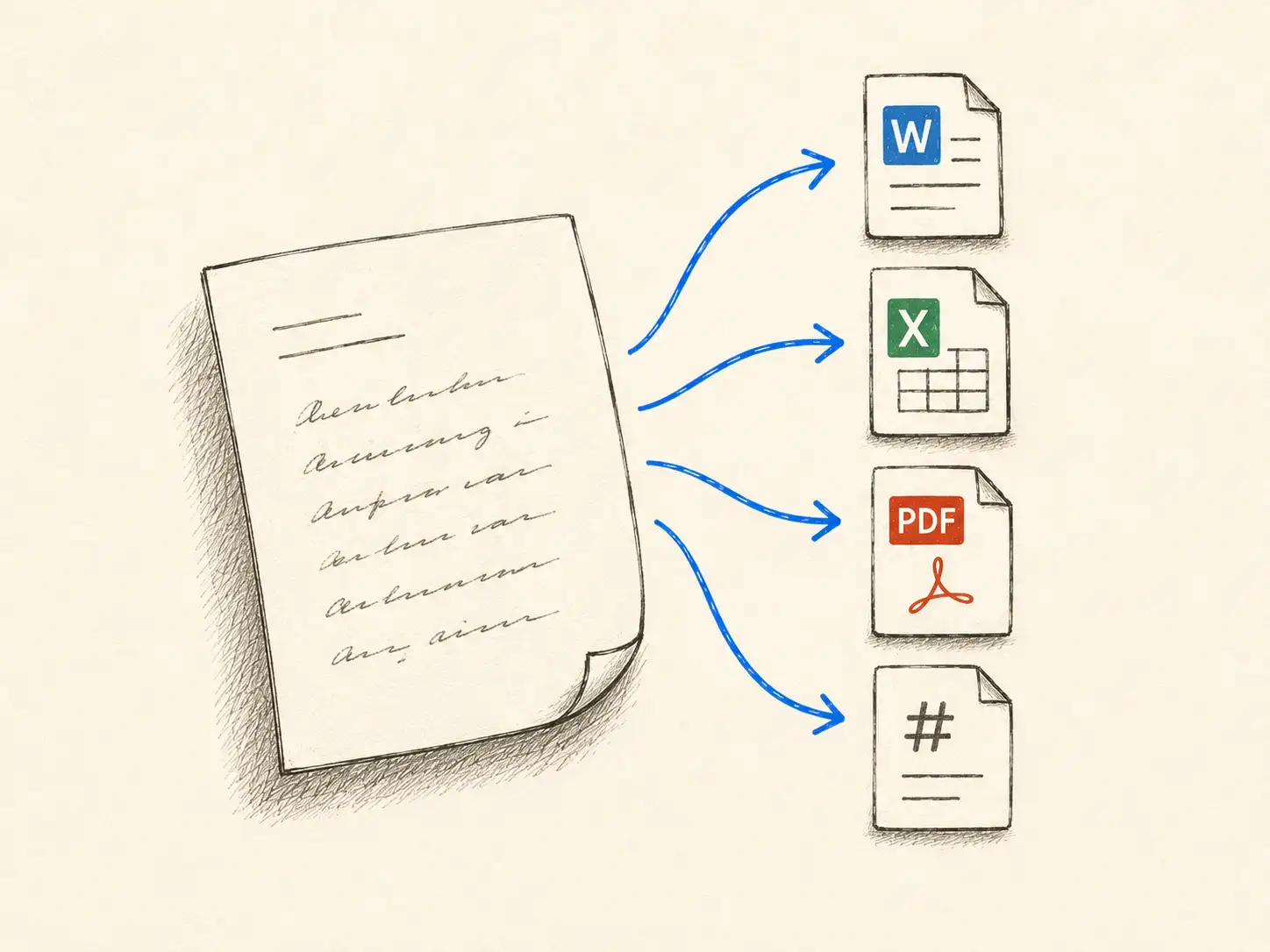
Finally, extracted form data exports in formats suited for analysis and integration:

  • Structured databases - Direct import into SQL databases maintaining field relationships
  • Spreadsheets - CSV or Excel exports for analysis and reporting
  • JSON/XML - Structured data formats for API integration with other systems
  • PDF annotations - Searchable PDFs with recognized text overlaid on original images

Limitations of traditional OCR form processing

Despite its capabilities, traditional OCR technology faces several challenges with handwritten forms:

  • Font size variations - Extremely large or small handwriting can pose recognition difficulties. Very small text may lack sufficient detail, while oversized writing might exceed field boundaries.

  • Directional constraints - Traditional OCR works best with horizontal text alignment. Rotated forms or diagonal writing significantly reduces accuracy.

  • Case sensitivity issues - Distinguishing between uppercase and lowercase handwritten letters proves difficult, especially with letters like "c/C", "s/S", or "o/O" where shapes are nearly identical.

  • Connected cursive writing - Continuous cursive script where letters flow together challenges character segmentation algorithms designed for discrete letters.

  • Ambiguous characters - Certain handwritten characters look remarkably similar: "1" and "l", "0" and "O", "5" and "S", "vv" and "w". Without context, these remain ambiguous.

  • Inconsistent spacing - Irregular spacing between words or letters can cause the system to merge separate words or split single words incorrectly.

  • Poor writing quality - Extremely messy handwriting, heavy cross-outs, or smudged ink may prove unrecognizable even to humans, limiting OCR effectiveness.

  • Multi-language forms - Forms containing multiple languages or mixed scripts (Latin, Cyrillic, Arabic) require systems trained on all languages present.

  • Faded or damaged documents - Age-related degradation, water damage, or faded ink reduces contrast necessary for accurate recognition.

Intelligent Document Processing: The next evolution

Modern Intelligent Document Processing (IDP) systems overcome traditional OCR limitations through advanced AI capabilities specifically designed for handwritten form recognition:

1. Deep learning for handwriting - Neural networks trained on millions of handwritten samples recognize patterns across diverse writing styles. These models understand context, using surrounding text to resolve ambiguous characters.

2. Scalability - Process higher volumes without sacrificing accuracy. IDP systems handle thousands of forms daily, adapting to layout variations automatically without template maintenance. Organizations scale processing capacity by simply adding computational resources.

3. Efficiency - Automated handwritten survey processing and form data capture free staff from manual data entry, allowing focus on analysis and decision-making rather than transcription. Organizations report 70-90% reduction in form processing time.

4. Precision - Advanced IDP systems achieve over 95% field-level accuracy on handwritten forms, with straight-through processing rates exceeding 90%. Confidence scoring identifies uncertain extractions for human review, ensuring overall data quality.

5. Continuous learning - Modern systems learn from corrections. When humans review and fix errors, the AI incorporates these corrections into its model, steadily improving accuracy over time. Organization-specific handwriting patterns become recognized more reliably.

6. Data quality assurance - Built-in validation rules and database cross-referencing ensure extracted data meets quality standards. Systems flag inconsistencies, formatting errors, and unlikely values before data enters downstream systems.

7. Multi-format support - Process forms arriving as scanned PDFs, smartphone photos, faxes, or high-resolution scans without quality loss. Mobile capture allows field workers to digitize forms on-site using smartphones.

8. Integration capabilities - Modern IDP platforms connect with existing business systems through APIs. Extracted form data flows directly into CRMs, databases, analytics platforms, or document management systems without manual export-import cycles.

Best practices for successful form data extraction

Maximize accuracy and efficiency by following these proven practices:

Optimize form design for OCR

If you control form design, implement OCR-friendly features:

  • Provide ample space in each field to prevent cramped handwriting
  • Use clear field boundaries with sufficient contrast
  • Position labels consistently relative to their fields
  • Include format hints (MM/DD/YYYY) to guide responses
  • Design checkboxes large enough for clear marking
  • Avoid decorative backgrounds that reduce text contrast
  • Use standard paper sizes and orientations

Establish quality scanning standards

Capture quality directly impacts extraction accuracy:

  • Scan at 300 DPI minimum for handwritten content, 400+ DPI for detailed forms
  • Ensure adequate lighting when photographing forms with mobile devices
  • Keep scanner glass clean to avoid artifacts
  • Straighten forms before scanning when possible
  • Use color scanning even for black-and-white forms to preserve contrast
  • Maintain consistent scanning settings across batches

Implement validation rules

Configure validation appropriate for your form types:

  • Define expected formats for dates, phone numbers, IDs, and other structured fields
  • Set acceptable ranges for numeric fields
  • Create cross-field validation rules based on logical relationships
  • Establish confidence thresholds that trigger human review
  • Build reference databases for validation when applicable

Train staff on the system

Human oversight remains important:

  • Train reviewers to efficiently correct low-confidence extractions
  • Establish clear guidelines for handling illegible handwriting
  • Create feedback loops so corrections improve the AI model
  • Define escalation procedures for problematic forms
  • Monitor accuracy metrics to identify improvement opportunities

Start with structured forms

Build confidence and expertise gradually:

  • Begin with highly structured forms where templates excel
  • Move to semi-structured forms as you understand system capabilities
  • Tackle unstructured handwritten content only after mastering structured forms
  • Use lessons learned from simple forms to optimize complex form processing

Choosing the right handwritten form OCR solution

Selecting appropriate technology depends on your specific requirements:

Evaluate your form types

Analyze the forms you need to process:

  • Are they primarily structured, semi-structured, or unstructured?
  • Do they contain handwriting, printed text, or both?
  • How much variation exists between form instances?
  • What data types do you need to extract (text, numbers, checkboxes, tables)?

Assess processing volume

Volume affects which solutions make economic sense:

  • Low volume (< 100 forms/month) - Manual processing or simple template-based OCR may suffice
  • Medium volume (100-1,000 forms/month) - AI-powered OCR with human review delivers optimal balance
  • High volume (1,000+ forms/month) - Fully automated IDP with exception handling maximizes efficiency

Consider accuracy requirements

Different applications demand different accuracy levels:

  • Critical applications (medical records, legal documents, financial transactions) require 99%+ accuracy with human review
  • Standard applications (surveys, registrations, general forms) function well with 90-95% accuracy
  • Bulk digitization (archives, historical records) may accept lower accuracy for speed and cost savings

Review integration needs

Consider how extracted data flows into your systems:

  • What existing systems need form data?
  • Do you require real-time processing or batch processing?
  • What export formats do downstream systems accept?
  • Do you need audit trails and version control?

Transform your form processing workflow

Handwritten form recognition technology has matured from basic character recognition to sophisticated AI-powered systems that accurately extract data from diverse form types. Whether you're processing handwritten surveys, insurance applications, tax documents, or patient intake forms, modern data extraction from forms solutions deliver the speed, accuracy, and scalability organizations need.

The key to successful implementation lies in matching technology capabilities to your specific requirements. Start by analyzing your form types, processing volume, and accuracy needs. Begin with structured forms to build expertise, then expand to more complex semi-structured and unstructured documents as your confidence grows.

Organizations that successfully implement form processing OCR report dramatic improvements: 70-90% reduction in processing time, significant cost savings from eliminated manual data entry, improved data quality through automated validation, and faster decision-making enabled by immediate data availability.

Ready to transform your form processing workflow? HandwritingOCR provides AI-powered form data extraction that handles everything from structured tax forms to handwritten survey responses with high accuracy. The platform processes forms through a simple web interface or API, extracting text, tables, and structured data while maintaining complete privacy. Your documents remain yours and are never used for training.

Try HandwritingOCR free with complimentary credits and see how accurate form data extraction accelerates your workflow.

Frequently Asked Questions

Have a different question and can’t find the answer you’re looking for? Reach out to our support team by sending us an email and we’ll get back to you as soon as we can.

Can the form processor extract data from checklists and radio buttons?

Yes. In addition to transcribing handwriting, the system detects 'mark recognition' (OMR), identifying whether checkboxes or radio buttons have been filled, crossed, or left blank.

How does the system handle handwriting that goes outside the form fields?

The AI uses spatial awareness to associate 'overflow' text with the most likely field border, ensuring that long addresses or names are captured accurately even if they don't stay within the box.

Can I map OCR results directly to specific database fields?

Yes. By defining a form template, you can assign each handwritten field to a specific key (e.g., 'Last Name', 'DOB') in your JSON or CSV export for immediate database integration.