Quick Takeaways
- Handwriting OCR can process lecture notes, student assignments, exam papers, and research notebooks with variable handwriting quality
- It's designed to handle the rushed note-taking and diverse handwriting styles common in educational settings
- Produces searchable, editable text that makes study materials more accessible and easier to organize
- Works with scanned PDFs and photos without requiring special formatting or expensive scanning equipment
- Supports study efficiency, accessibility compliance, and archival digitization rather than replacing learning processes
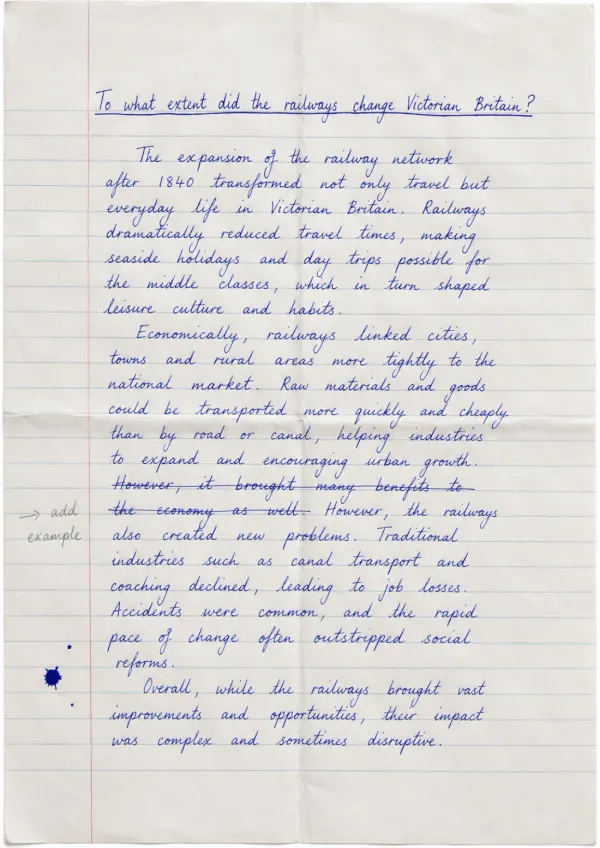
Despite the widespread adoption of laptops and tablets in education, handwritten content remains fundamental to learning. Students take notes by hand during lectures. Educators grade handwritten exam papers. Research notebooks capture years of experimental observations. Historical academic materials exist only in handwritten form.
This creates friction. Handwritten notes can't be searched electronically. Sharing them with classmates or accessibility services means distributing static images. Reviewing them for exams requires manually flipping through pages. When students need to find specific concepts or instructors need to assess written work, these limitations slow everything down.
This page explains what handwriting OCR can and cannot do for educational materials. It's not about replacing the learning benefits of handwriting. It's about understanding whether this type of tool can make handwritten educational content more accessible, searchable, and useful for modern learning workflows.
Why Handwriting Persists in Education
Research consistently shows cognitive benefits to handwriting. Students who take notes by hand often retain information better than those who type. The slower pace of handwriting encourages synthesis and comprehension rather than verbatim transcription. Writing mathematical notation, diagrams, and scientific formulas by hand remains more practical than using digital tools.
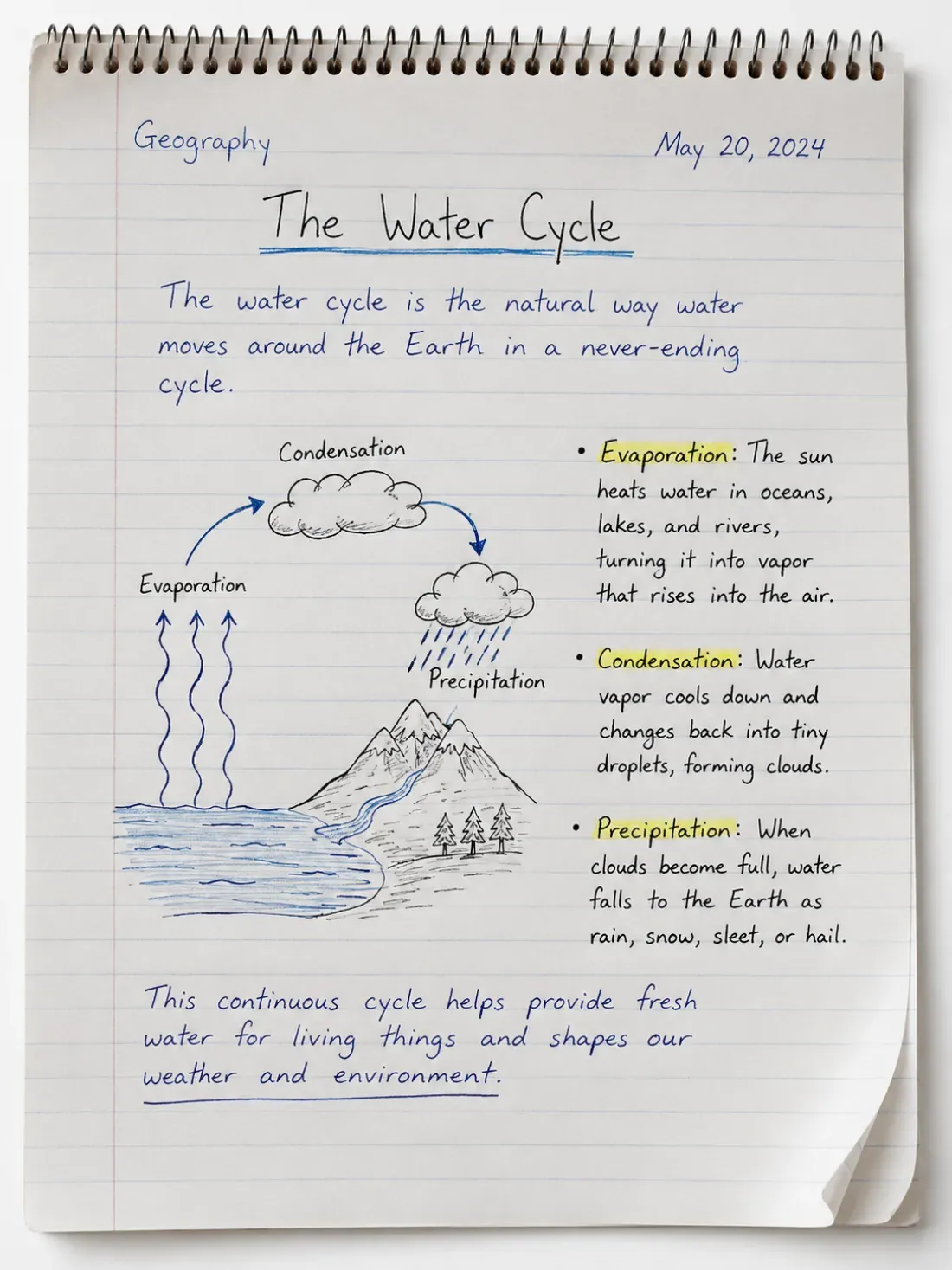
Lecture notes represent the most common form of handwritten educational content. Students capture key concepts, examples, and questions during class. These notes become primary study materials, but they're only useful if students can find what they need within them. Scrolling through hundreds of pages of handwritten notes looking for a specific theorem or date is inefficient.
Student assignments and exam papers continue to be handwritten in many educational contexts. Essay exams, problem sets, and short-answer assessments are completed by hand. Instructors need to review this work, provide feedback, and sometimes preserve it for academic integrity or accreditation purposes. Making this material searchable and accessible to screen readers supports both pedagogical and compliance needs.
Research notebooks document experiments, field observations, and laboratory work. Graduate students, researchers, and undergraduate lab courses generate handwritten data records that become part of formal research outputs. These notebooks need to be searchable for literature reviews, reproducibility documentation, and research continuity when team members graduate or move on.
Historical academic materials represent another category entirely. University archives contain handwritten manuscripts, lecture notes from distinguished professors, and student work from previous eras. Making these materials digitally accessible supports historical research, institutional memory, and educational scholarship.
Common sources of handwritten content in education:
- Lecture notes: Class notes capturing key concepts, examples, instructor explanations, and student questions across all subjects
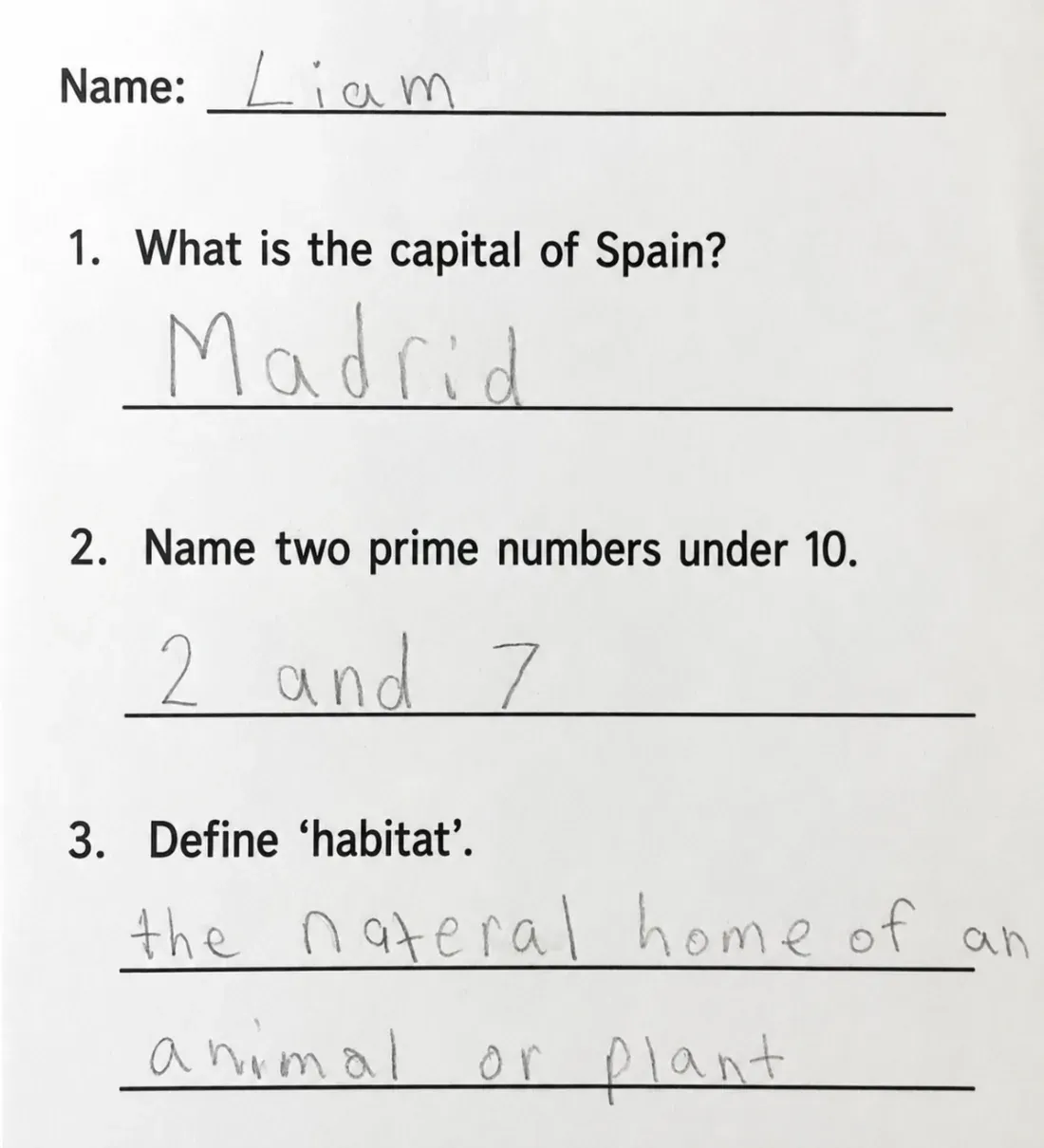
- Student assignments: Handwritten essays, problem sets, short-answer responses, and exam papers submitted for grading
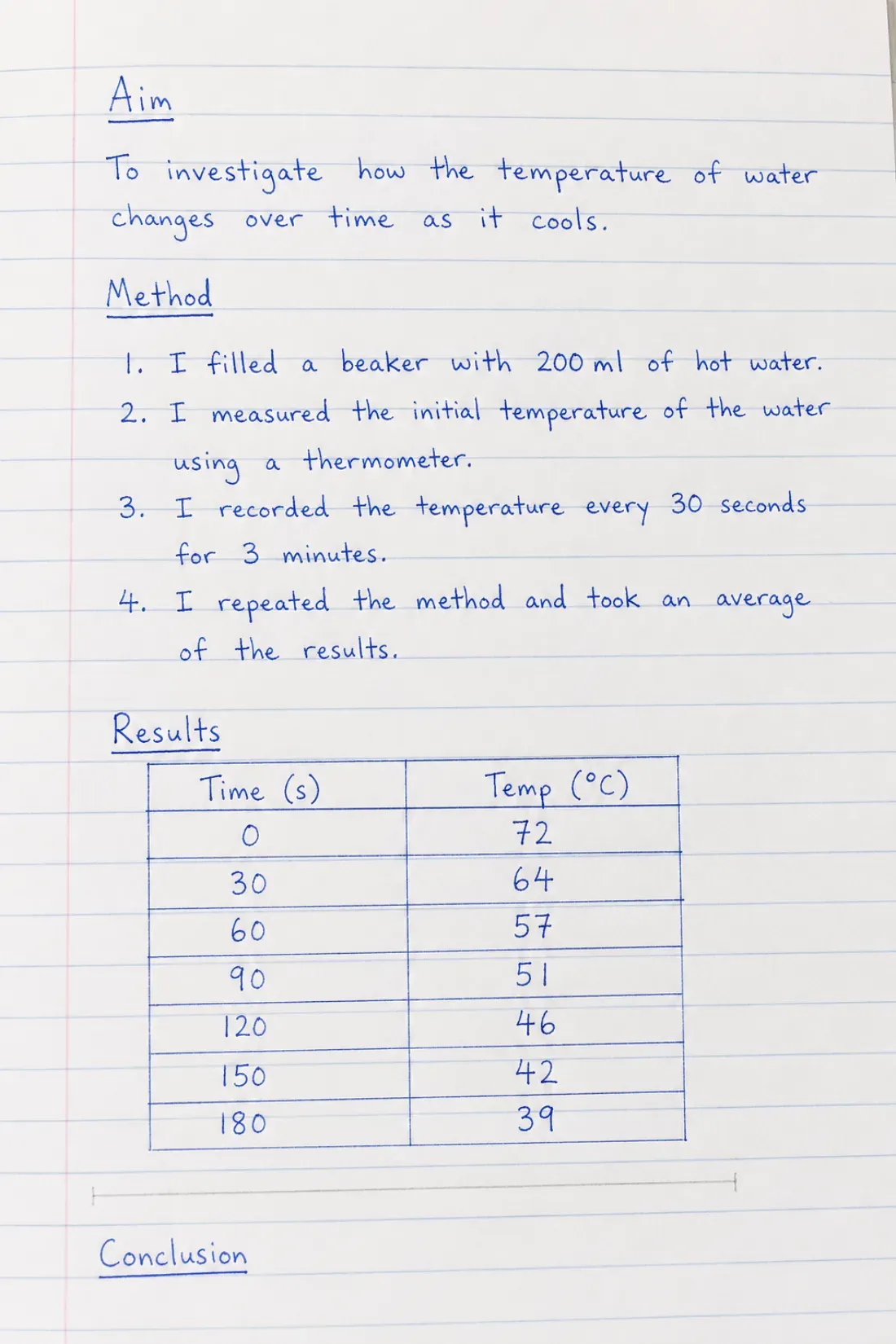
- Research notebooks: Laboratory observations, field notes, experimental data, and research methodology documentation
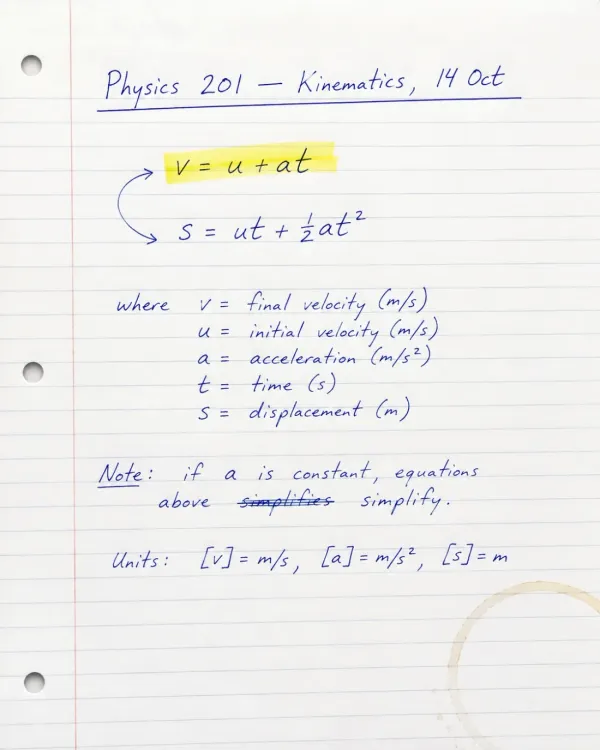
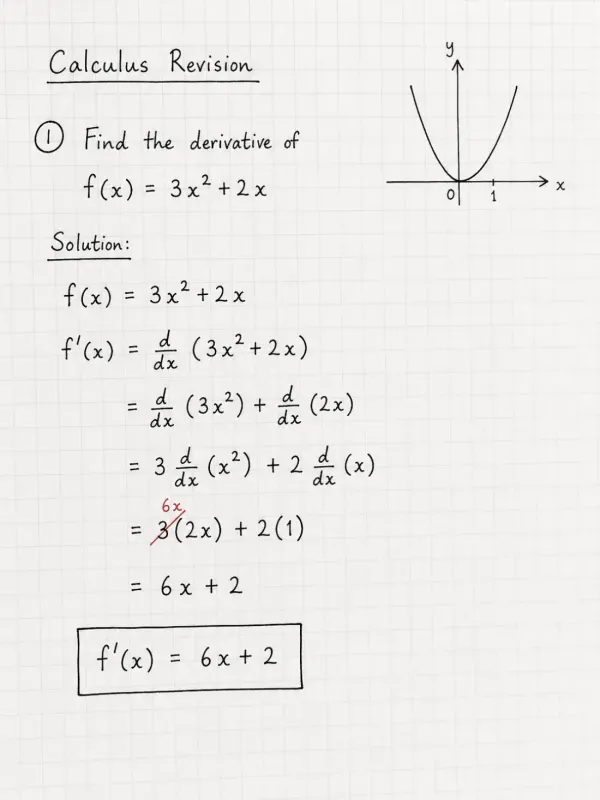
- Mathematical and scientific work: Problem-solving work, proofs, chemical structures, and diagrams that are impractical to type
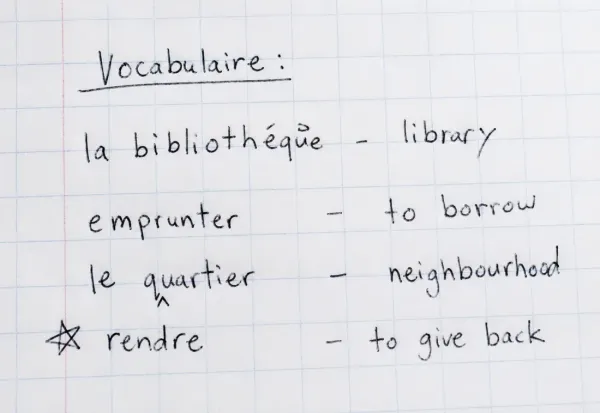
- Language learning materials: Writing practice, vocabulary lists, grammar exercises, and translation work in target scripts
- Historical academic documents: Archival manuscripts, historical lecture materials, and significant student work preserved by institutions
Why Standard OCR Doesn't Work for Educational Handwriting
Most OCR technology was designed for printed books, typed documents, and standardized forms. It handles textbooks and printed worksheets effectively. It fails when applied to handwritten educational materials because student handwriting varies dramatically in quality, style, and legibility.
Printed text follows predictable patterns. Every instance of the letter "A" looks essentially the same. Spacing between words remains consistent. Traditional OCR systems learn these patterns and apply them reliably across documents. This approach completely breaks down with handwriting.
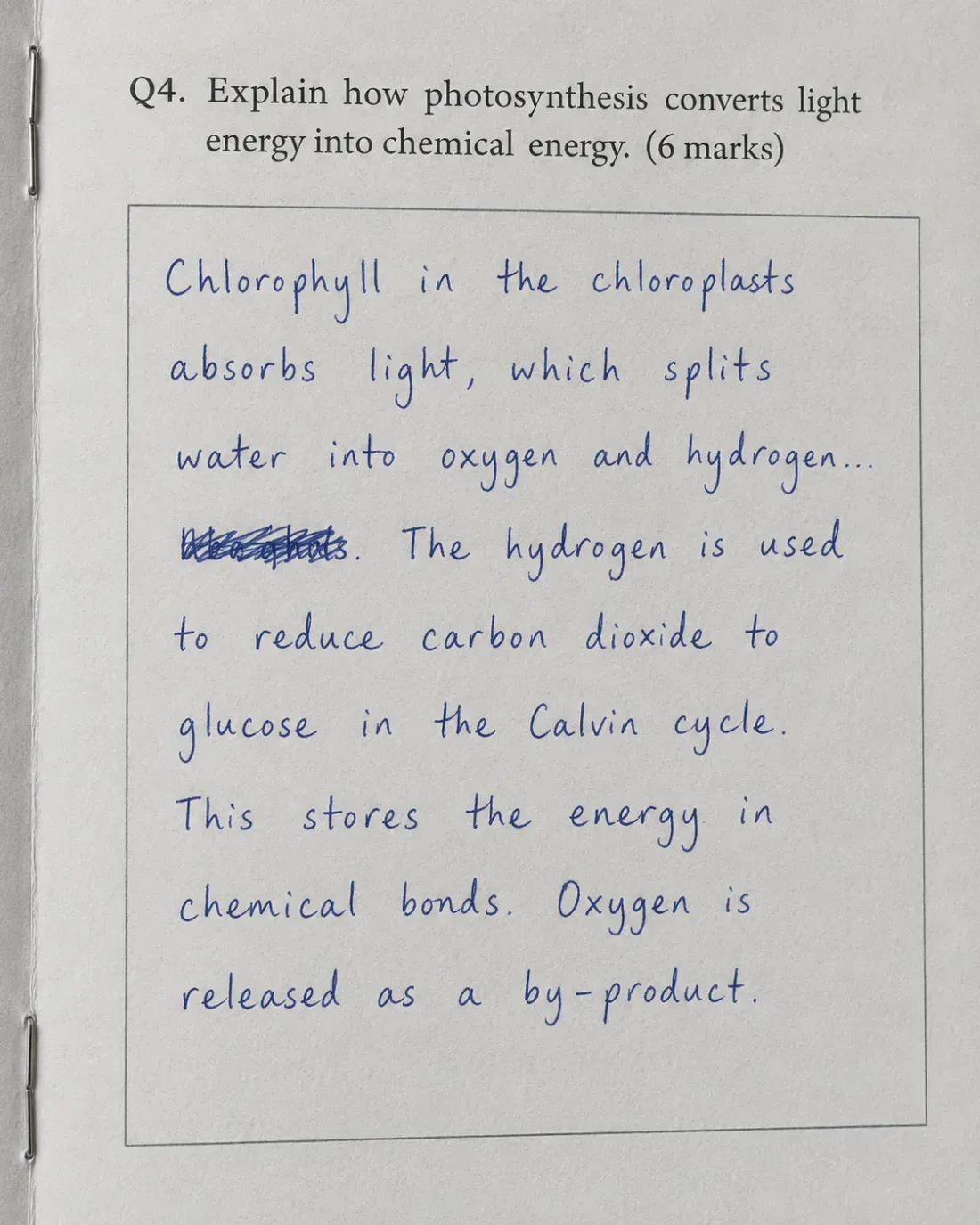
Educational handwriting presents particular challenges. Students taking notes during fast-paced lectures prioritize speed over legibility. Handwriting quality varies significantly between individuals, from neat cursive to barely legible scrawl. The same student's handwriting changes depending on context - careful writing on a final exam versus rushed notes during a complicated lecture.
Mixed content compounds the problem. A single page of notes might contain typed lecture slides photographed from a projection screen, the student's handwritten annotations, mathematical notation, chemical structures, and quick sketches or diagrams. Standard OCR encounters this mixture and produces unusable output.
When traditional OCR attempts to process handwritten student work, the results require so much correction that manual transcription would have been faster. Characters are misread. Words are skipped entirely. The technology simply wasn't built for variable handwriting, and applying it to educational materials wastes time rather than saving it.
The result is that handwritten educational content remains functionally locked. Students can't search their own notes. Instructors reviewing digital submissions can't use search to locate specific concepts across student work. Accessibility services can't convert handwritten materials to formats required by students with disabilities.
What Handwriting OCR Is Built to Handle
Handwriting recognition technology specifically designed for variable handwriting approaches the problem differently. Rather than expecting consistent letter shapes, it's trained to recognize patterns across diverse writing styles, from neat penmanship to rushed note-taking.
Variable Student Handwriting Quality
Educational handwriting quality varies dramatically. Some students write neatly and legibly. Others produce barely decipherable scrawl. The same student's handwriting changes depending on whether they're taking notes during a fast lecture, working carefully through a problem set, or writing a timed exam.
Handwriting OCR is designed to work with this variability. It processes rushed notes where letters barely separate from each other. It handles cursive writing where individual characters flow together. It adapts to different writing instruments and paper qualities, from pencil on notebook paper to pen on exam booklets.
This doesn't mean it reads everything perfectly. Extremely stylized handwriting or severe image quality issues will still present challenges. But it's built to handle the kind of real-world handwriting that appears in actual educational settings, not just carefully written samples.
One student using the service noted it "saves me hours of rewriting my notes into digital format for studying," successfully processing their rushed lecture handwriting that standard OCR tools had failed to recognize.
Mixed Content Educational Materials
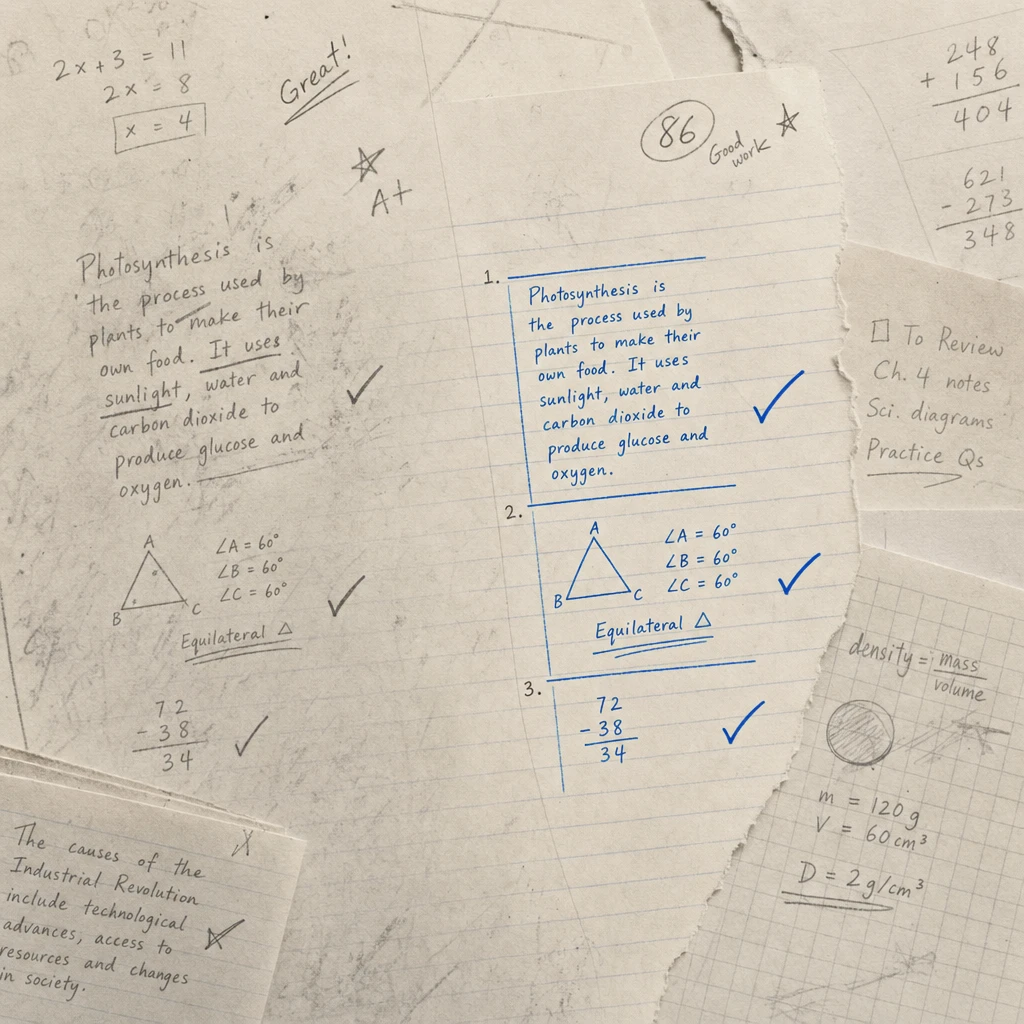
Educational documents frequently combine different content types on the same page. A student might photograph a slide from a lecture presentation, then add handwritten notes below and in the margins. A problem set could include printed questions with handwritten solutions. Lab reports combine typed instructions with handwritten observations and data tables.
Standard OCR struggles with these combinations. It may handle the printed portions adequately but completely fail on handwritten sections, or it may become confused by the mixed formats and produce errors throughout.
Handwriting OCR handles mixed content by recognizing both printed and handwritten text on the same page. It preserves document structure so students can see which portions came from slides or textbooks and which they added themselves. This matters for effective studying, where understanding the source and context of notes is part of the learning process.
Photos and Scans from Mobile Devices
Students photograph whiteboard notes, capture their own handwritten work, and scan documents using phone cameras or library scanners. These images vary in quality. Some are clean, well-lit scans. Others are angled photos taken quickly at the end of class, potentially with shadows, glare, or perspective distortion.
Handwriting OCR processes these real-world images without requiring special equipment or perfect scanning conditions. Students don't need to adjust settings, crop images precisely, or convert file formats. The system handles variations in image quality and adapts to different capture methods.
This matters for accessibility. Students shouldn't need expensive scanning equipment or technical expertise to make their handwritten materials searchable. The tool works with the photos and scans students already create with the devices they already have.
What to Expect: Capabilities and Limitations
Understanding what handwriting OCR can and cannot do helps set realistic expectations. This isn't technology that eliminates the learning benefits of handwriting. It's a tool designed to make handwritten educational materials more accessible and searchable while preserving the cognitive advantages of writing by hand.
The table below shows typical performance across common educational document types:
| Document Type | What Works Well | What May Need Review |
|---|---|---|
| Lecture notes | Neat to moderately rushed handwriting, mixed printed slides and handwritten annotations | Heavy abbreviations, personal shorthand systems, extremely rushed writing |
| Student assignments | Clear handwriting on exam papers and problem sets, mathematical notation | Context-dependent symbols, discipline-specific notation, rushed work under time pressure |
| Research notebooks | Laboratory observations, field notes, experimental data with dates and conditions | Technical symbols, chemical structures, highly abbreviated protocols |
| Language learning materials | Writing practice in Latin, Cyrillic, or similar scripts | Ideographic scripts (Chinese, Japanese kanji), complex diacritical marks |
| Historical academic materials | Well-preserved manuscripts with clear handwriting | Severely faded ink, damaged pages, archaic terminology and abbreviation systems |
What It Handles Well
Handwriting OCR converts handwritten content into editable, searchable text. This means students can search their notes for specific concepts, dates, or terms instead of manually flipping through pages. They can copy relevant sections into study guides or share formatted notes with classmates. They can organize digital versions of handwritten work without losing the original handwritten files.
It processes photos taken with phone cameras and scanned PDFs without requiring format conversion or specialized equipment. Students can photograph their handwritten notes at the end of class and process them later. No special apps, no expensive scanners, no technical setup required.
Document structure and formatting are maintained where possible. Headings remain headings. Bullet points stay as bullet points. Mathematical work preserves line breaks and indentation that indicate problem-solving steps. This structural preservation matters when reviewing notes, where organization and visual hierarchy support comprehension.
What Requires Review or Adjustment
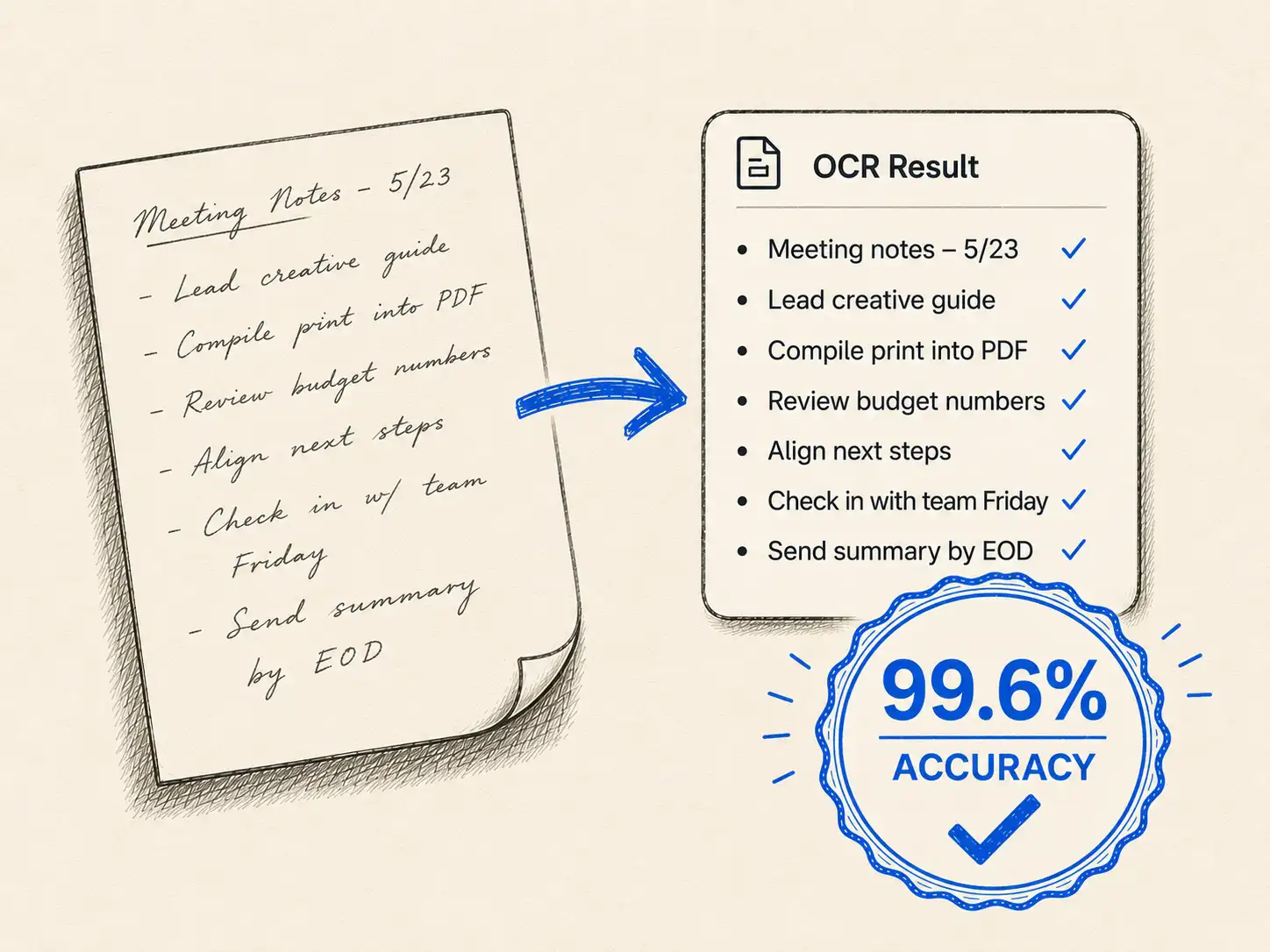
Heavy abbreviations and personal shorthand systems may not be recognized correctly. If a student uses "w/" for "with" consistently, the OCR might render it literally as "w/" rather than expanding it. Students familiar with their own abbreviation systems will catch these during review, but the output isn't automatically cleaned up.
Discipline-specific notation can present challenges. Mathematical symbols, chemical formulas, or musical notation may not convert perfectly to standard text formats. The output will capture the content, but formatting it correctly for use in typed documents might require manual adjustment.
Extremely rushed or degraded handwriting will still be difficult to process accurately. If handwriting is so rushed that even the student who wrote it has trouble reading it later, automated recognition will struggle too. Similarly, if a photo of notes is severely shadowed, blurry, or distorted, the output quality will reflect those image quality limitations.
The goal is not to eliminate review. The goal is to transform a completely manual transcription process into one where technology handles the bulk of the work and students spend their time verifying rather than typing from scratch. For most educational materials, this significantly reduces the time needed to create searchable, accessible digital versions of handwritten content.
Where This Fits in Educational Workflows
Handwriting OCR addresses specific bottlenecks in educational work. It's not a replacement for the cognitive benefits of handwriting or for careful studying. It's a tool for removing friction from processes that currently require extensive manual work.
How students and educators use handwriting OCR:
-
Making lecture notes searchable: Students convert handwritten lecture notes to searchable text so they can quickly locate specific concepts, dates, or examples when studying for exams. Rather than flipping through weeks of notes looking for where a particular theorem was explained, they can search digitally. This is particularly valuable for handwritten lecture notes from survey courses or comprehensive exam preparation.
-
Creating accessible study materials: Students with disabilities may need digital versions of handwritten materials for screen readers or other assistive technologies. Classmates sharing notes can provide searchable text versions rather than static image scans. Accessibility services can process handwritten materials into formats that meet accommodation requirements without requiring manual transcription.
-
Organizing research documentation: Graduate students and researchers convert handwritten laboratory notebooks into searchable digital records that support literature reviews, methods documentation, and research continuity. When experimental procedures need to be replicated or results need to be located months later, searchable notebooks save significant time. This capability streamlines research notebook digitization.
-
Grading and assessment workflows: Instructors who receive handwritten exam papers or assignments can process them into searchable text, making it easier to locate specific answers across many student submissions. When checking for common errors or comparing how different students approached the same problem, searchable text accelerates review. This supports efficient review of student assignments and exam papers.
-
Digitizing historical academic materials: University archives and special collections convert handwritten manuscripts, historical lecture notes, and significant student work into searchable digital resources. This makes materials available to researchers who couldn't previously access physical archives, supporting scholarship and institutional history.
-
Language learning documentation: Students studying languages with different scripts can digitize their handwriting practice, making it easier to review progress over time and search for specific vocabulary or grammar patterns they've practiced. Teachers can maintain searchable records of student writing development.
The common thread is removing manual transcription bottlenecks while preserving the learning benefits of handwriting. Students still benefit from writing notes by hand. They just don't have to manually retype everything to make it searchable. Instructors still review student work carefully. They can just search it more efficiently.
Getting Started
If you're working with handwritten educational materials and wondering whether this type of tool would be useful, the most direct approach is to test it with your actual documents.
Educational handwriting varies significantly. What works well for neatly written problem sets might perform differently on rushed lecture notes. The only way to know if handwriting OCR will help with your specific materials is to try it with the kinds of handwriting you actually encounter.
Handwriting OCR offers a free trial with credits you can use to process sample documents. Upload a page of lecture notes, a student assignment, or a research notebook entry. See how the output compares to what you'd get from manual transcription or other tools you've tried.
Your documents remain private throughout this process. They're processed only to deliver results to you and are not used to train models or shared with anyone else. This matters for student privacy and academic integrity.
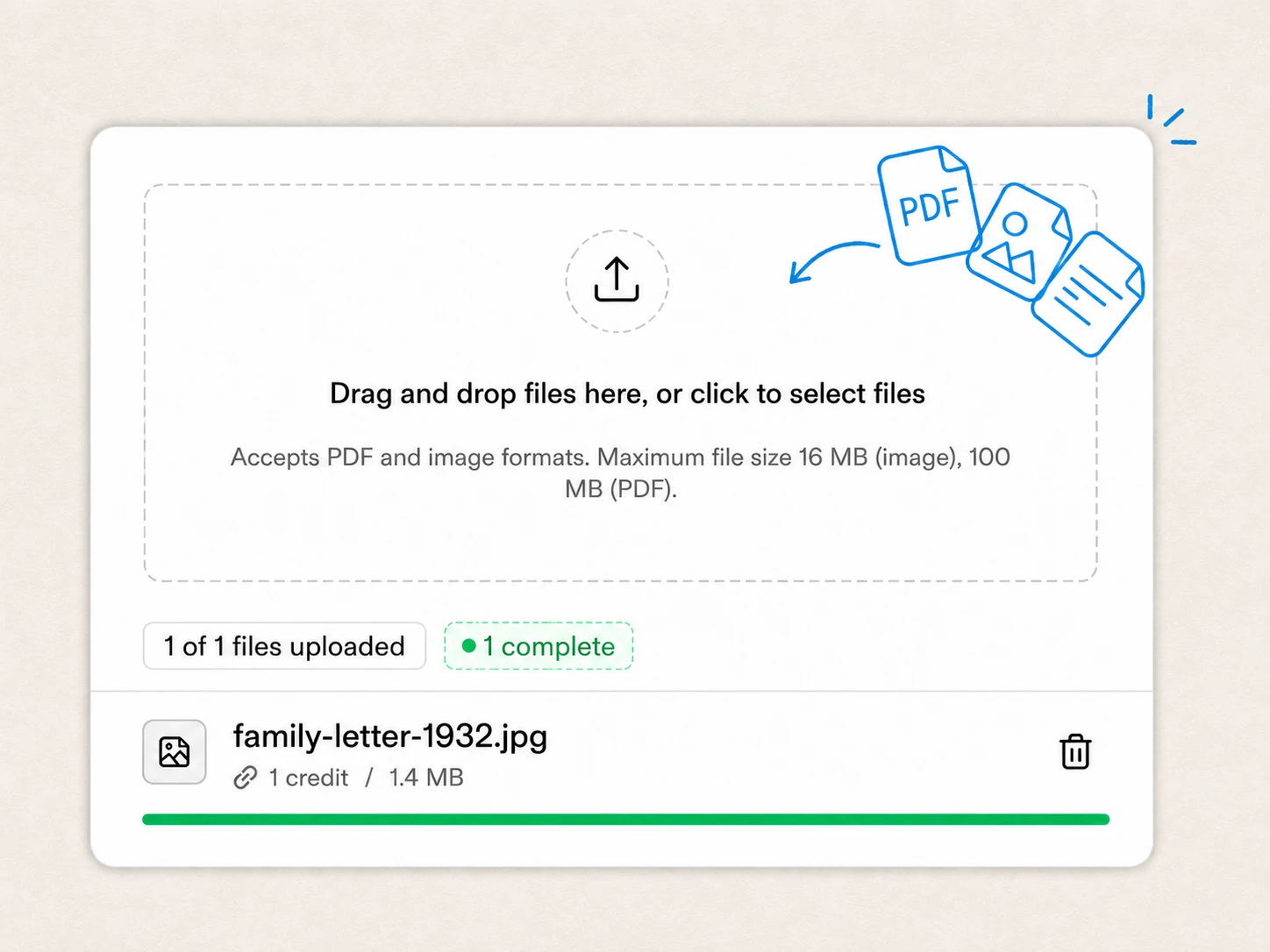
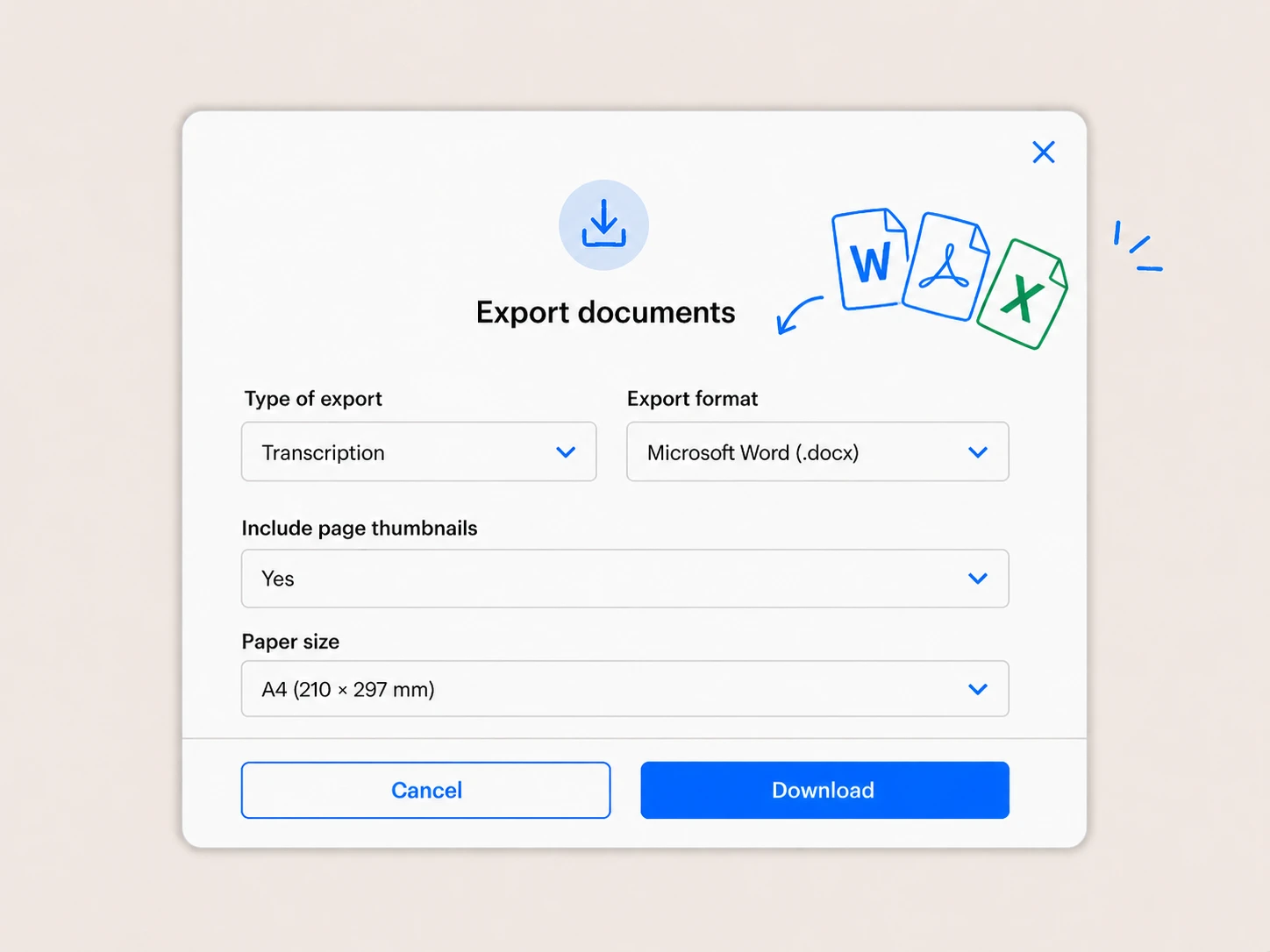
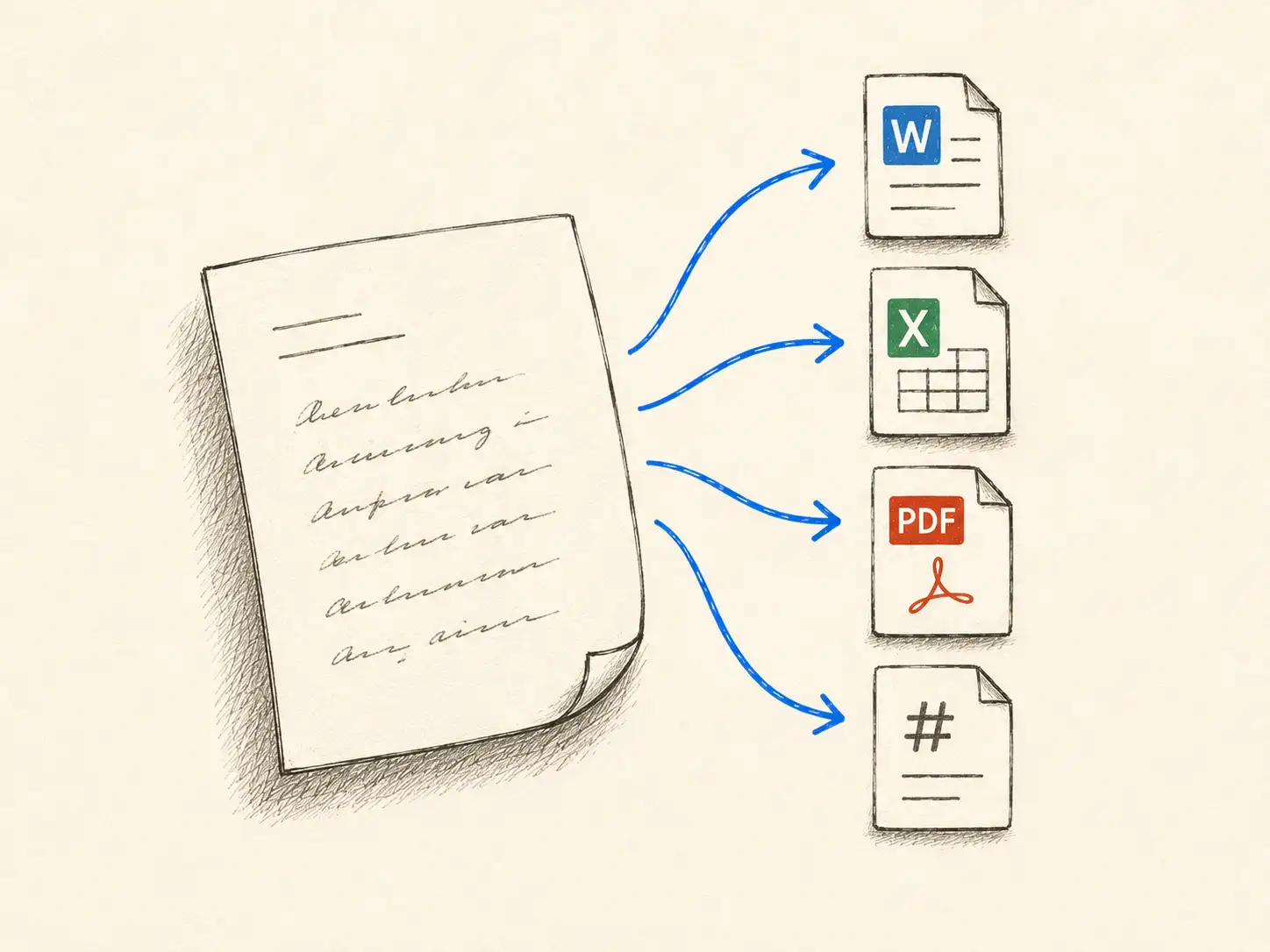
The service is designed to be straightforward. Upload your photo or scan, process it, and download the results as editable text in Word, Markdown, or plain text format. There's no software to install, no account required for testing, and no commitment to determine whether it works for your handwriting.
If it saves time on the documents you tested, it will likely save time on similar materials. If it doesn't meet your accuracy needs, you've learned that before investing further effort. Either way, you'll have a clearer understanding of where handwriting OCR fits in educational workflows.
Frequently Asked Questions
Have a different question and can’t find the answer you’re looking for? Reach out to our support team by sending us an email and we’ll get back to you as soon as we can.
Does handwriting OCR work with student handwriting that varies in quality?
Yes, handwriting OCR is designed to handle variable handwriting quality, from neat penmanship to moderately rushed note-taking. It's built to process the kind of real-world student handwriting that appears in actual educational settings, not just carefully written samples. Extremely rushed handwriting or severe image quality issues will still present challenges, but the technology adapts to the natural variability in student writing. The best way to assess performance on your specific handwriting is to test with sample pages from actual notes or assignments.
Can handwriting OCR process notes that combine printed slides with handwritten annotations?
Yes, handwriting OCR handles mixed content documents where printed text and handwriting appear together. This is common when students photograph lecture slides and add their own handwritten notes, or when problem sets include printed questions with handwritten solutions. The system recognizes both types of content and preserves the document structure so you can see which portions came from slides or textbooks and which were added by hand.
Will using handwriting OCR eliminate the learning benefits of taking notes by hand?
No. Handwriting OCR doesn't change the note-taking process itself. Students still write notes by hand and receive the cognitive benefits of that process, including better retention and comprehension. The OCR step happens afterward, converting handwritten notes into searchable text to make studying more efficient. You get both the learning benefits of handwriting during the lecture and the practical benefits of searchable text when studying for exams.
What file formats work with handwriting OCR for educational materials?
Handwriting OCR processes photos taken with phone cameras (JPG, PNG) and scanned PDFs. Students can photograph their handwritten notes, assignments, or textbook pages and upload them directly without converting to specific formats. The output can be downloaded as editable text in Word (DOCX), Markdown, or plain text formats depending on your workflow. No special scanning equipment required.
Can handwriting OCR help with accessibility compliance for students with disabilities?
Yes. Handwriting OCR can convert handwritten educational materials into digital text formats that work with screen readers and other assistive technologies. This supports accessibility compliance by making handwritten lecture notes, assignments, and study materials available in formats required by students with visual or learning disabilities. The technology handles the mechanical conversion work so accessibility services don't have to manually transcribe everything, significantly reducing the time needed to provide accommodated materials.