
Pay as You Go
No commitment
£15 $15 €15 / 100 pages
One-time purchase. Valid for 1 year.
- AI-enhanced formatting
- Export to Markdown (plain text)
- Export to Microsoft Word
- Two-factor authentication
- API access
- No commitment
- Valid for 1 year
Read historical handwriting now, with no model to train.
Transkribus can read old hands, but you pick or train models, work an academic interface, and get scholarly XML back. Handwriting OCR reads the same letters, registers and journals from the first upload, and hands you clean Word, Excel or plain text.


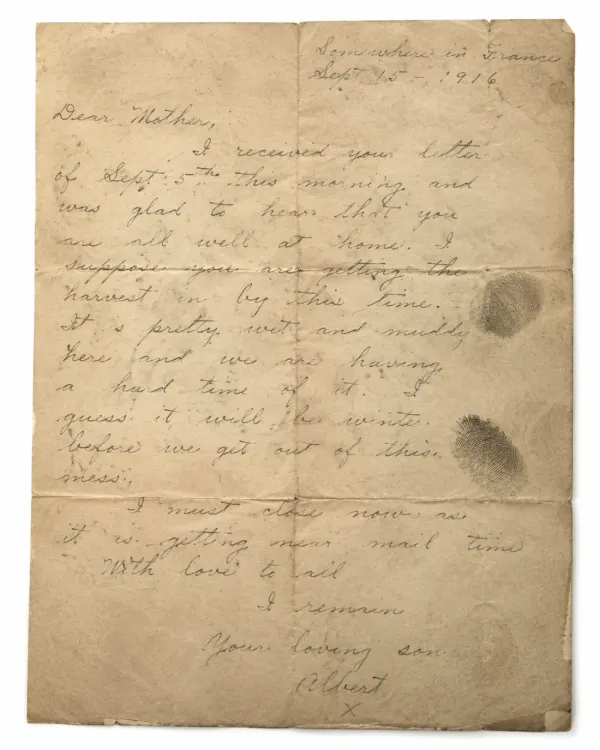
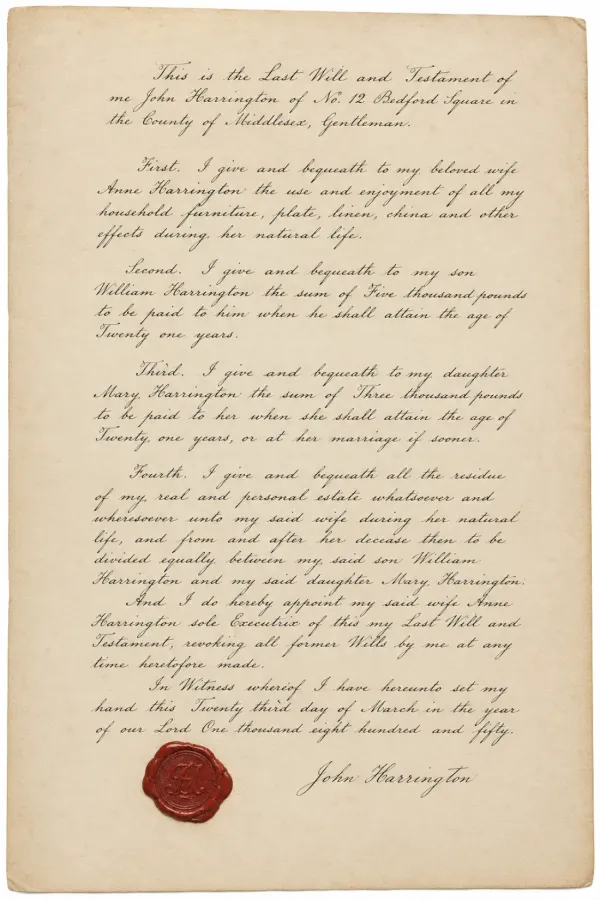
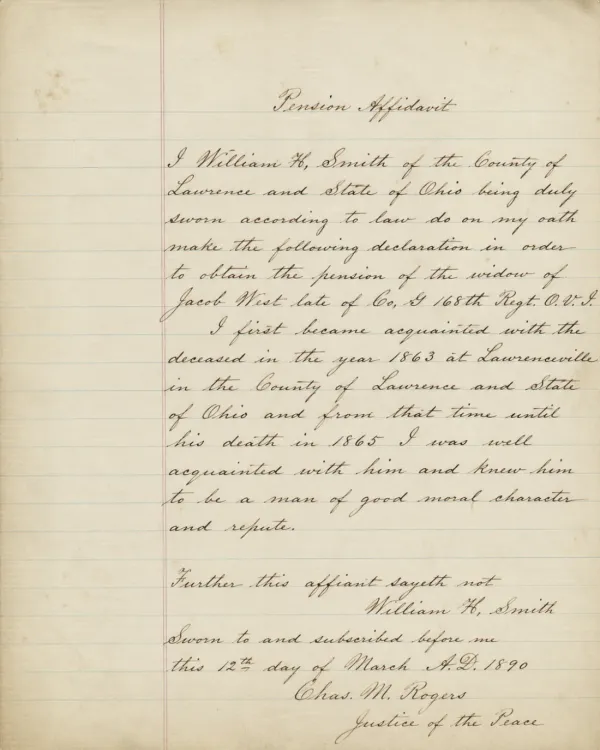
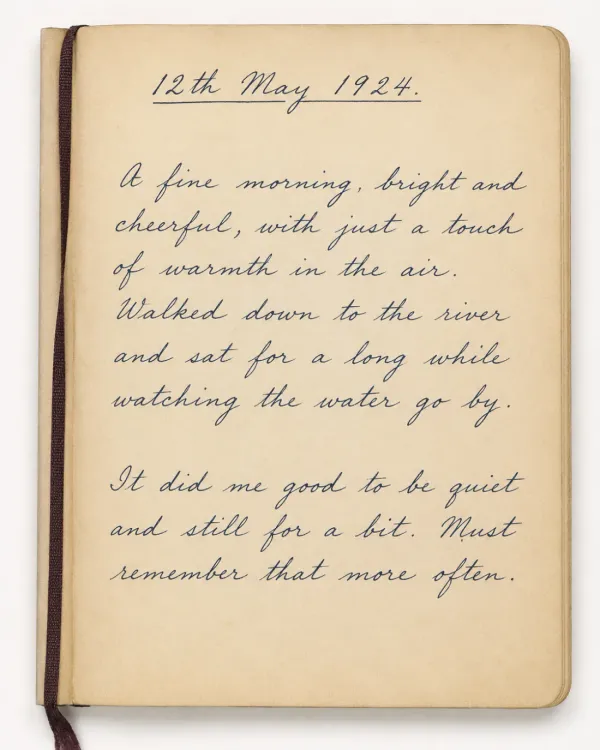
Transkribus vs Handwriting OCR
Transkribus is a powerful academic platform built around trainable models and scholarly output. Handwriting OCR is built to just read your documents and hand back something you can use straight away.
Transkribus details, pricing and outputs from transkribus.org, June 2026 (tested on its free public models). Transkribus bills in credits, where a page with tables or fields can cost more than one credit.
On its home turf
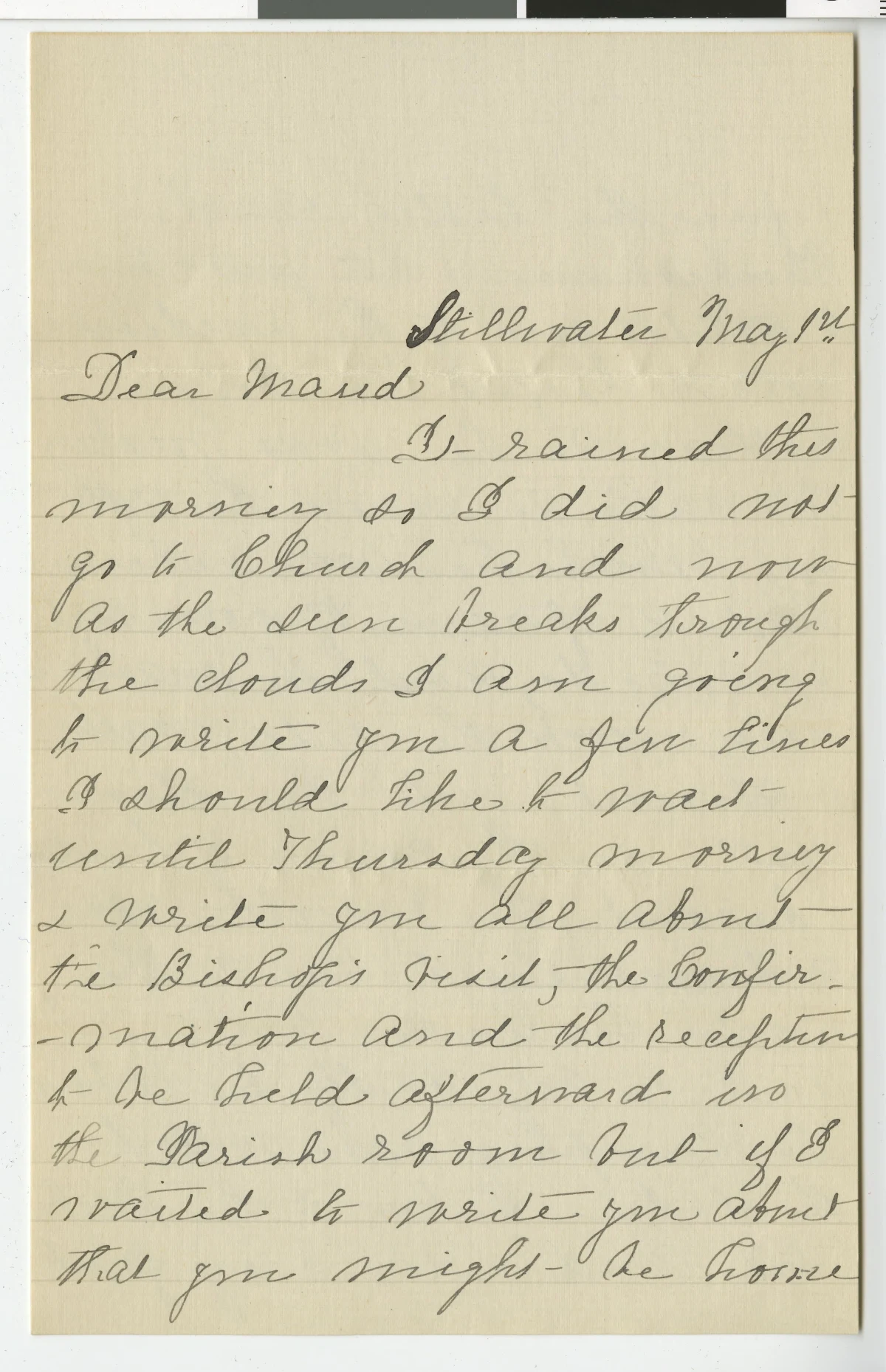
Transkribus is built for exactly this kind of old hand, and it did a fair job. But it opened with '3 -' for 'It', invented two stray lines ('ƒ' and '9'), and dropped words. Handwriting OCR returned the whole passage clean, with no training and no setup.
 Click to enlarge
 Stillwater May 1st
Dear Maud
It rained this morning so I did not go to Church and now as the sun breaks through the clouds I am going to write you a few lines I should like to wait until Thursday morning & write you all about the Bishop's visit, the Confirmation and the reception to be held afterward in the Parish room but if I waited to write you about that you might be home
Stillwater May 1st
Dear Maud
3 - rained this morning so I did not go to Church and now As the sun breaks through the clouds I am going to write you a few lines I should like to wait until Thursday & write you all about the Bishop's visit, the Confir-mation and the reception -be held afterward in ƒ 9 the Parish room but I waited to write you about that you might - be home
Notes
Source: Nellie McCluer family letter (early 1900s). Run through both tools, June 2026.
And off it
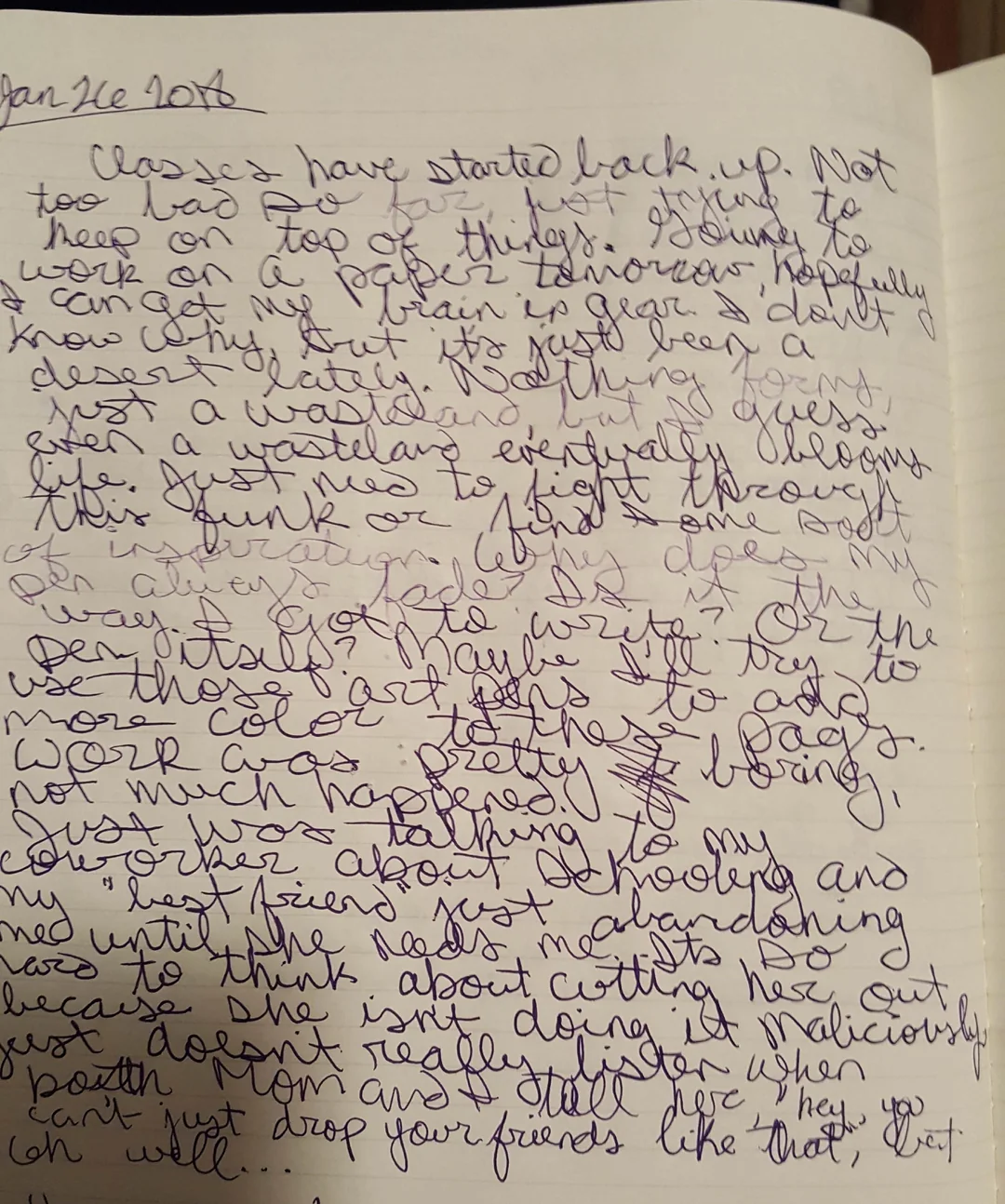
Transkribus is tuned for historical archives. On one of the messiest modern hands people have shared online, its public models broke the page into fragments. Same image, same run.
 Click to enlarge
 Jan 26 2018
Classes have started back up. Not too bad so far, just trying to keep on top of things. Going to work on a paper tomorrow, hopefully I can get my brain in gear. I don't know why, but it's just been a desert lately. Nothing forms, just a wasteland, but I guess even a wasteland eventually blooms life. Just need to fight through this funk or find some sort of inspiration. Why does my pen always fade? Is it the way I got to write? Or the pen itself? Maybe I'll try to use those art pens to add more color to these pages.
Work was pretty boring, not much happened. Just was talking to my coworker about schooling and my "best friend" just med until she needs me abandoning was to think about cutting her out, because she isn't doing it maliciously, just doesn't really listen when both Mom and I tell her "hey, you can't just drop your friends like that", but oh well...
Jan He 20th tarted back up. No Classes have Yong too bad Dumey keep on top work on tomorow, kopefully 8 I can get 12. I don't know why my but beet desen Før late just a wasidard gues was even a was belong everth Oblog life. Just need to tkrove this funk or One till B0S of inspiration. Als en alueys "fas" way. I got the Den, Usile. try to All use those are Gada more cold Sag 8 to work was Prêtter Franz much happened. not Just was "talk" an coworker about 20 nooung and ny best friend just ned until she needs me abandoking e: „Dts., Do c LOLD to think about cutting her out because she isn't doing it maliciously 18 dolsrit really sister when paith com and I call here they, you drop your friends like that, Der on
Notes
Source: Original image: r/Journaling. Run through both tools, June 2026.
From people who tried Transkribus first
"We worked with Transkribus for our museum inventory books, but it was weeks of training the layout and writing and we still weren't happy. With Handwriting OCR, at least 90% accuracy, and so wonderful on formatting."
"I used Transkribus on its best models for thousands of German, French and English letters. A document that took 10+ hours to prepare there takes me half an hour here, and it's better at bad handwriting than even the best Transkribus model."
"Transkribus needed 20 pages to train a model and 10 minutes a page to fix. After 18 months I had 9 pages done. Handwriting OCR transcribed the first page 100% in six seconds. I had all 427 pages of my mother memoir in under a minute."
"Both Transkribus and Handwriting OCR were suggested on the CODE4LIB list. I tried both on a messy page of my college notes. Yours was by far and away the clear winner, extremely accurate."
"I'd tried Google Lens, Transkribus and Pen2Text. Transkribus was by far the worst, despite its reputation. Handwriting OCR has by far the best transcription, and it's not even close."
"I tried Transkribus and it wouldn't even upload my JPG. I uploaded two images of an 1820 will to Handwriting OCR instead and was totally impressed, 80 to 90% accuracy on a 200-year-old hand."
No setup
Transkribus is built around training a model on your specific hand, and even then you often reflow line spacing, fix end-of-line hyphenation and sort out crossed-out text by hand afterward. Handwriting OCR reads the document on the first upload and returns clean text that already keeps the original layout.
Practical output
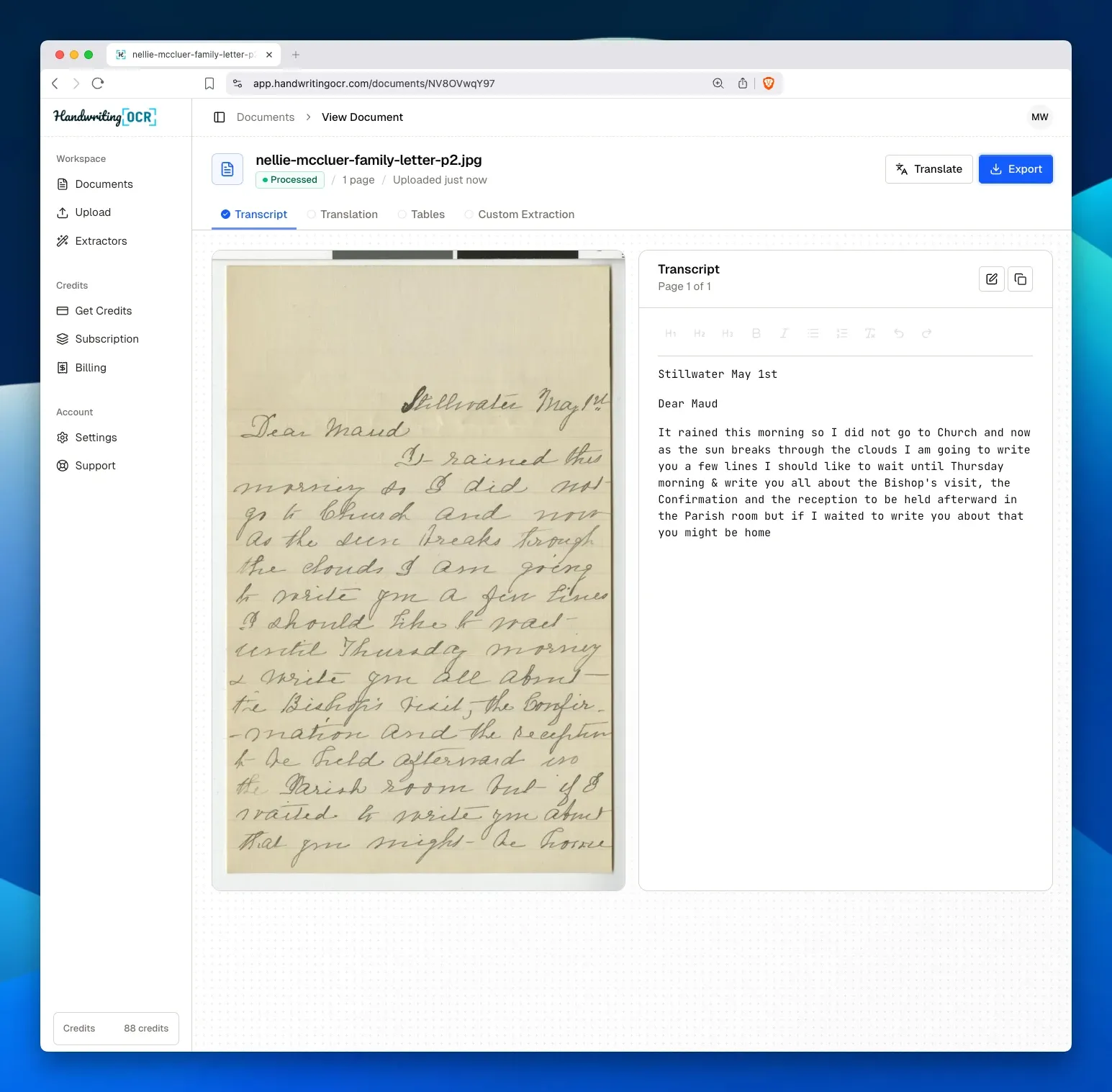
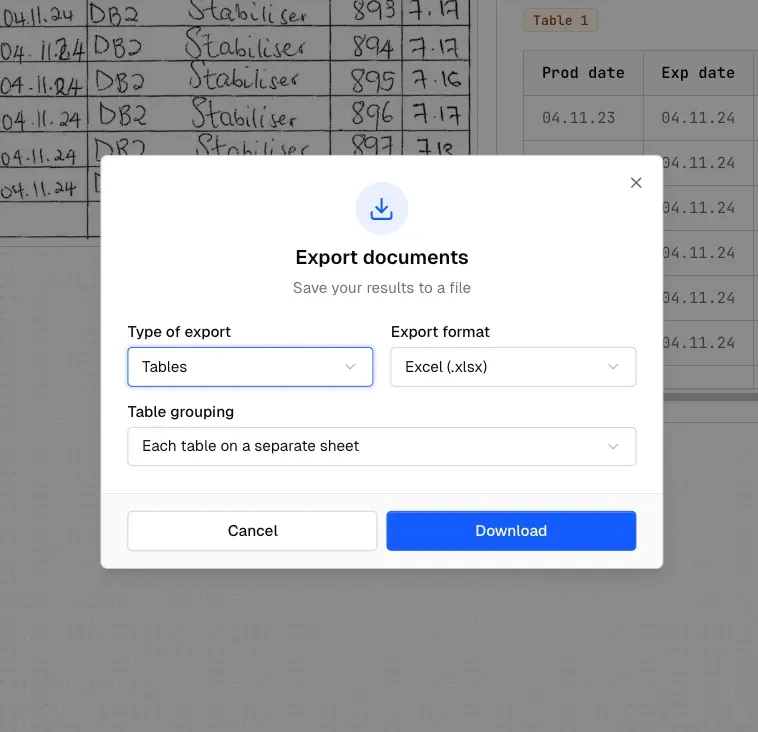
Both tools export Word, PDF and plain text. The difference is structured data: Handwriting OCR's custom extractors and table recognition pull handwritten forms and tables into proper Excel and CSV columns, with no model setup to do first.
Built in, not bolted on
Transkribus offers a developer API with OAuth2 and the same credit accounting. Handwriting OCR’s API is our own and simple: a Bearer token, webhooks, and structured JSON or direct Excel and CSV. It’s on every plan, including the free trial.
Private by default
Files are encrypted in transit, never used to train our models, and auto-deleted on a schedule you set (default 7 days, anywhere from 15 minutes to 14 days). Family letters and records never become someone’s training data.
Read it in any language
Transcribe a letter in German, French, Spanish or any of 300+ languages, then translate it to English (or back) in the same workflow. It’s included on every plan, with no second tool and no extra charge.
Being fair
Transkribus is a serious, respected platform, and for some projects it is genuinely the right choice. If one of these is you, it earns its place, and that's an honest answer, not a sales one.
Pricing
Pay-as-you-go credits or monthly subscriptions. Cancel any time.
No commitment
One-time purchase. Valid for 1 year.
250 pages / month
Billed monthlyBilled annually
1,000 pages / month
Billed monthlyBilled annually
10,000 pages / month
Billed monthlyBilled annually
For higher volumes, dedicated instances, offline deployment, or any other custom requirements, see Handwriting OCR for Enterprise or contact us.
FAQ
Anything else? Get in touch and we'll answer right away.
Handwriting OCR is an AI service that turns photos and scans of handwritten documents into clean, editable text and structured data. It reads historical and modern hands from the first upload, with no model to train, and exports to Word, PDF, plain text and (on Pro and up) Excel and CSV.
Handwriting OCR is built by a small independent UK team. The company was founded in London in 2023, runs as a focused product, and never trains its models on your documents.
Transkribus is an academic platform built around trainable models and scholarly XML output (PAGE, ALTO, TEI). Handwriting OCR is built to just read your documents: it works from the first upload with no model training, returns clean Word, Excel, CSV or plain text, includes translation, and has a simple first-party API on every plan.
No. Handwriting OCR reads historical hands out of the box, with no ground-truth transcription or model training step. Upload a letter, register or diary and you get text back in seconds. The comparison higher up this page shows it on a real early-1900s letter.
Word (.docx), PDF, plain text and JSON on every plan, plus Excel (.xlsx) and CSV for tables and custom extractors on Pro and up. The original layout is preserved, so there is little reflowing to do before you can read or share your transcription.
Your documents are encrypted in transit, are never used to train our models, and are auto-deleted on a schedule you control (default 7 days, configurable from 15 minutes to 14 days). We do not currently offer HIPAA BAAs; for compliance questions, get in touch.
Try it on your own documents
Read your archive today, not after training a model.
Free trial credits, no credit card. Upload a letter, register or diary and see the text come back in seconds.
Our experience
Transkribus earned its reputation on serious historical work, and for training a model on a single huge archive it is still a strong tool. But most people who write to us do not have weeks to spend on ground-truth transcription and model training. They have a box of letters, a parish register, a diary, a will, and they want to read it now.
That is the gap Handwriting OCR fills. Our models read historical and modern hands out of the box, with no training step, so a genuine early-1900s letter comes back as clean text on the first upload, as the comparison above shows. The trade we have made is deliberate: we do not output scholarly PAGE or TEI XML, and we are not a cooperative academic platform. We give you accurate text in the formats you already use, in seconds.
Where historical documents get genuinely hard, faded ink, torn pages, and older scripts like German Sütterlin and Kurrent, accuracy drops for any tool and you will correct more by hand. We are honest about that. The output is editable either way, the translation is built in, and the free trial is the fastest way to see how it does on your own document.
If you have a tricky page or a large archive and want a recommendation before you start, get in touch with a sample image and we will tell you what to expect.