
Accuracy on legal handwriting
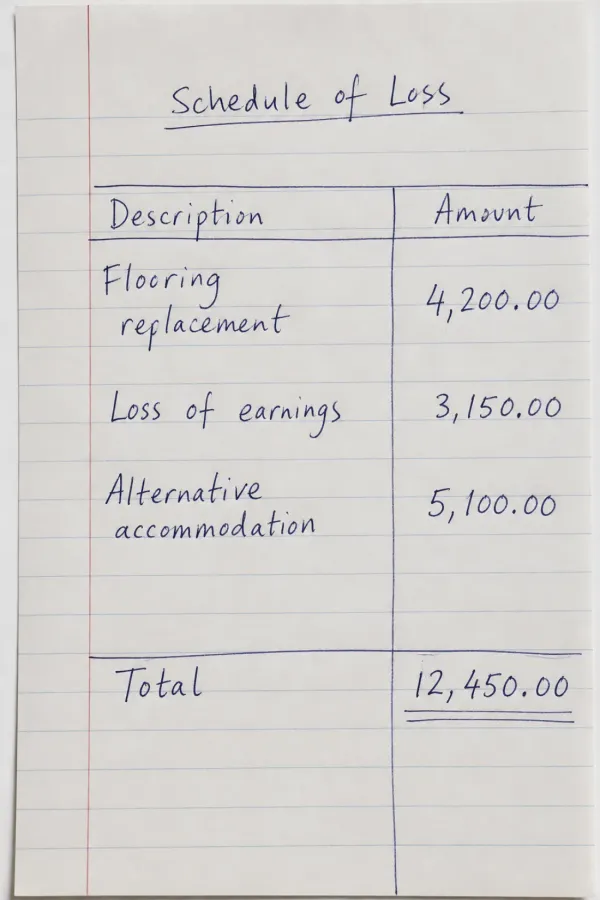
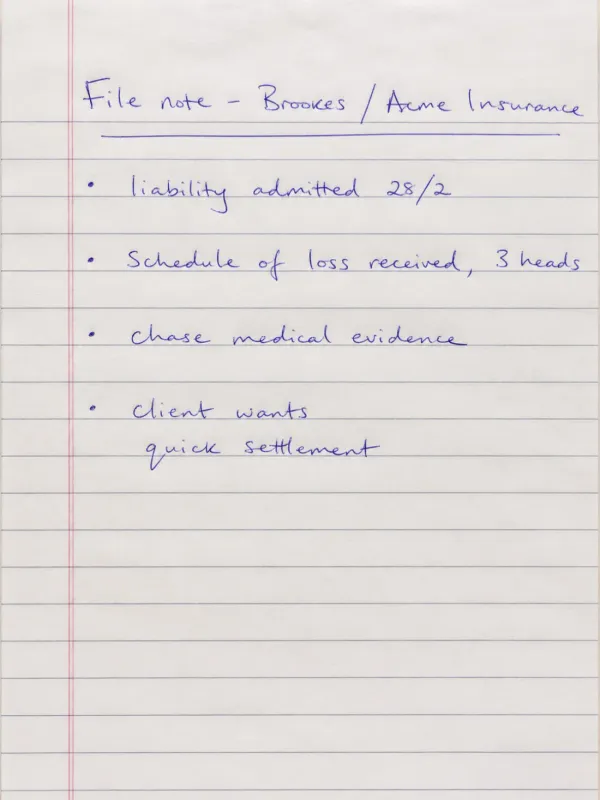
Reads rushed claims notes, cursive correspondence, and pages that mix printed forms with handwritten answers and amendments, returning the text exactly as written so you can work with it.
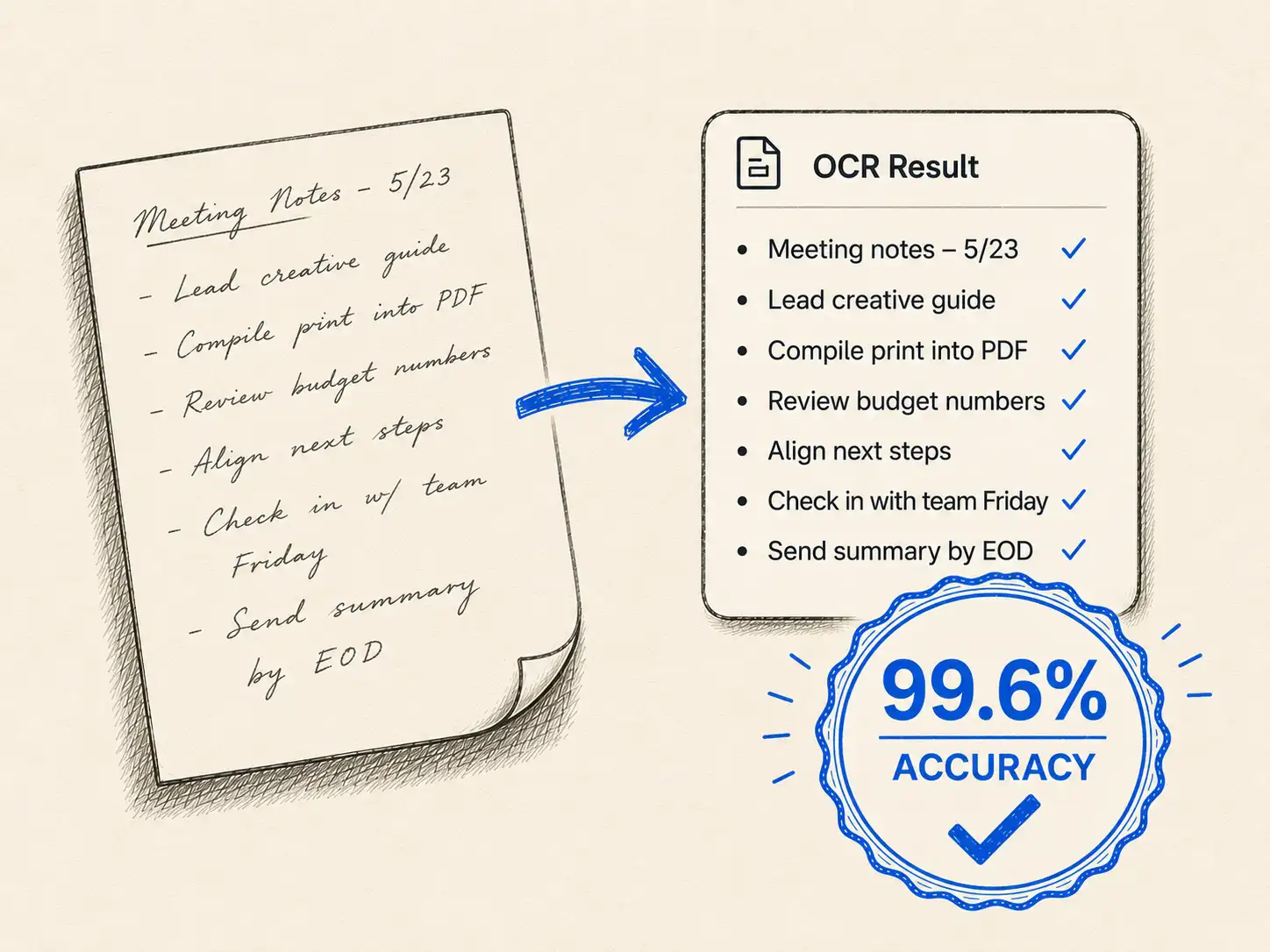
Firms and legal-service providers send us high volumes of handwritten claims forms, contracts, and case files. We turn them into accurate, searchable text and structured data, even the rushed hands that defeat ordinary OCR.
No card needed. Under 1% word error rate on everyday handwriting.


How it works
Whether it's a single claim or a backlog of tens of thousands of pages, the workflow is the same: upload or send us the files, let the AI transcribe and extract, then export searchable text and structured data. Automate it over the API, or have us run the whole job.
 1
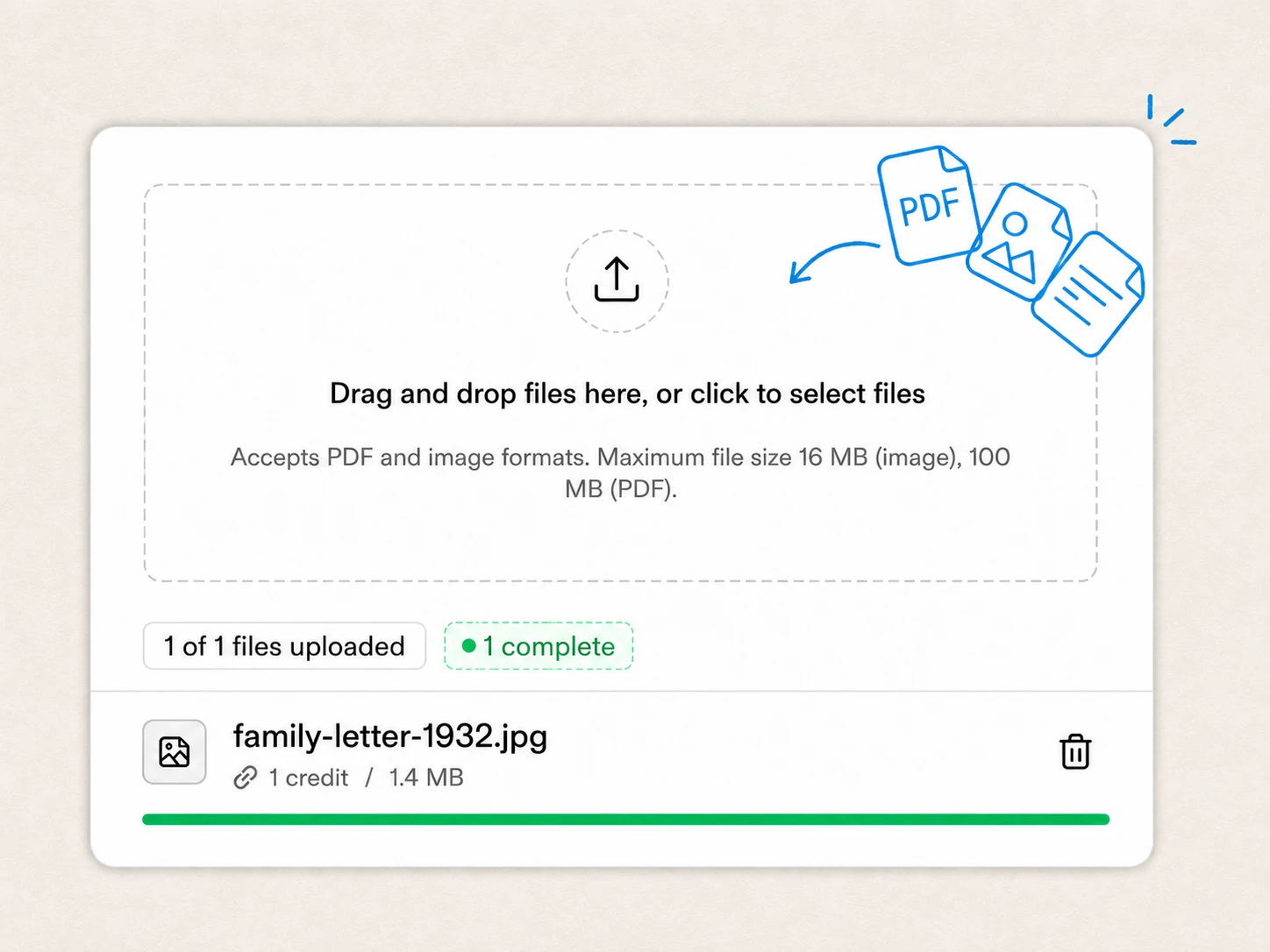
1 Drop scans or PDFs into the app, automate uploads over the API, or hand us a large backlog for managed processing. No format conversion or preprocessing needed.
 2
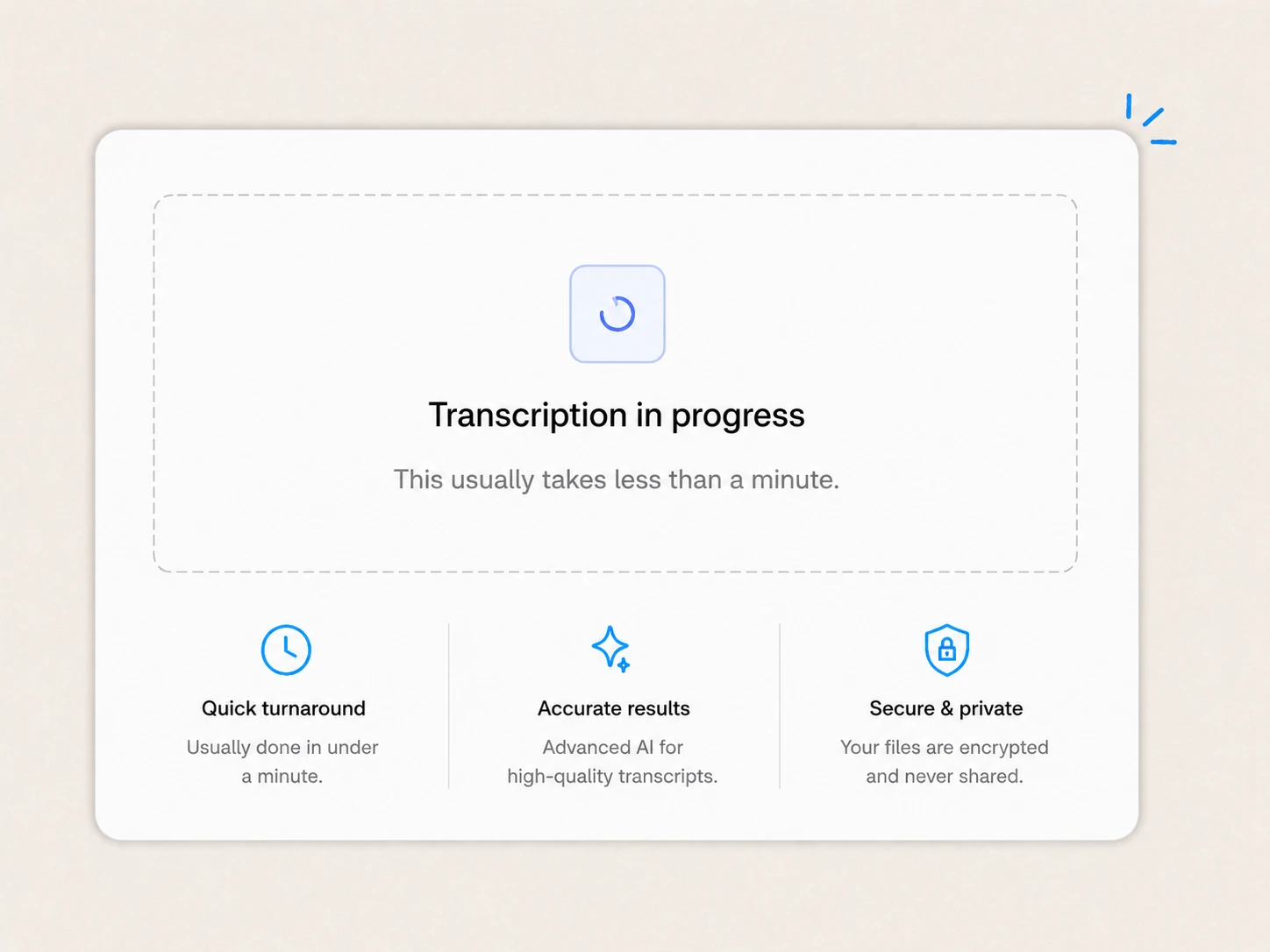
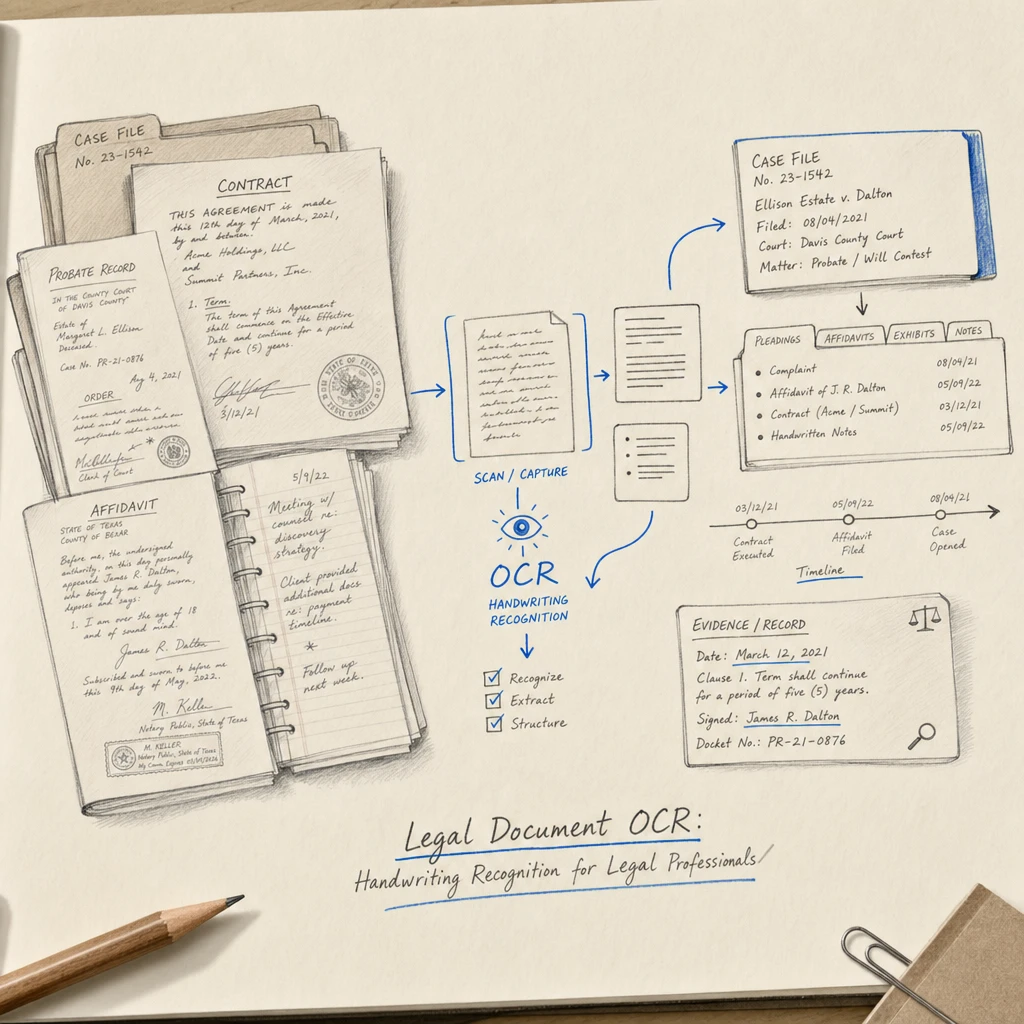
2 Our model transcribes claims, contracts, and pages that mix printed forms with handwriting, and custom extractors pull the exact fields you define from every document in the batch.
 3
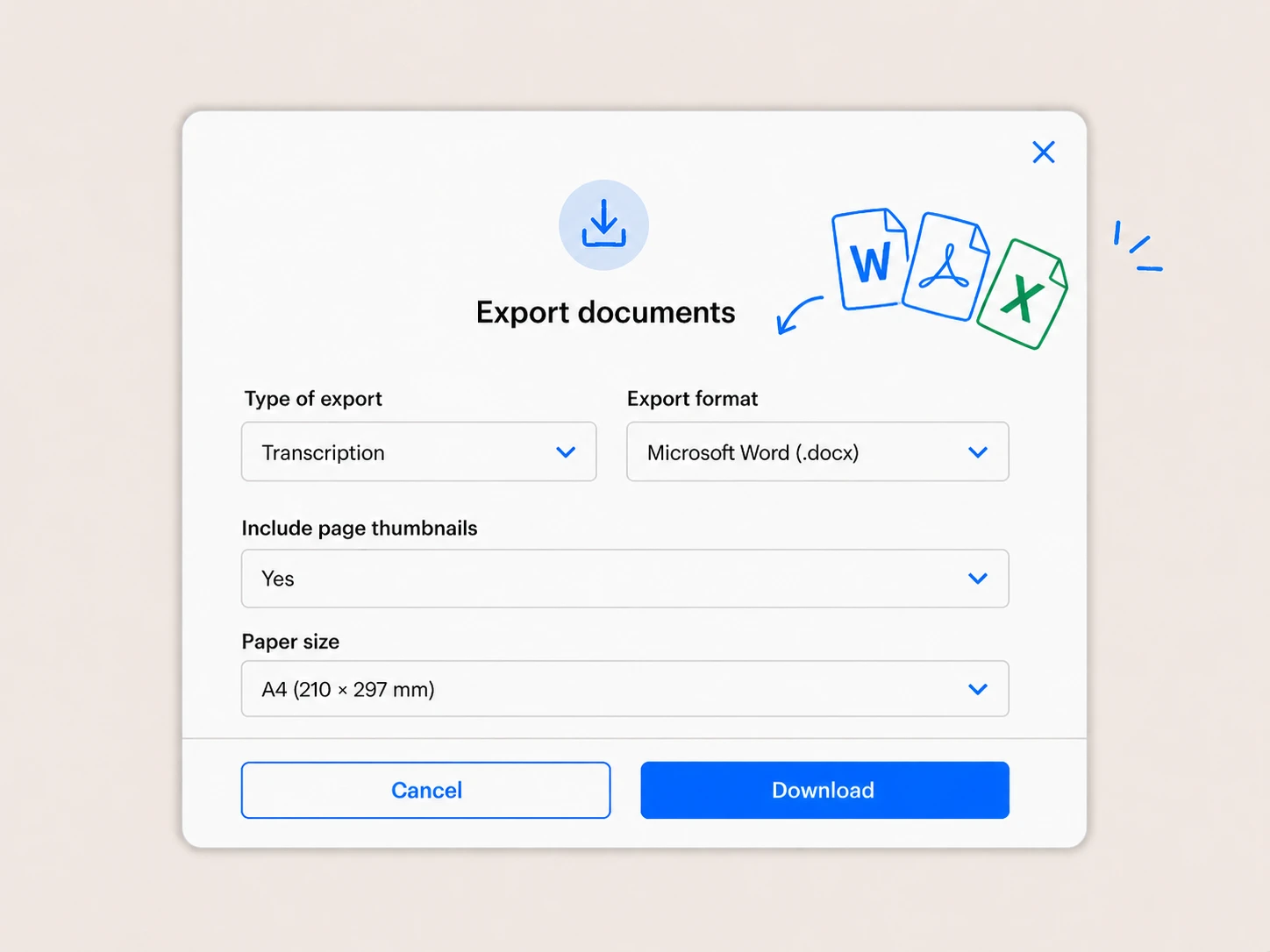
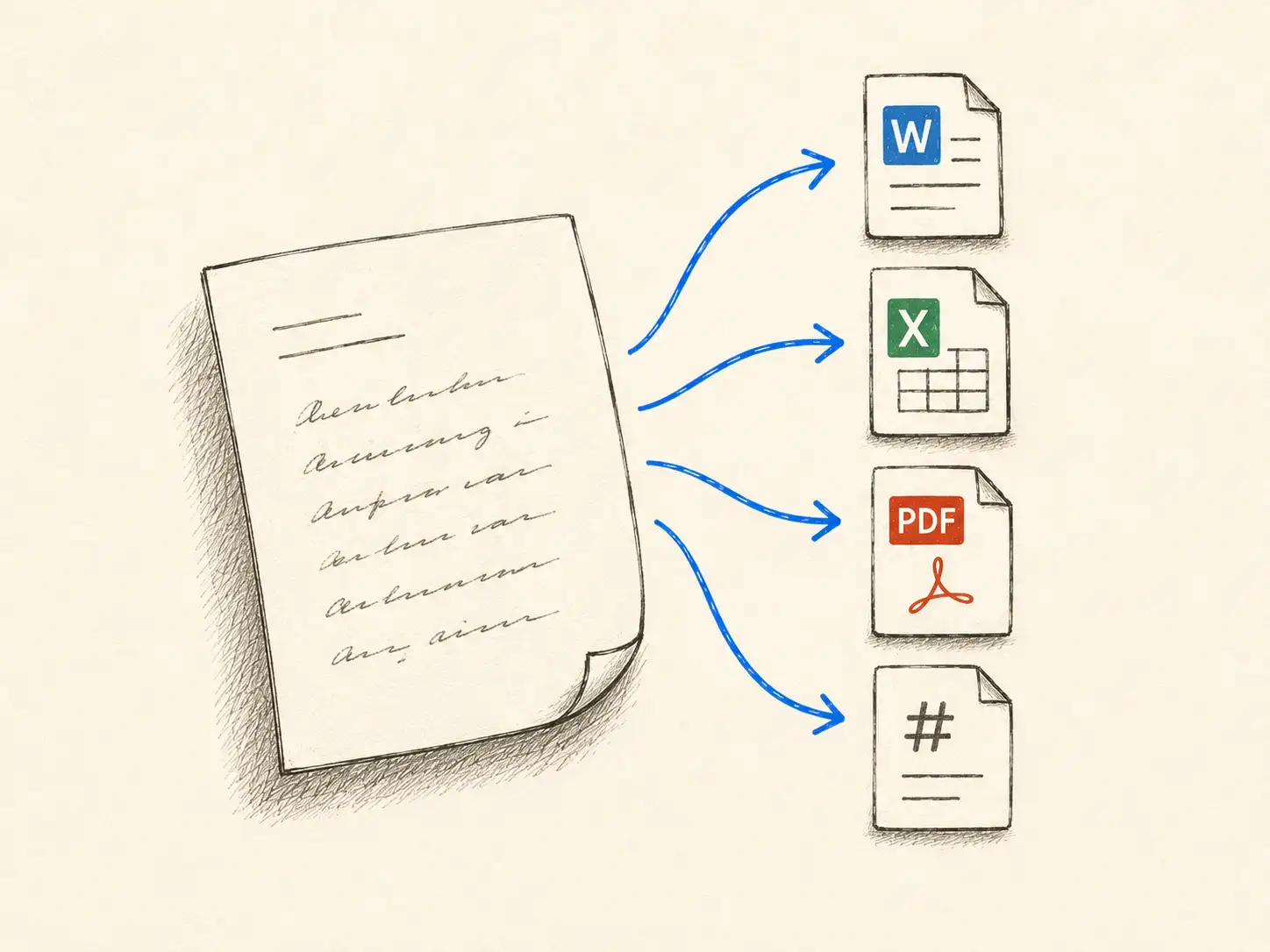
3 Get editable text in Word, Markdown, or plain text, and structured fields in a spreadsheet (XLSX, CSV, JSON). Pull results into your own systems over the API with webhooks.
Why legal teams and processors choose Handwriting OCR
Most OCR was built for clean printed text. Handwriting OCR reads real legal handwriting accurately, pulls structured fields from forms, runs at the scale of a backlog, and is private by default.
Reads rushed claims notes, cursive correspondence, and pages that mix printed forms with handwritten answers and amendments, returning the text exactly as written so you can work with it.
Define the fields you need, such as claimant, policy number, dates, or amounts, and pull them off every form in a batch straight into a spreadsheet. Callable over the API for your own pipeline.
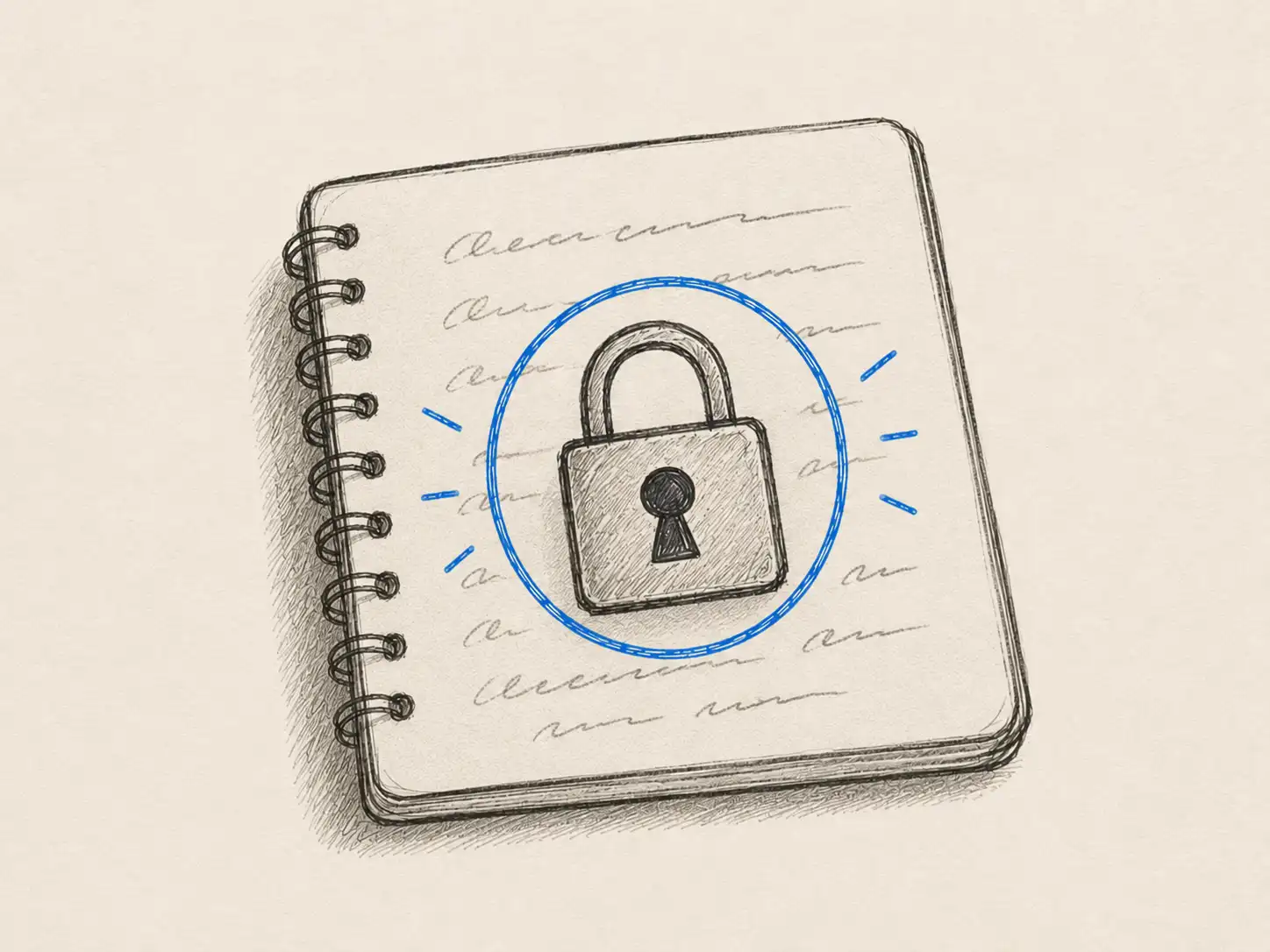
Documents are encrypted in transit and never used to train AI. The Business plan adds a GDPR Data Processing Agreement, a security packet for procurement, and EU or region data residency for enterprise.
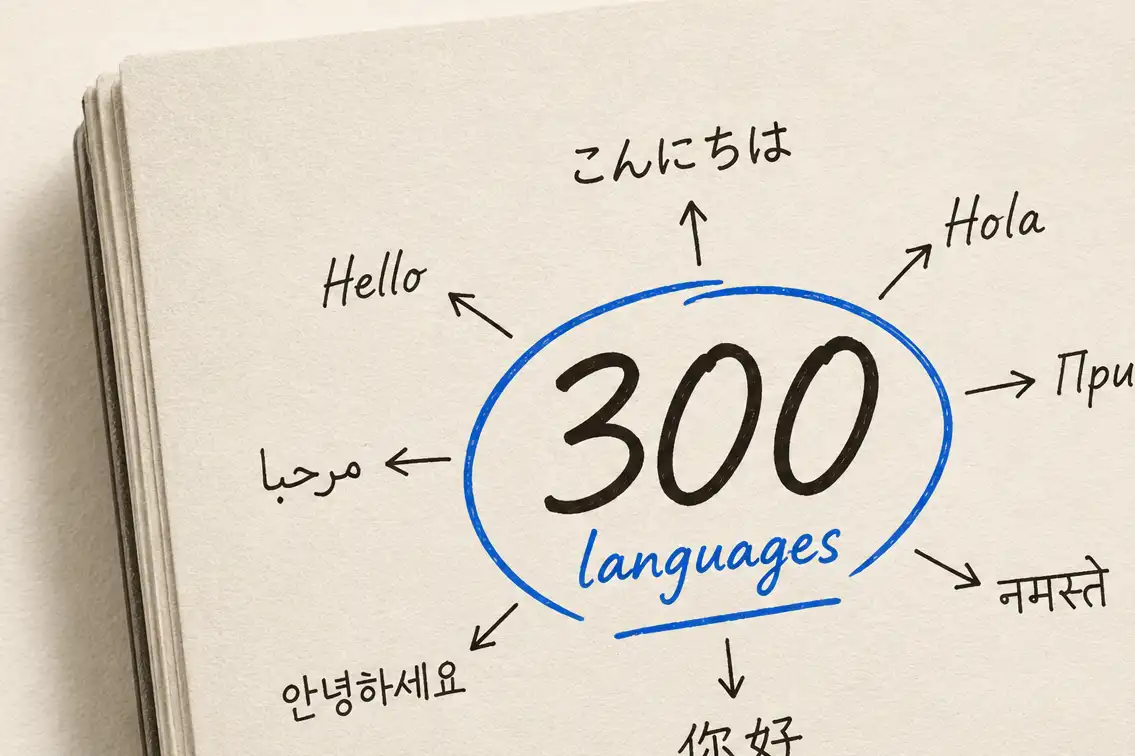
Turn foreign-language documents into English in the same step, and run large volumes over the API or hand us the backlog for managed processing, with results delivered in days.
Claims, intake & client correspondence
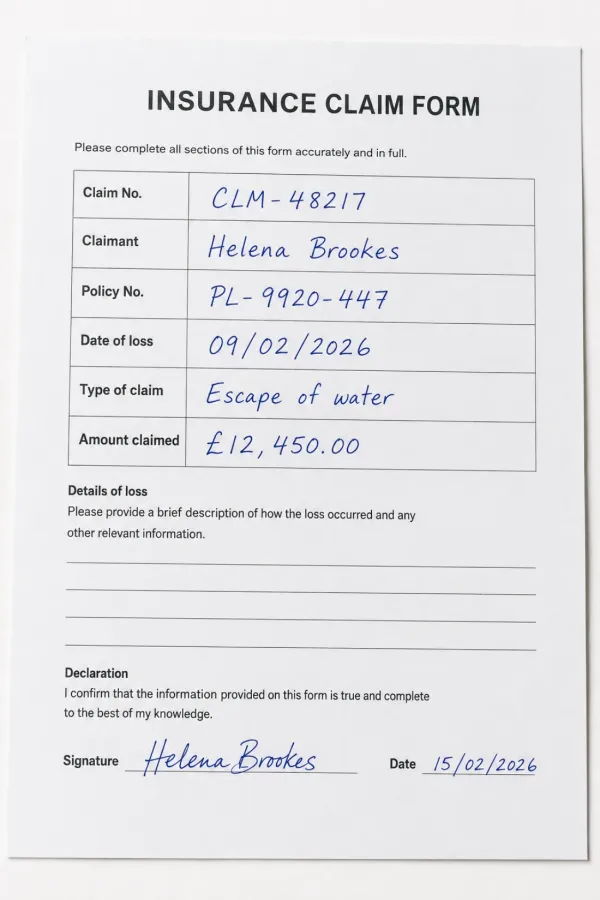
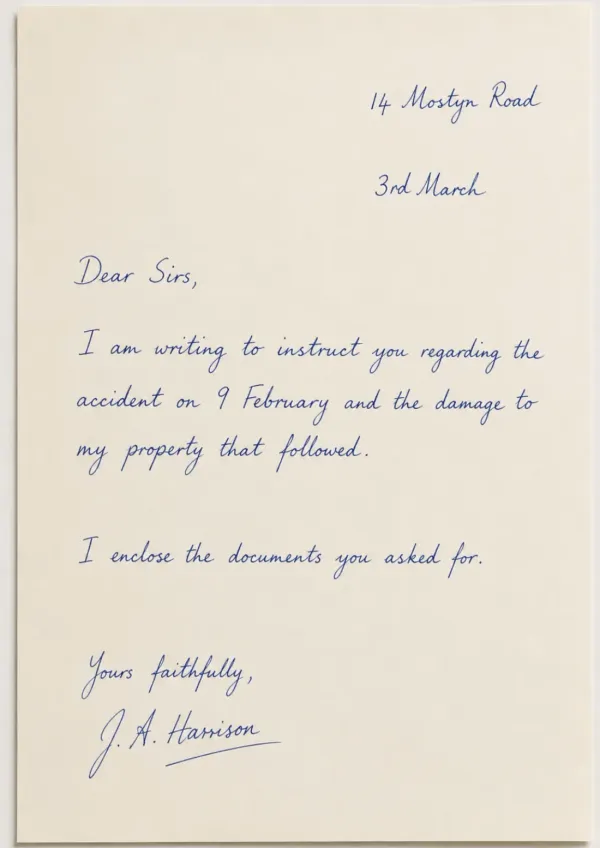
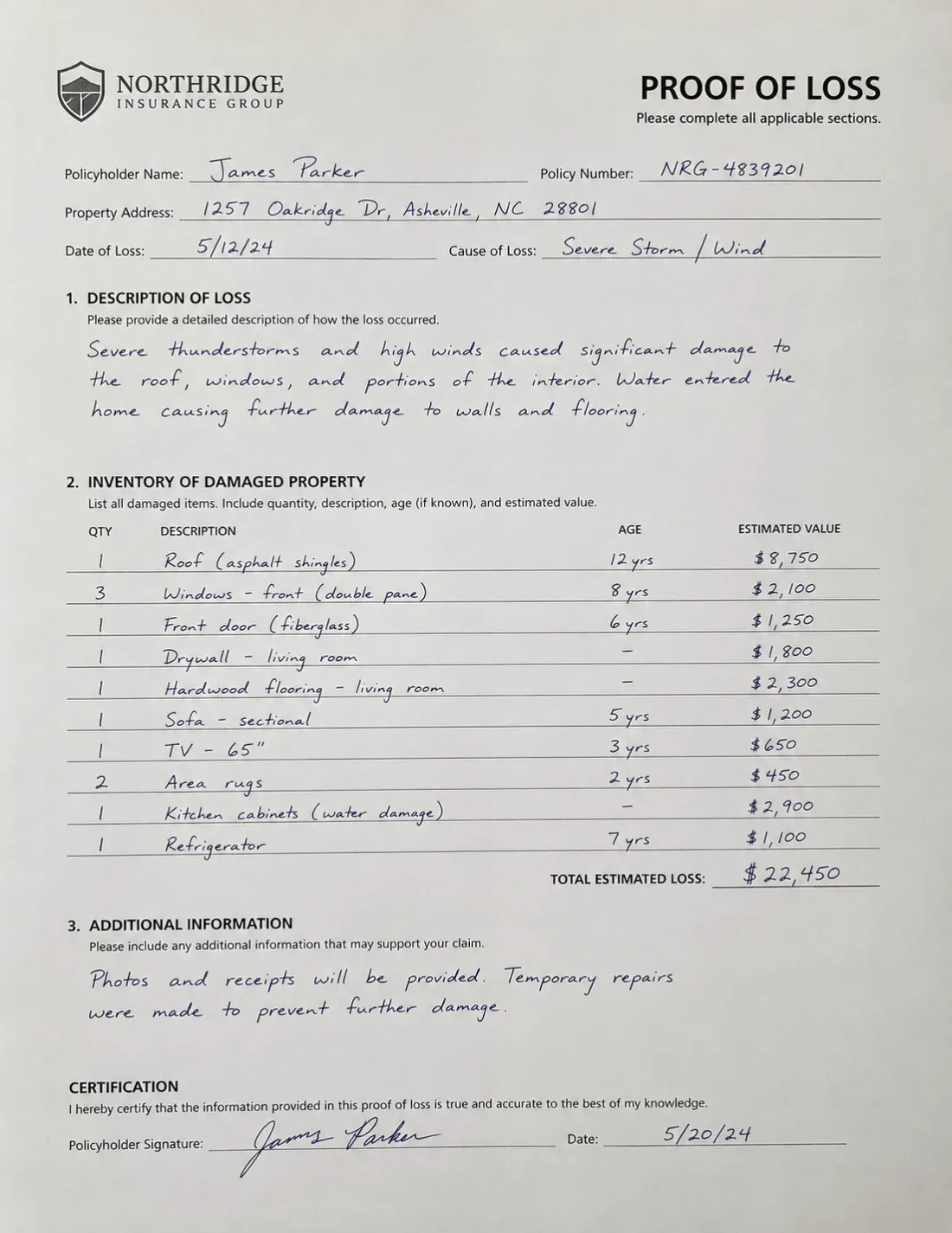
Insurers, claimants, and clients still submit handwritten forms, claims, and letters by the boxful. Turn that inbound paper into searchable text and structured fields, so a whole intake can be triaged and routed in a fraction of the time.
Contracts & agreements
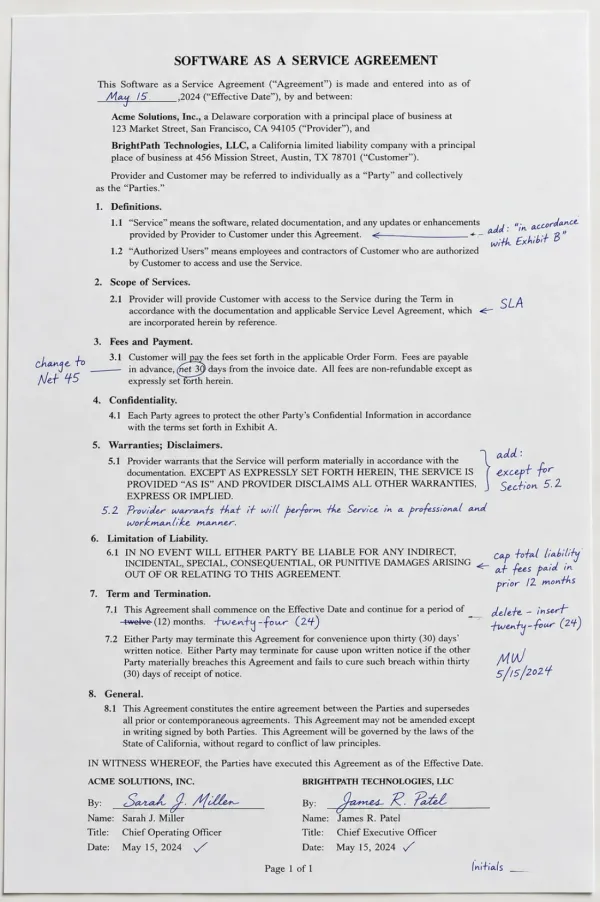
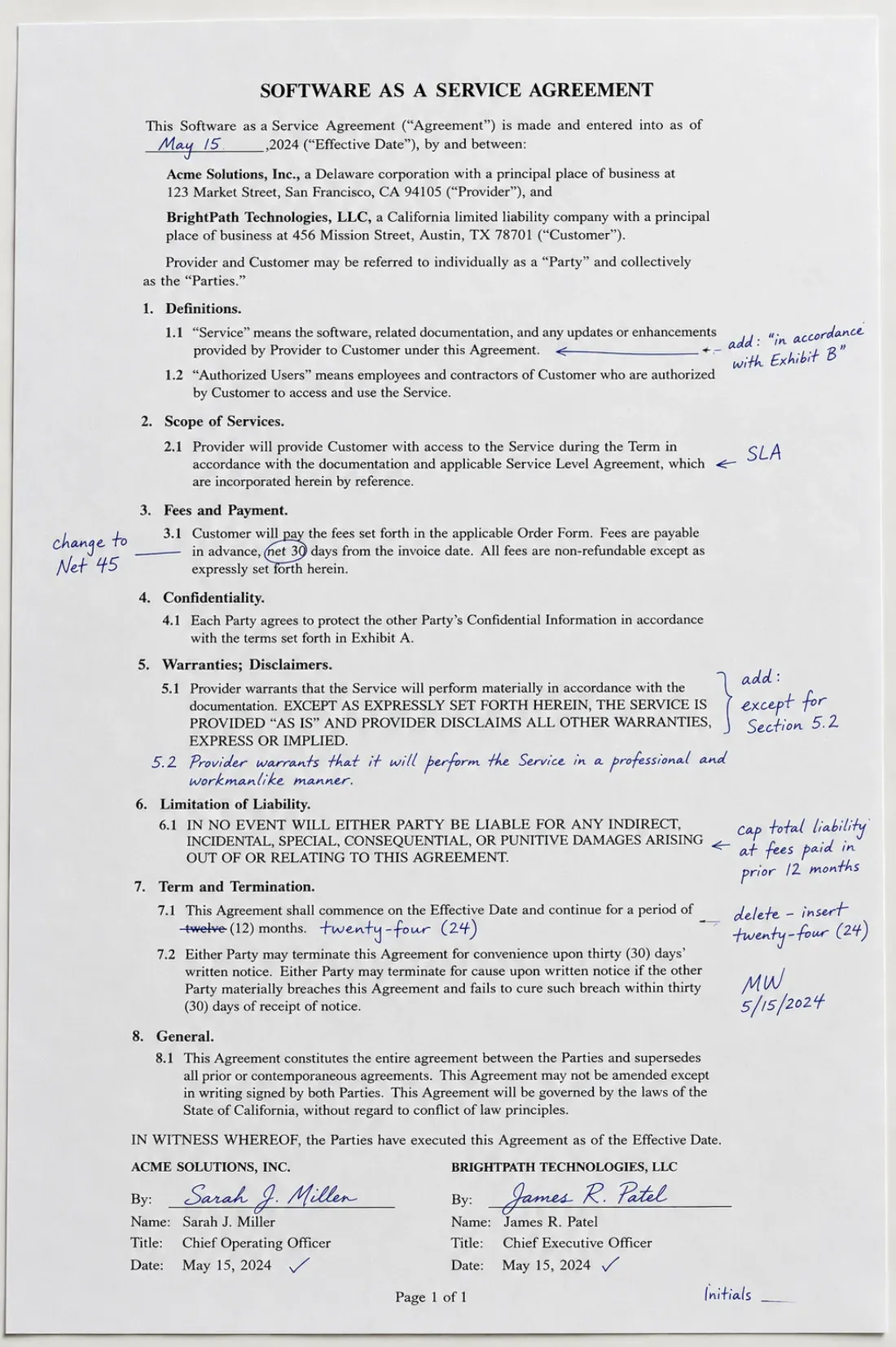
Turn contracts and agreements carrying handwritten amendments, interlineations, and initials into editable text, with the printed terms and the handwritten changes kept distinct so it stays clear what was added by hand.
Custom extraction at scale
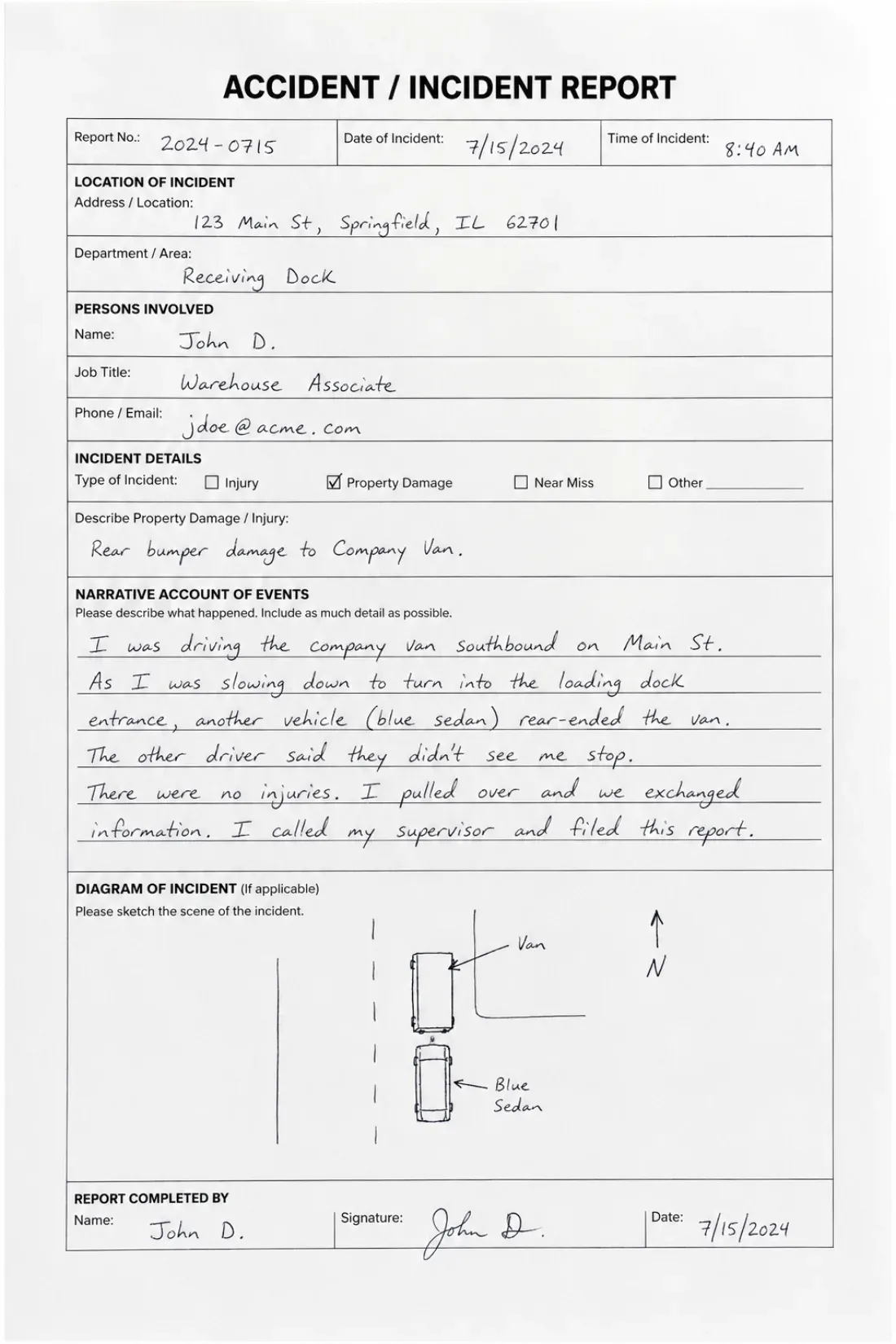
Define a schema once, claimant, policy number, dates, amounts, and pull those fields off every document in a batch into a spreadsheet. Run it in the app or call your extractor over the API as part of your own workflow.
Managed processing for large backlogs
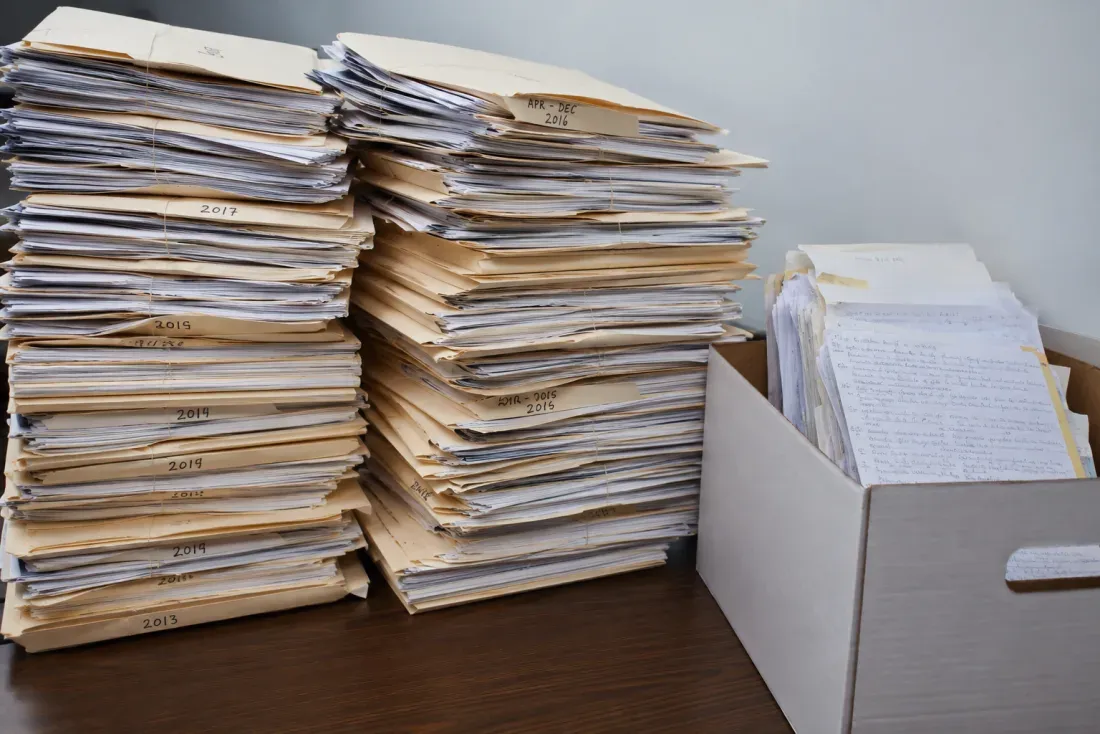
For very large volumes, you do not have to build anything. Send us the files, we process them with a configuration tuned to your documents, and deliver the results in days, under a data processing agreement with data residency where you need it.
Customer story
“I came to Handwriting OCR to automate processing my firm's documents. It went beyond my expectations, it reads even doctors' handwriting. I have used other OCR tools for years and nothing compares.”

Pricing
Pay-as-you-go credits or monthly subscriptions. Cancel any time.
No commitment
One-time purchase. Valid for 1 year.
250 pages / month
Billed monthlyBilled annually
1,000 pages / month
Billed monthlyBilled annually
10,000 pages / month
Billed monthlyBilled annually
Credits never expire while your subscription is active, and your documents are never used to train our models.
For higher volumes, dedicated instances, offline deployment, or any other custom requirements, see Handwriting OCR for Enterprise or contact us.
FAQ
Any other questions? Get in touch and we'll answer right away.
Handwriting OCR is an AI service that turns handwritten documents into accurate, searchable, editable text and structured data. Unlike traditional OCR, which was built for printed text, it is built specifically for handwriting, including cursive, faded ink, and many languages, and it can translate non-English documents into English in the same step. Upload a scan or photo and you get back clean text you can search, edit, and export to Word, Markdown, plain text, or a spreadsheet.
Handwriting OCR was founded in London in 2023, dedicated to applying modern AI to read the hardest handwritten documents that traditional OCR cannot handle. We are a small, independent UK team, the people who build the product also handle support, and we never use your documents to train models or share them with anyone.
Yes. You can automate uploads and retrieval over the API with webhooks to process documents continuously as part of your own workflow. For very large backlogs, typically tens of thousands of pages, we offer managed processing: you send us the files, we process them with a configuration tuned to your document types, and deliver the results in days. It accepts scanned PDFs and common image formats (JPG, PNG, TIFF) without preprocessing.
Yes. On the Pro and Business plans, custom extractors let you define the fields you want, such as claimant, policy number, dates of loss, or amounts, and pull them off every form in a batch into a spreadsheet (XLSX, CSV, or JSON). Table extraction does the same for tabular records like schedules of loss. Extractors are callable over the API using an extractor ID, so they slot into an automated pipeline.
Yes. Handwriting OCR is built for mixed-content pages where printed text and handwriting appear together, which is common in legal work: claim forms with handwritten answers, contracts with handwritten amendments, or typed reports with handwritten annotations. It recognizes both and preserves the structure of the page, so you can see which portions were original and which were added by hand.
Your documents remain private and are processed only to deliver results to you. They are encrypted in transit, never used to train AI models, never used for training, and not retained longer than necessary (you control retention, with auto-delete configurable from 15 minutes up to 14 days). Confidentiality is built into the service design as a fundamental principle, not an optional feature.
Yes, on the Business plan. It includes a GDPR Data Processing Agreement and a security documentation packet for procurement reviews. EU customers can choose EU-only data residency, and region-specific residency can be arranged for enterprise as part of a custom package. We also accept purchase orders for institutional and enterprise customers. We do not currently hold SOC 2 or ISO 27001, so if your firm has specific requirements, get in touch and we can talk through exactly how processing works.
Accuracy depends on the handwriting and the scan. Handwriting OCR is built for cursive and rushed hands and reads real-world documents far better than OCR designed for print, and clear scans process very well. Severely degraded pages, very faded ink, and stylized signatures are harder and need more review. The best guide for a given source is to test a representative sample, which is also how a managed-processing job is scoped.
No, and it is not designed to. Handwriting OCR accelerates the mechanical work of converting handwriting to text and structured data, but legal documents still require professional review. Context-dependent abbreviations, legal terminology, and figures that must reconcile need human verification. The tool removes the transcription bottleneck so your people spend their time on analysis and judgment rather than data entry.
Try it on your own documents
Upload a claim form, a contract with amendments, or a page of case notes and see how the transcription and extraction compare to doing it by hand. For large backlogs, talk to us about managed processing.
No card needed. Your documents are never used to train our models.
Our experience
Legal teams and legal-service providers come to us with the same problem: a large volume of client documents, much of it handwritten, that has to become usable data. Claim forms, intake correspondence, contracts with handwritten amendments, schedules of loss, case files. It is exactly the kind of material the tool was built for, and we are honest about where it helps and where a person still has to look.
For legal documents, the first questions are about confidentiality and scale. Our stance is the same for every account: documents are encrypted in transit, never used to train our models, never shared, and deleted on a schedule you control (from 15 minutes up to 14 days). For firms with formal requirements, the Business plan adds a GDPR Data Processing Agreement, a security documentation packet for procurement, and EU or region data residency for enterprise. On volume, you can automate everything over the API, or hand a large backlog to managed processing and we run the whole job.
A handful of document types come up again and again:
The scale varies enormously. One legal-service firm came to us because their client, a large insurer, had a mountain of handwritten documents to get through; at the other end, a single solicitor automating their own intake.
Two things matter most at volume. The first is custom extractors: define a schema once, claimant, policy number, dates, amounts, and we pull those fields off every document in a batch into a spreadsheet, callable over the API so it fits an existing pipeline. The second is faithful transcription: we return what is actually on the page rather than a tidied-up guess, and on pages that mix printed text with handwriting we keep the two distinct. As Adele D., a court translator, put it: “The service correctly recognized everything - both printed text and handwriting.” For the largest jobs, managed processing means you do not have to build anything at all.
Client letters and handwritten amendments are frequently cursive. Our cursive reader page shows the AI on real connected hands, errors and all.
Every set of documents is different, so the only real test is your own. Try it on a claim, a contract, or a page of notes with free trial credits and no card, and for large backlogs talk to us about managed processing.