
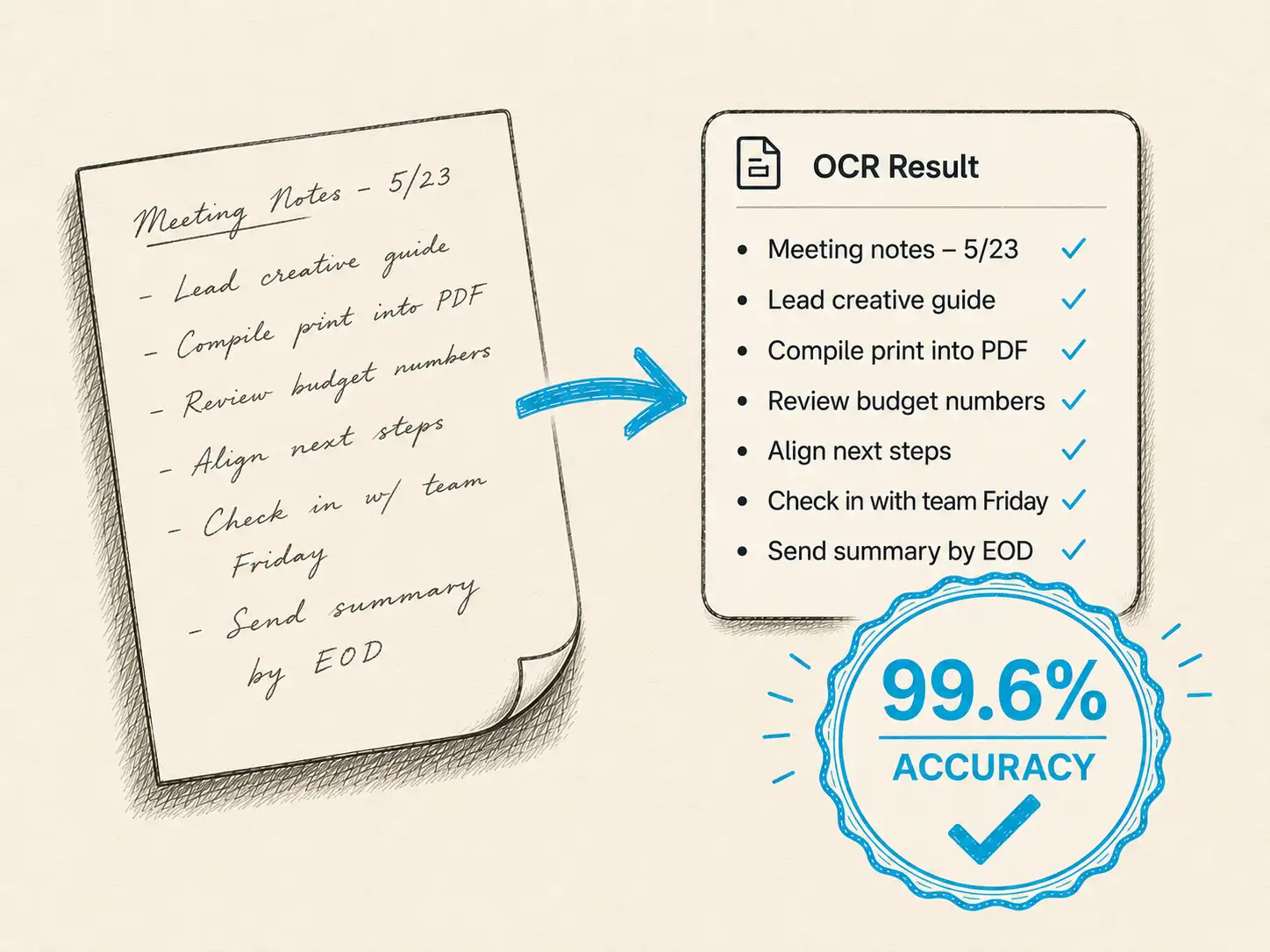
Accuracy on real handwriting
Reads connected cursive, faded ink, and the mixed hands that defeat ordinary OCR, so you can trust the names, dates, and places it pulls out of a page.
Finally read what your ancestors wrote. Handwriting OCR turns faded letters, registers, and records into clear, searchable text, even the handwriting you can't read yourself.


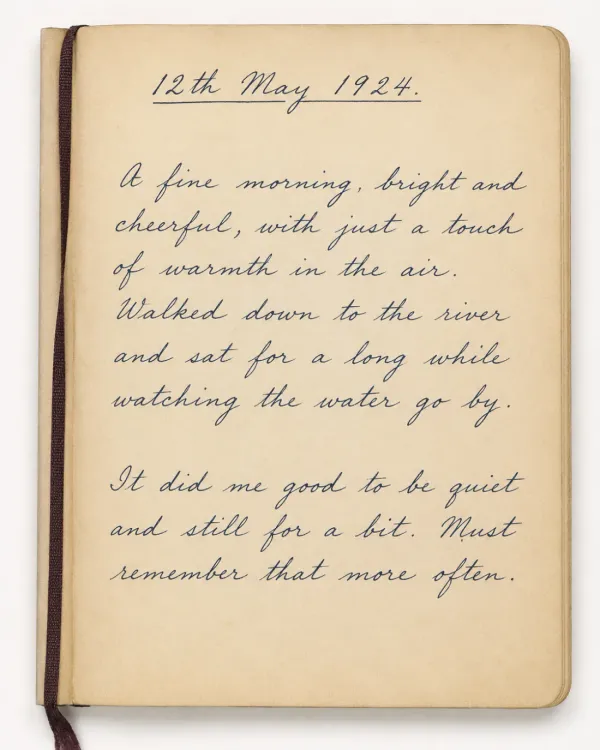
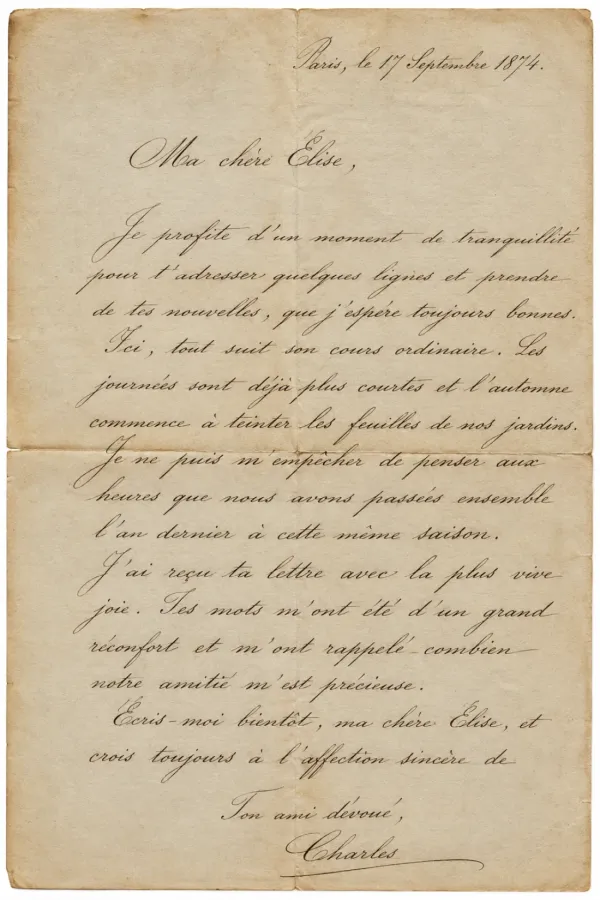
Loved by genealogists
From archivists and researchers to families piecing together their own history.
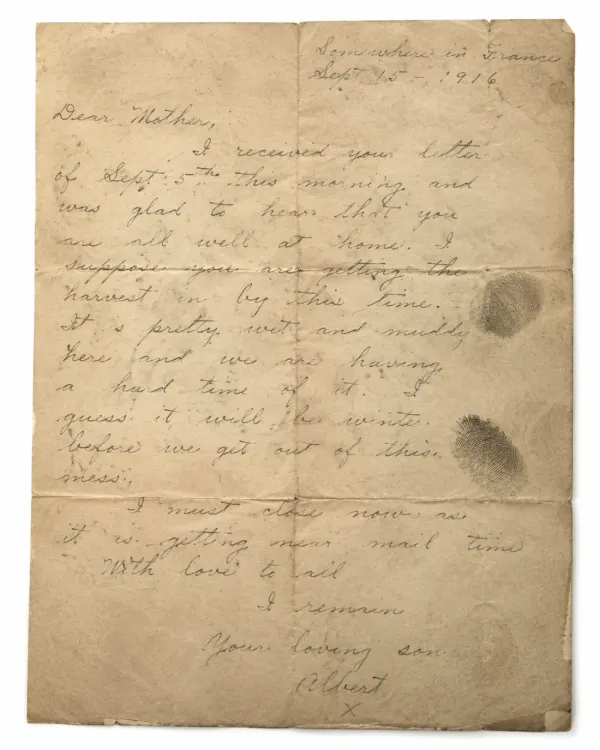
"Very good. I'd only managed two of my father's wartime letters in an evening; with Handwriting OCR I did six letters, 32 pages, in one sitting. Now my grandchildren will have access to our family history."
"Your tool is amazing. I have around 400 pages of handwritten French letters to work through, and a historian pointed me straight to you."
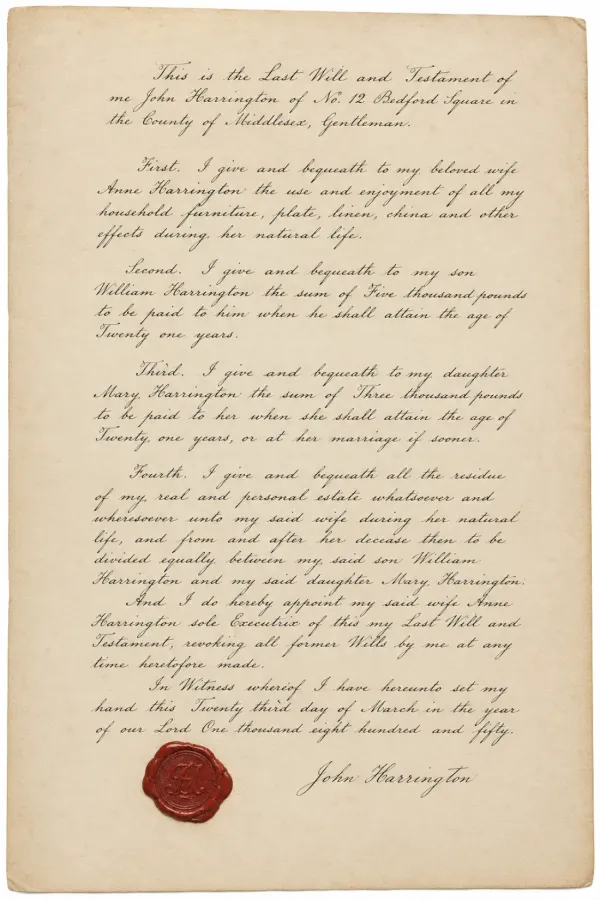
"I research local history across 17th to 20th century wills, leases, and conveyances. I tested it on documents I'd already transcribed by hand: seconds to do what takes me hours, and more accurate than I was."
"French church records from the 1700s are a tall order, but I'm honestly surprised how well it works. It's the best of everything I tried."
"As our village archivist, I transcribe old property leases for the local record. It worked brilliantly, and I can't think of a single improvement."
"Transcribing 200-year-old birth records in Polish and Russian by eye is exhausting. This is extremely helpful, the translations into English are great, and I'm so glad I discovered it."
How it works
Whether it's a single letter or a whole box of parish registers, the workflow is the same three steps: upload, let the AI transcribe, then export and search. No setup, and results in seconds.
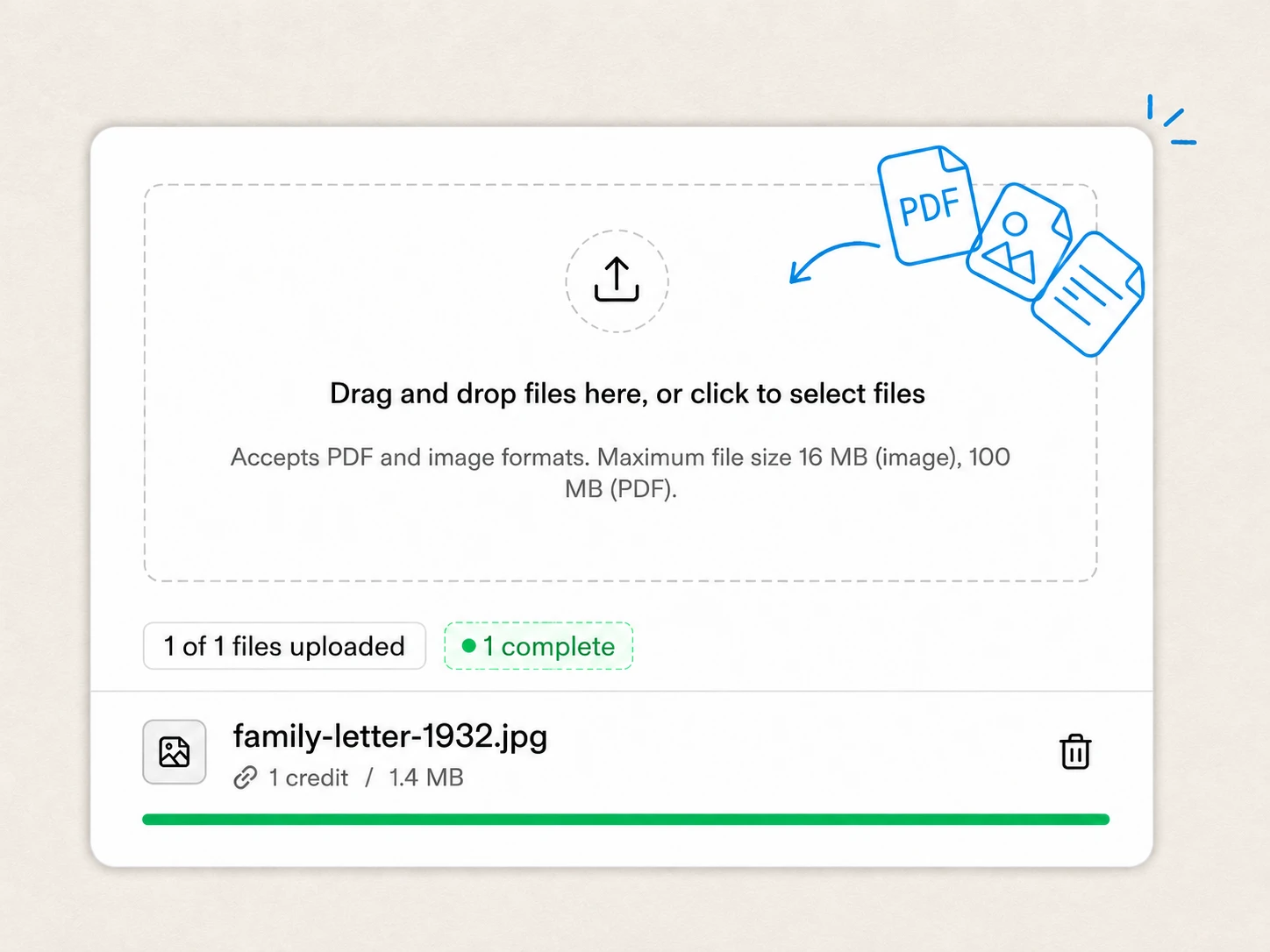 1
1 Drop in a photo or PDF from FamilySearch, Ancestry, an archive visit, or your own scanner. No format conversion or preprocessing needed.
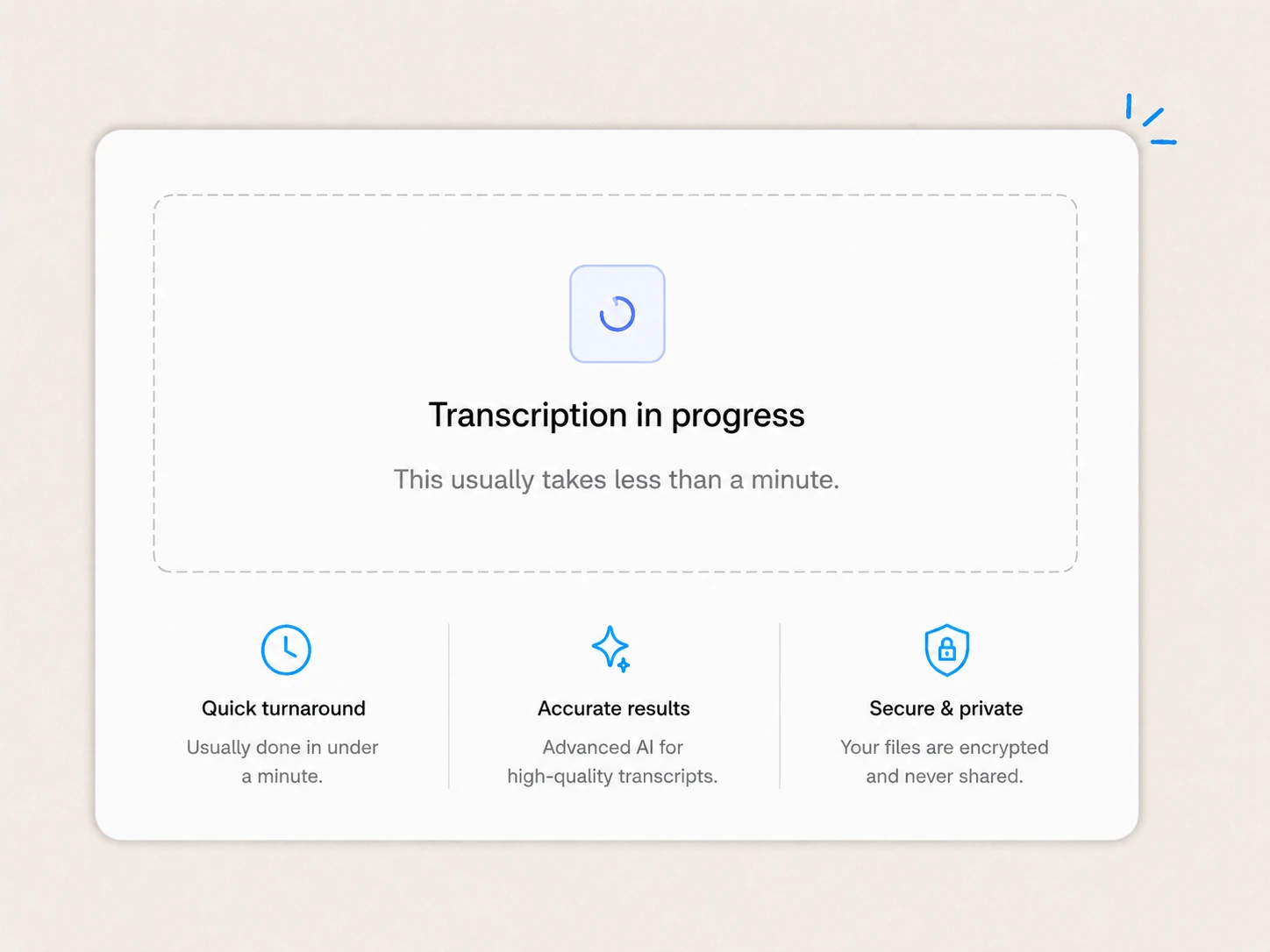 2
2 Our model transcribes historical cursive and period scripts, preserving columns, rows, and structure even across multiple hands on one page.
 3
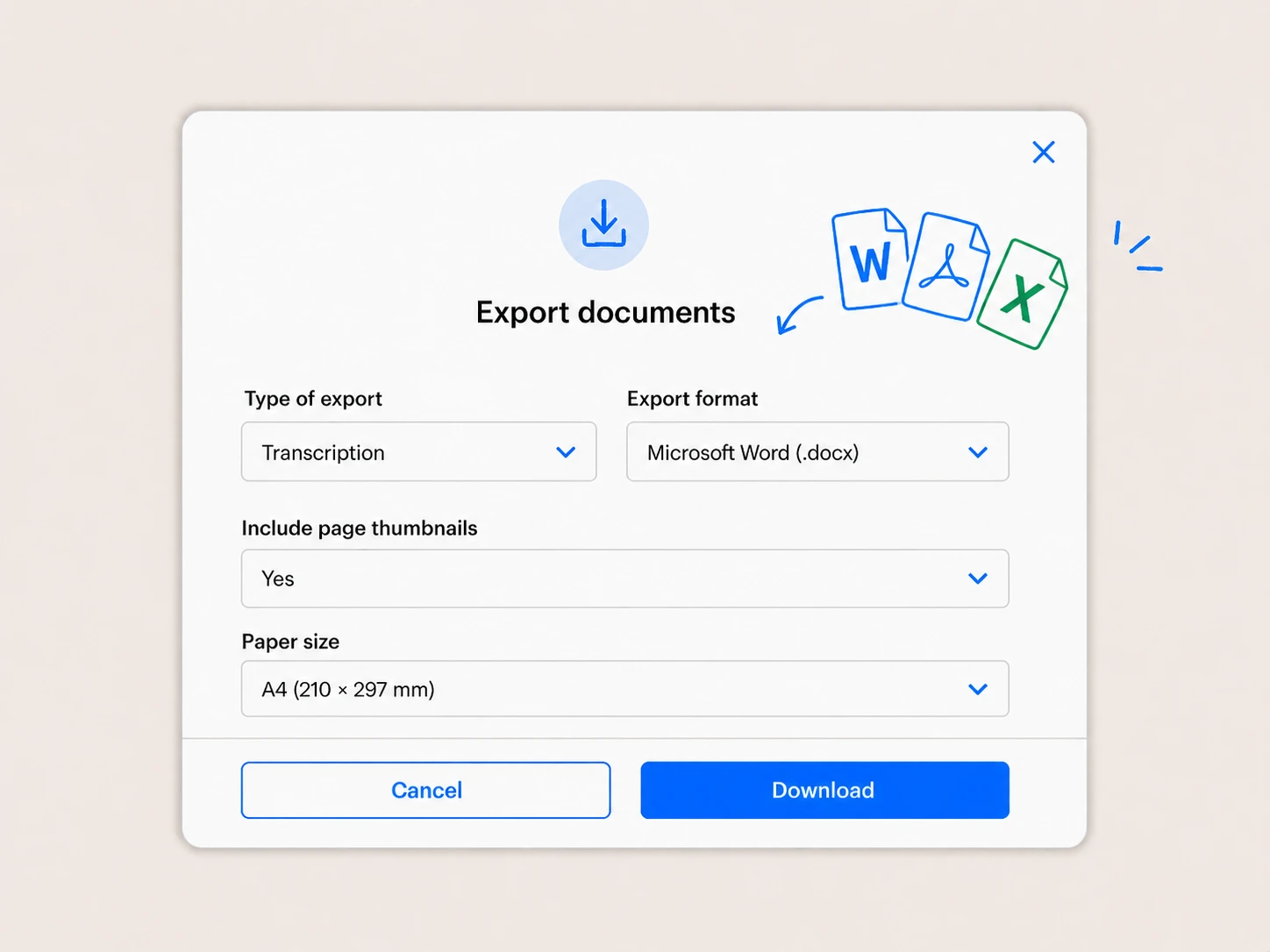
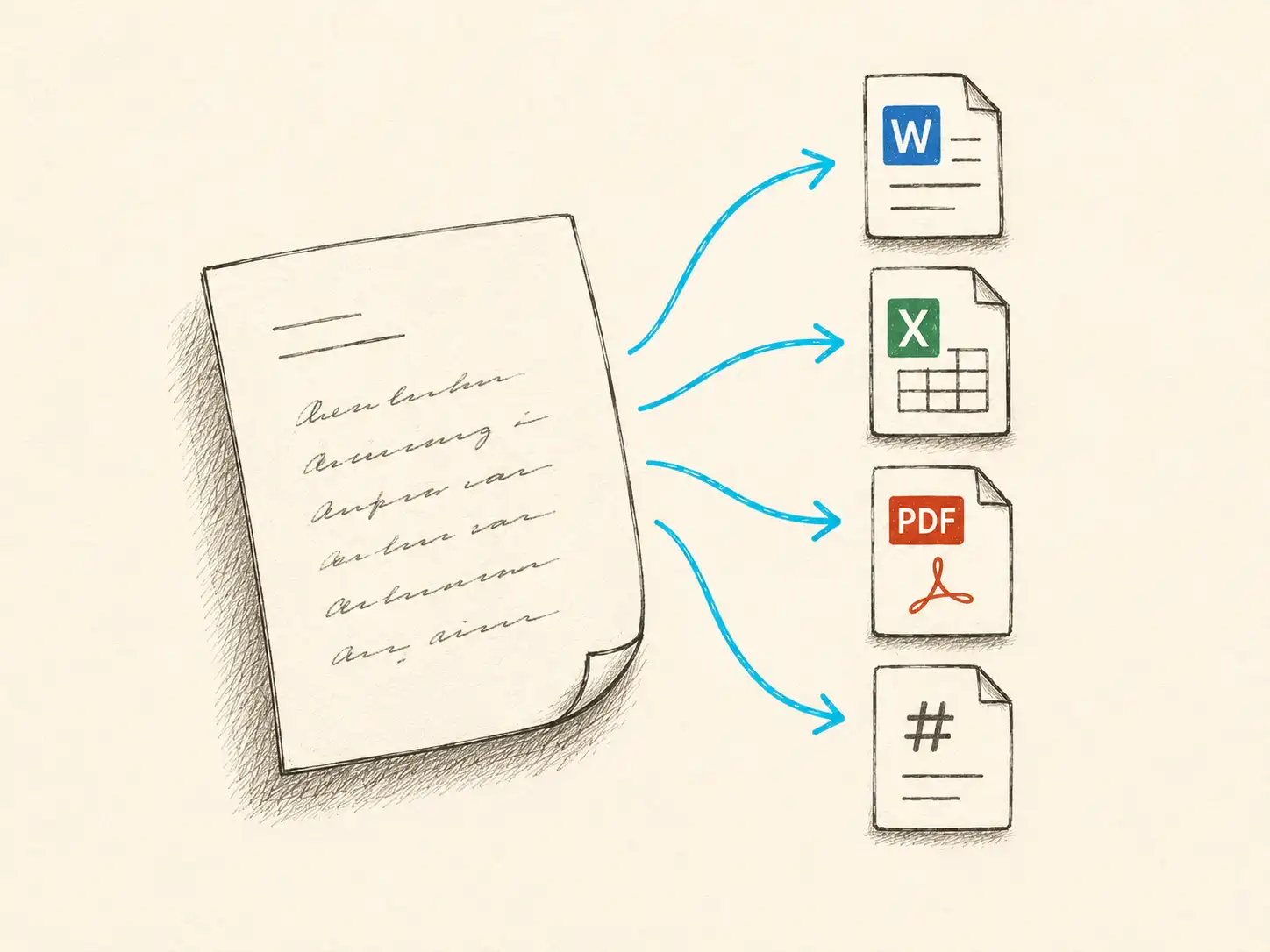
3 Download editable text in Word, Markdown, or plain text, then search names, dates, and places across your whole collection in seconds.
Why genealogists choose Handwriting OCR
Most OCR was built for clean printed text. Handwriting OCR reads real, messy, handwritten records accurately, keeps them private, translates where you need it, and hands back searchable text in seconds.
Reads connected cursive, faded ink, and the mixed hands that defeat ordinary OCR, so you can trust the names, dates, and places it pulls out of a page.
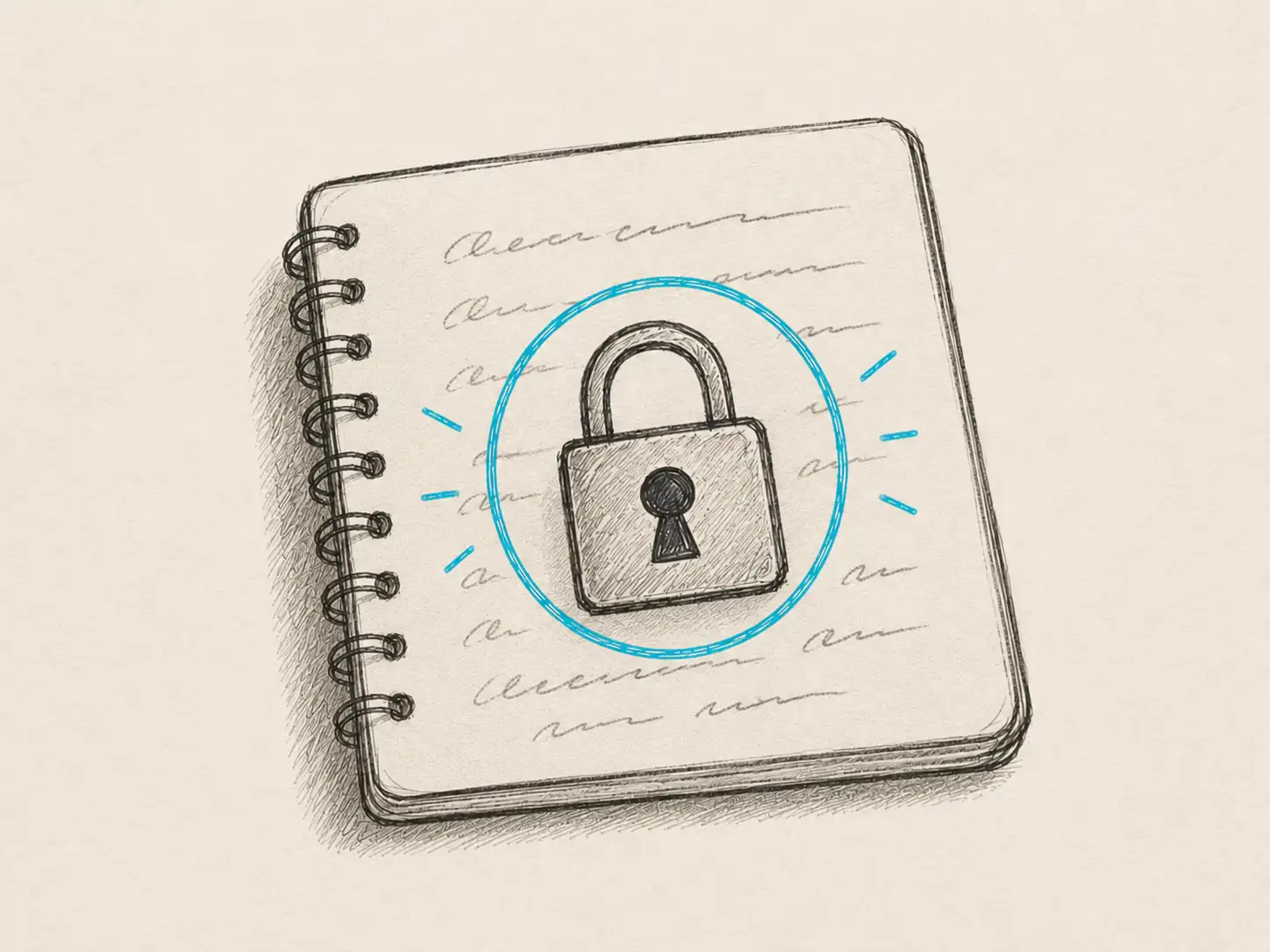
Your records are processed only to return your results. Nothing is shared and nothing is used to train AI models, so personal family detail stays personal.
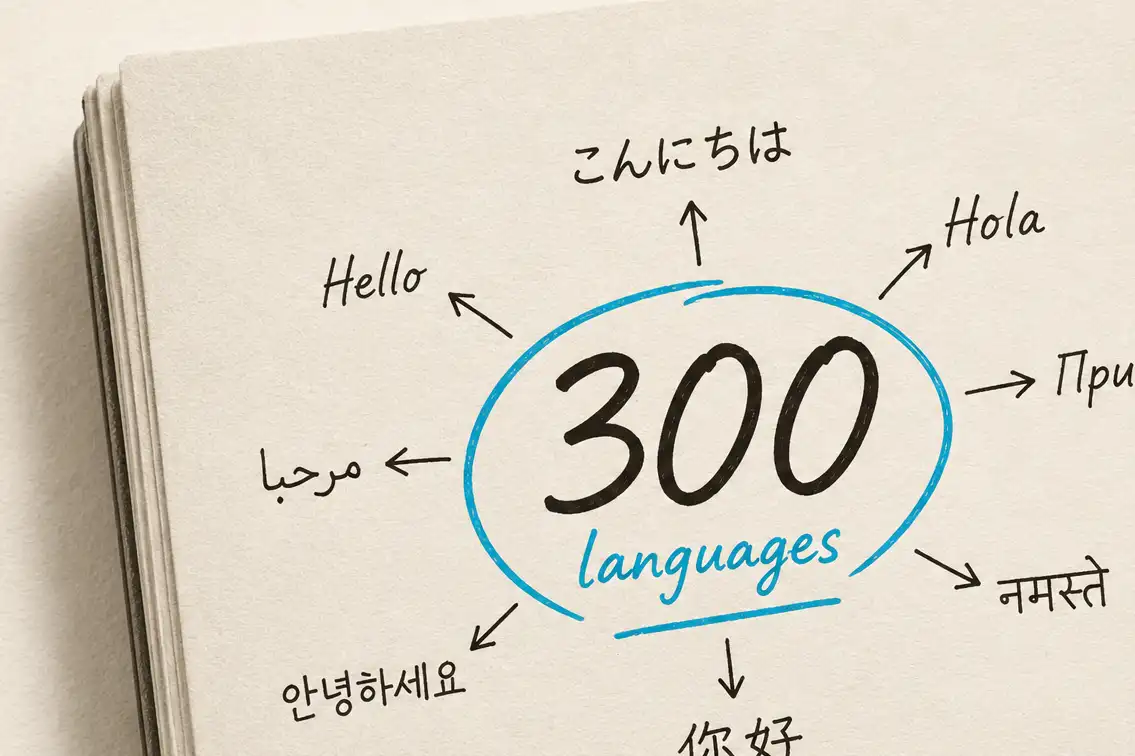
Turn an old French or German family letter into readable English in the same step, so a language barrier no longer keeps part of your family story out of reach.
Get clean, searchable text out in seconds as Word, Markdown, or plain text, then search names and dates across your whole collection or drop it straight into your tree software.
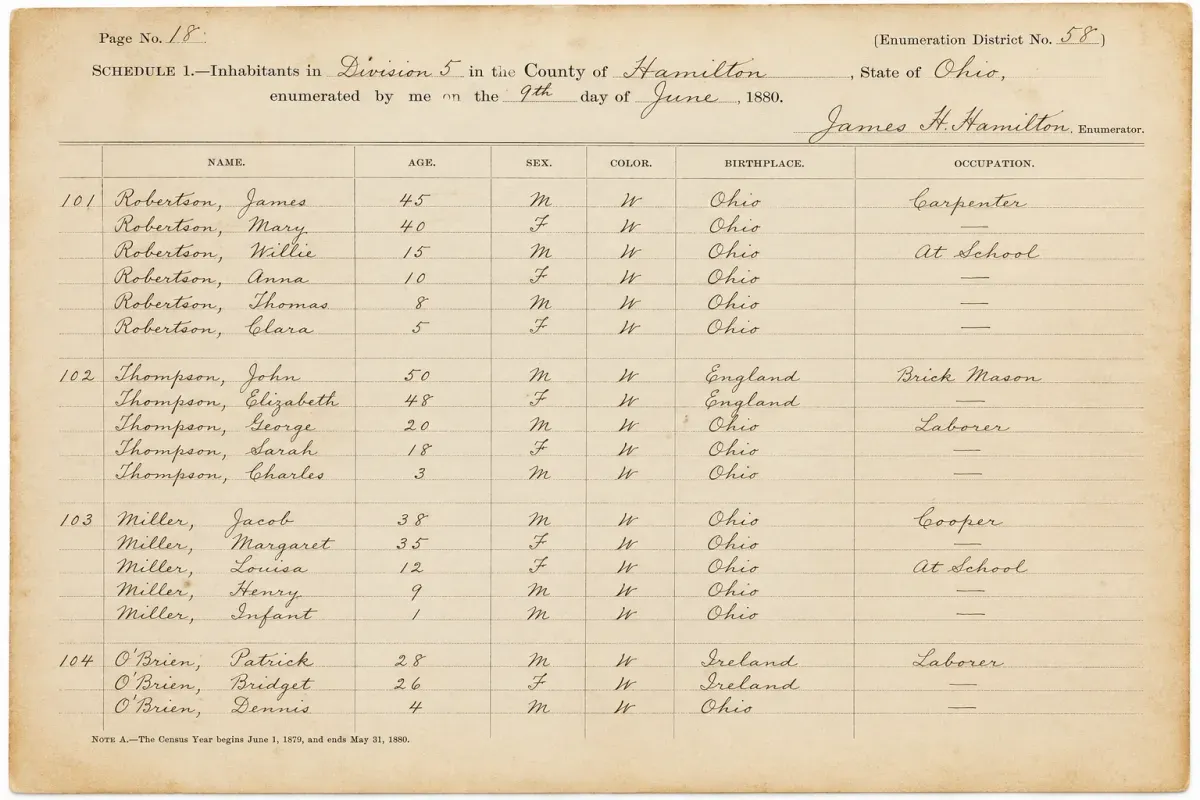
Census records
Turn handwritten census schedules into searchable text so you can jump straight to a family name instead of reading page after page. The rows and columns stay intact, so every entry is easy to check against the original.
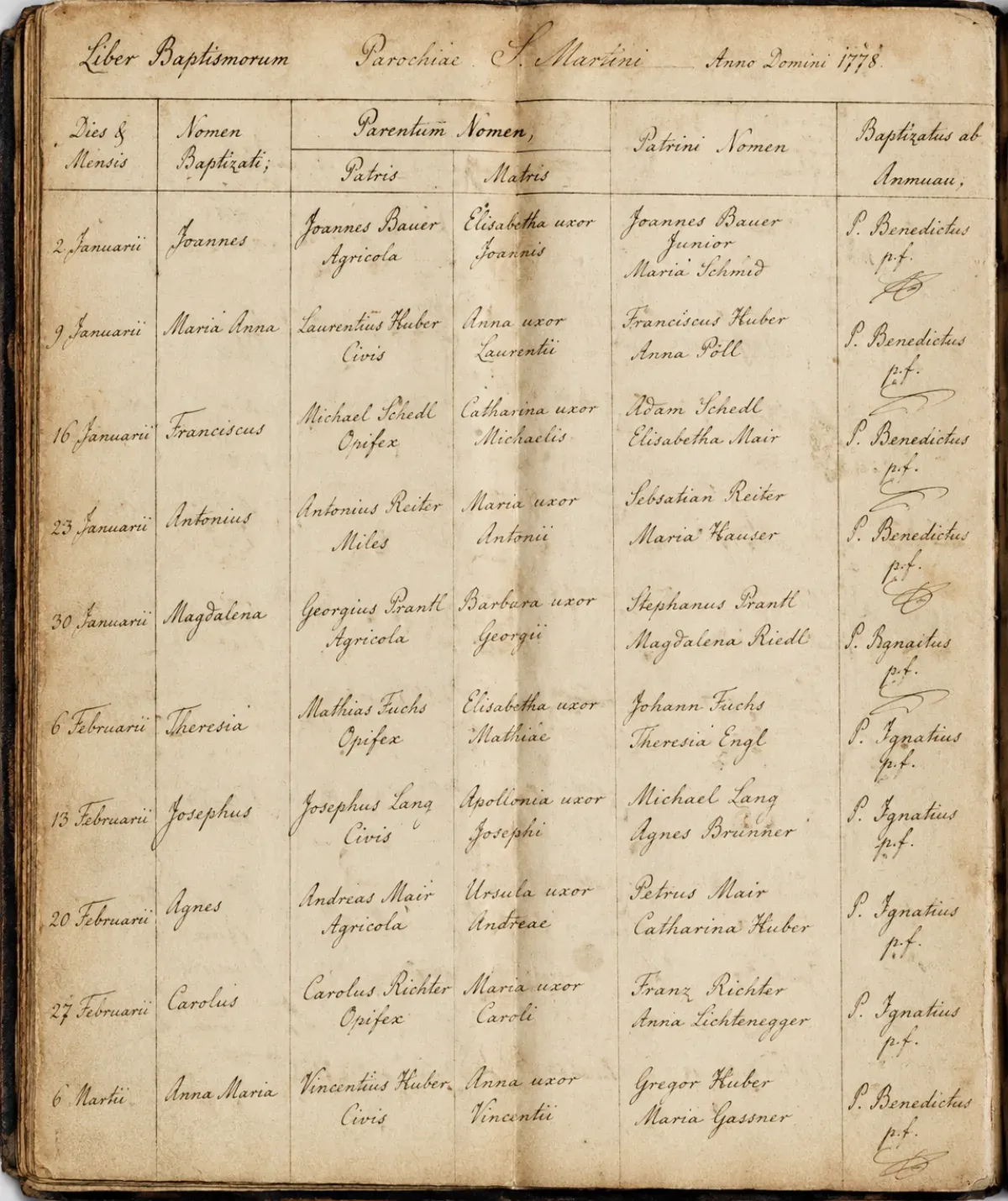
Parish registers
Make long runs of parish registers searchable, even ones that reach back before civil registration. Names, dates, and the familiar entry formulas come through as written, ready for you to interpret.
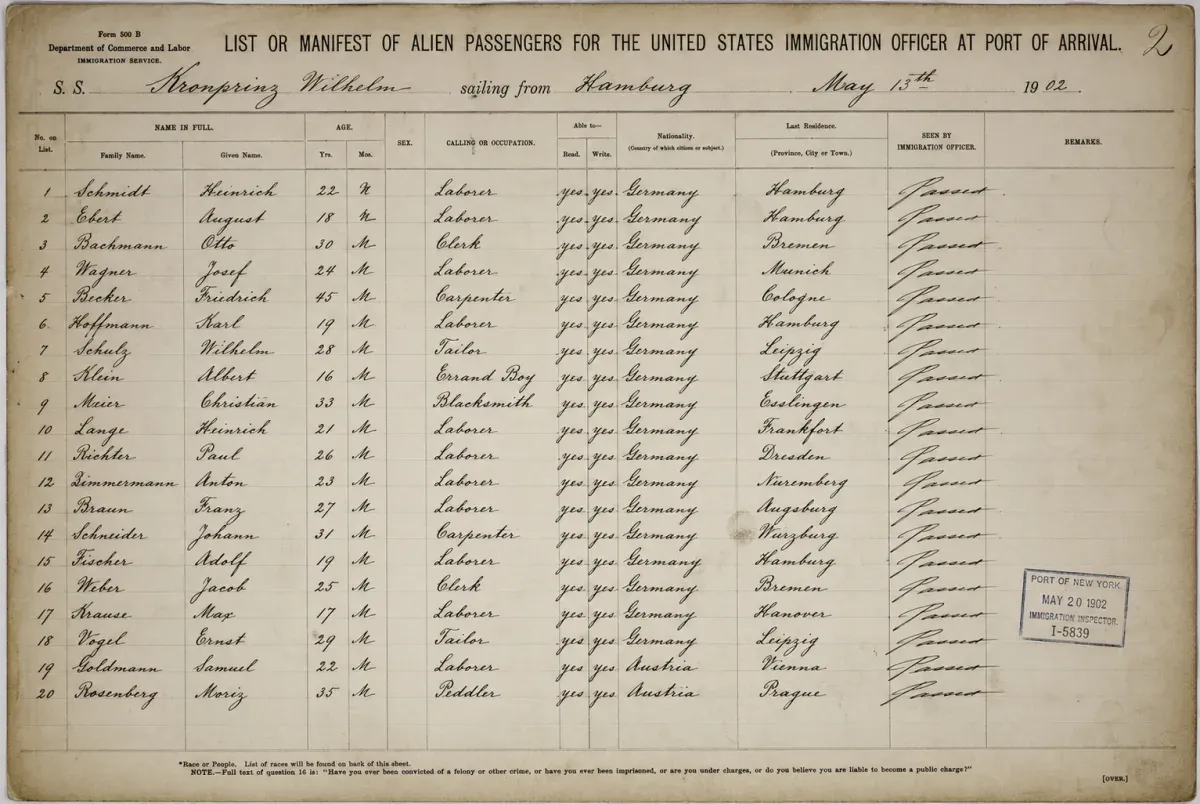
Ship manifests
Convert dense passenger lists into searchable text so you can find an ancestor, and the relatives who travelled alongside them. Names and places are captured exactly as they were recorded.
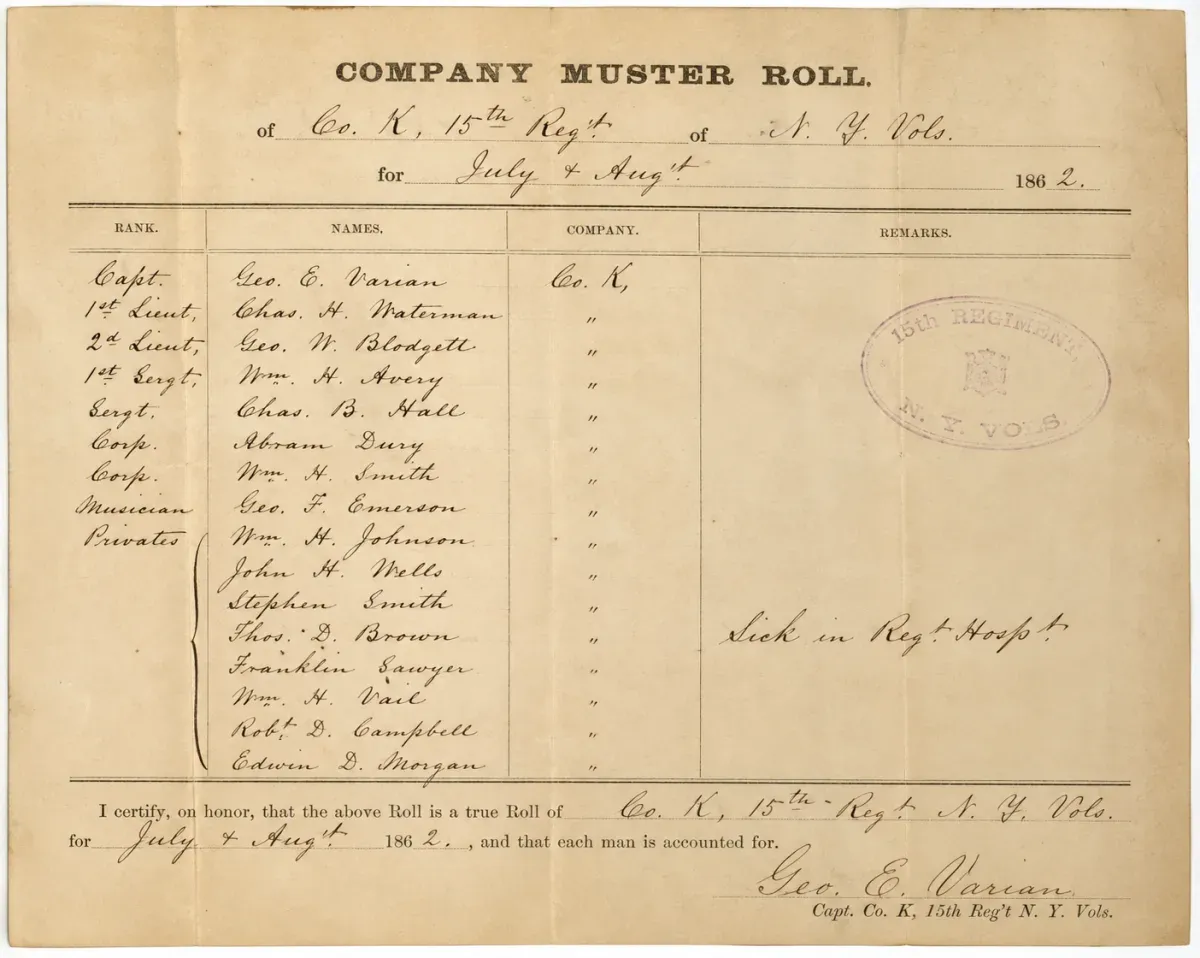
Military & probate files
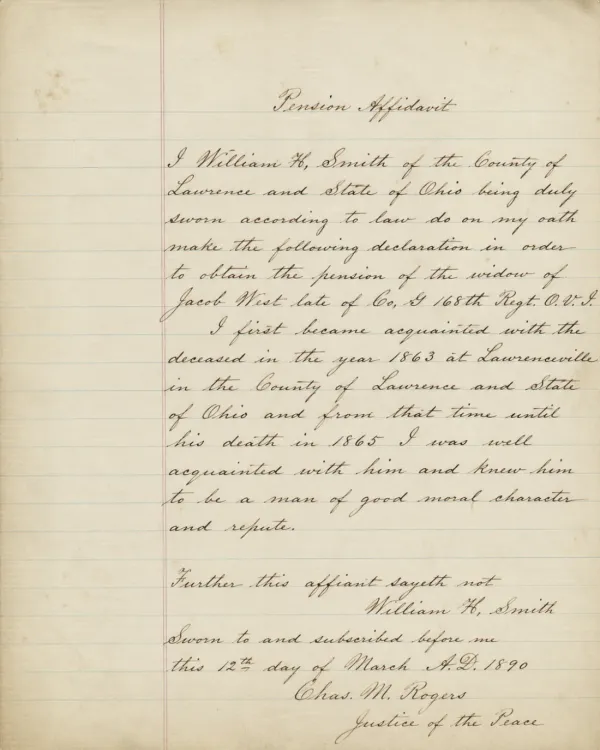
Service, pension, and probate files hold some of the richest family detail. Handwriting OCR makes them searchable, so names and relationships are no longer buried in the handwriting.
Customer story
“Brilliant! I'm stunned at the accuracy. The OCR made fewer errors than a human transcriber would.”
Pricing
Pay-as-you-go credits or monthly subscriptions. Cancel any time.
No commitment
One-time purchase. Valid for 1 year.
250 pages / month
Billed monthlyBilled annually
1,000 pages / month
Billed monthlyBilled annually
10,000 pages / month
Billed monthlyBilled annually
For higher volumes, options for offline deployment, or any other custom requirements, please contact us.
FAQ
Any other questions? Get in touch and we'll answer right away.
Handwriting OCR is an AI service that turns handwritten documents into accurate, searchable, editable text. Unlike traditional OCR, which was built for printed text, it is built specifically for handwriting, including cursive, faded ink, historical scripts, and many languages, and it can translate non-English records into English in the same step. Upload a scan or photo and you get back clean text you can search, edit, and export to Word, Markdown, or plain text.
Handwriting OCR was founded in London in 2023, dedicated to applying modern AI to read the hardest handwritten documents: the cursive, faded, and historical pages that traditional OCR cannot handle. We are a small, independent UK team, the people who build the product also handle support, and we never use your documents to train models or share them with anyone.
Handwriting OCR is designed to process historical cursive styles including the flowing penmanship common in 19th-century documents. It handles connected letters, historical letter formations, and the stylistic variations typical of different time periods. Accuracy depends on the clarity of the original handwriting and scan quality. Well-preserved documents with relatively clear handwriting typically process well, while heavily faded or damaged sections may require more careful verification. The best way to assess performance on documents from your specific time period and region is to test with sample pages from your research.
Yes. Handwriting OCR processes scanned images and PDFs regardless of their source. If you can download or screenshot a genealogical record from an online archive, you can process it. The system handles various scan qualities and formats, including images downloaded from genealogy websites, photographs from archive visits, or personal scans of family documents. No format conversion or special preparation is required before processing.
Handwriting OCR extracts what is actually written in each document. If a surname appears as "Schmidt" in one census and "Schmitt" in another, the system will extract each spelling as written. This is actually valuable for genealogical research because it preserves the historical spelling variations that researchers need to track. However, you'll need to apply your own research judgment about whether variant spellings refer to the same family. The technology handles text extraction; genealogical interpretation remains researcher work.
Yes. Many genealogists use handwriting OCR specifically for this purpose. By processing family letters, diaries, census pages, and other handwritten documents, you create searchable text that you can organize into a personal research database. You can then search across your entire collection for names, dates, places, or events rather than manually reviewing each document. The extracted text can be exported in formats that work with genealogy software, personal databases, or research note systems.
No. Your documents remain private and are processed only to deliver results to you. They are not used to train AI models, not shared with third parties, and not retained longer than necessary to complete processing. This is particularly important for family documents that may contain personal information. Privacy is built into the service design as a fundamental principle, not an optional feature.
Yes. Handwriting OCR is designed to handle historical German scripts including Sütterlin, Kurrent, and earlier Gothic hands. These scripts present unique challenges with their distinctive letter formations and connected writing styles, but the technology is specifically built to process them. Accuracy depends on the handwriting quality and document condition. German family researchers working with 19th and early 20th century documents can process these materials, though verification against the originals remains important for genealogical accuracy.
Yes. Handwriting OCR processes historical French handwriting across different time periods, including parish registers, notarial records, and personal correspondence. It handles the cursive styles and abbreviations common in French genealogical documents. French-Canadian researchers, those working with Louisiana records, and anyone tracing French ancestry can process these materials. As with all historical documents, the quality of the original handwriting and scan affects accuracy, but the technology is built to work with the kinds of French documents that appear in genealogical research.
Yes. Handwriting OCR processes historical census records across different time periods, handling the cursive styles and formatting conventions used in different census years. Each decade used different schedules and formats, and enumerators wrote in the penmanship typical of their era. The technology adapts to these variations. Accuracy depends on the individual enumerator's handwriting and the condition of the census image, so the best way to assess performance for the years you research is to test with sample pages from those censuses.
Yes. Handwriting OCR processes military records from different conflicts and time periods, handling the cursive styles and documentation formats of each era. Revolutionary War records, Civil War compiled service files, and World War I draft registrations all used different administrative systems and conventions, and the technology adapts to them. It extracts military abbreviations and unit designations as written (for example "Co. K, 15th Reg't N.Y. Vol. Inf."), but interpreting unit organization, ranks, and reorganizations remains researcher work that requires military historical knowledge.
Yes. Handwriting OCR processes Latin text in parish registers, extracting names, dates, and ecclesiastical phrases. Many early registers used standardized Latin formulas for baptisms, marriages, and burials, and those repeated phrases help the technology recognize them accurately. You'll still need familiarity with ecclesiastical Latin to interpret the extracted text: understanding phrases like "baptizatus est" (was baptized) or "in matrimonium conjuncti sunt" (were joined in marriage) requires knowledge of church-record conventions, and dates expressed as feast days need conversion to the modern calendar.
Handwriting OCR extracts place names exactly as they appear in the manifest. If a birthplace is recorded as "Galicia," "Galizien," "Austrian Poland," or a phonetically spelled village name, the system extracts that exact text rather than standardizing it. This preserves the historical geographic terminology and spelling variants used at the time, which is valuable for immigration research. You then apply your own knowledge of historical geography and shifting political boundaries to interpret what these names meant and where they correspond on modern maps.
Handwriting OCR can process aged and faded documents, though accuracy depends on how legible the original remains. If you can read the text in the original photo or scan, the system will likely extract usable text. Severely faded sections may produce partial results that require verification against the original. Processing deteriorating baby books now creates value by capturing readable text before further degradation, so even where some sections need manual review you preserve content that might otherwise become completely illegible as the original continues to age.
Try it on your own documents
Upload a census page, a German letter, or a parish register and see how the transcription compares to manual work. Your documents stay private and are never used to train models.
Our experience
Genealogy is one of the most popular uses for our handwriting OCR. Every week our handwriting recognition models read tens of thousands of family-history documents, and because they keep improving, the results get better over time.
A handful of document types come up again and again:
Much of it isn’t in English. German, French, Polish, Russian, and Latin all come up regularly, which is why transcription and translation work side by side: you can turn a foreign-language record into readable English in the same step.
Most of these records are cursive, often faded or historical. Our cursive to text page shows the AI reading real letters word for word against expert transcribers, crossed-out text and all.
Every family’s records are different, so the only real test is your own. Try it on a page or two of your hardest handwriting before committing to a larger project, with free trial credits and no card required.