
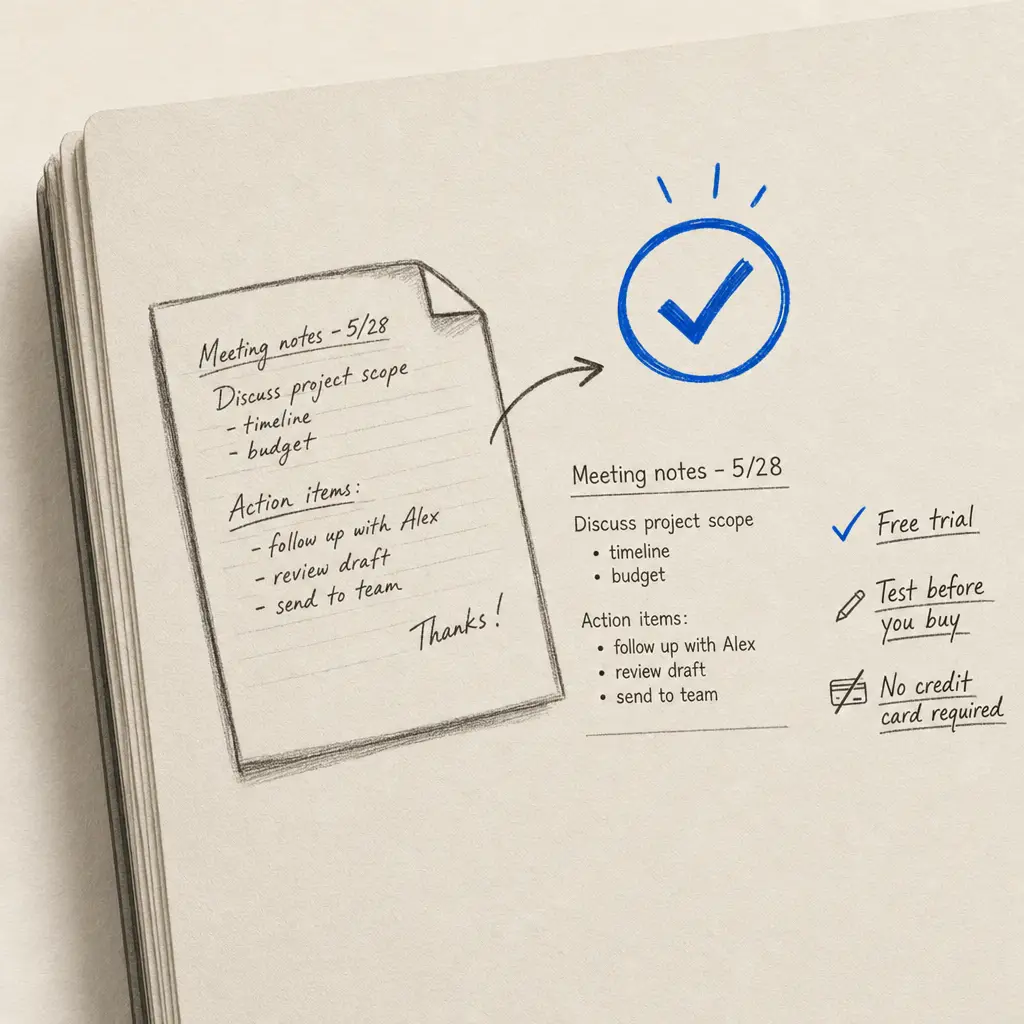
You’ve been disappointed by handwriting OCR before. Maybe Google Lens couldn’t read your grandmother’s cursive. Maybe Adobe Scan mangled your meeting notes. Maybe you spent money on a service that promised accuracy but delivered garbage.
Before you invest time and money in another tool, you want proof it actually works. Not marketing promises. Not cherry-picked examples. Real results on your documents.
That’s exactly what a free trial should give you. No credit card. No automatic billing. No pressure. Just the ability to test with your actual handwriting and see if the accuracy meets your needs.
Quick Takeaways
- Try Handwriting OCR free with no credit card required
- Test on your own documents to verify accuracy on your specific handwriting
- Same AI technology as paid plans with word error rates under 1%
- All export formats included (Word, text, JSON)
- Your documents remain private and encrypted throughout the trial
Why Test Before You Commit
You’ve Been Burned by OCR Promises Before
Generic OCR tools promise to handle handwriting, then fail when you upload real documents. They work fine on typed text but produce nonsense when faced with cursive, messy notes, or historical documents.
The marketing materials show perfect examples. Your results look nothing like that. You end up manually retyping everything anyway, wondering why you bothered.
This happens because most OCR is built for printed text. Handwriting requires completely different technology. If you don’t test on your specific documents before paying, you’re gambling on whether the tool can handle your handwriting style.
Testing with your own documents is the only way to verify accuracy on your specific handwriting before you invest.
Every Handwriting Style Is Different
Clear, print-style handwriting converts differently than flowing cursive. Modern notes process differently than historical documents from the 1800s. Your handwriting might be neat, messy, tiny, sprawling, consistent, or variable.
A tool that works perfectly for one person might struggle with another. This isn’t about quality. It’s about whether the AI was trained on handwriting styles similar to yours.
Free trial credits let you answer the only question that matters: does this work on my documents?
Trial Limitations Often Hide Deal-Breakers
Many services offer trials that look generous until you start using them. The trial might include only basic features while locking advanced functionality behind paid tiers. You can’t test table extraction, specific export formats, or accuracy on challenging documents.
Some trials last only 7 days. That sounds reasonable until you realize you need time to scan documents, test different handwriting types, and evaluate results across multiple use cases.
Credit card requirements create friction even when services claim they won’t charge you automatically. You’re forced to remember to cancel, and there’s always the risk of forgetting.
| Trial Feature | Poor Trial Experience | Good Trial Experience |
|---|---|---|
| Credit card requirement | Required upfront | No credit card needed |
| Feature access | Limited to basic features | Full feature access |
| Trial duration | 7-14 days time pressure | Credit-based (use when ready) |
| Accuracy testing | Sample documents only | Test on your own files |
| Export formats | Text only | All formats available |
What You Get with Handwriting OCR’s Free Trial
No Credit Card Required
Create an account with your email address and choose a password. That’s it. No payment information. No trial period that converts to paid automatically. No cancellation deadline to remember.
You receive free credits immediately. These work exactly like paid credits. Same AI. Same accuracy. Same features. The only difference is quantity.
Use your credits whenever you’re ready. There’s no ticking clock pushing you to test before a trial expires. Take the time you need to gather representative documents and verify accuracy properly.
Test on Your Most Challenging Documents
Don’t waste free credits on easy documents. Start with the hardwriting that causes other tools to fail.
If you’re digitizing family letters from the 1920s, test those first. If you have meeting notes with terrible handwriting, use those. If you need to process cursive handwriting that defeated Google Lens, that’s your test case.
The point is to stress-test the system before you commit. If Handwriting OCR handles your worst documents accurately, you know it’ll handle everything else.
Upload PDF files, JPG images, PNG scans, or TIFF documents. Multi-page PDFs work fine. Individual images work fine. Use whatever format matches your workflow.
Full Feature Access During Trial
Every export format is available during the trial. Download results as Microsoft Word documents with preserved formatting. Get plain text in Markdown format. Extract structured data as JSON.
If your documents contain tables, you can test table extraction to Excel. If you need historical document recognition, that’s available. If you’re processing personal notes, test that use case.
Free trial credits don’t restrict features or reduce accuracy. You’re testing the real service, not a limited version.
Your free trial uses the same AI that achieves word error rates under 1% on paid accounts. You’re not getting a degraded testing experience.
Privacy Protection from Day One
Your trial documents receive the same security as paid accounts. Encryption in transit. Encryption at rest. Automatic deletion after 7 days. No use of your data for AI training.
This matters if you’re testing with sensitive content. Family letters contain private information. Business documents include confidential data. Research notes might involve unpublished findings.
You shouldn’t have to trade privacy for testing. Your documents remain yours throughout the trial and get deleted automatically when you’re done.
How to Make the Most of Your Free Trial
Gather Representative Documents First
Before you create an account, collect documents that represent your typical use case. If you’re digitizing an entire archive, include samples of different handwriting styles, time periods, and document conditions.
Don’t cherry-pick only the cleanest, easiest pages. Include challenging examples. Faded ink. Damaged pages. Inconsistent handwriting. These are the documents that reveal whether a tool will handle your real workload.
For family historians, that might mean letters from multiple relatives spanning different decades. For researchers, it could include various note-taking styles. For businesses, it’s the range of handwriting you encounter in forms and documents.
Test Different Document Types
If you’ll be processing multiple types of documents, test each type during your trial. Historical letters convert differently than modern notes. Structured forms process differently than free-flowing text.
Try a historical document to test accuracy on old handwriting styles. Upload a page with messy, fast handwriting to see how the AI handles unclear letter forms. Process a document with mixed print and cursive to verify the system can handle both.
This testing gives you confidence about the full range of documents you’ll process, not just the easiest ones.
Evaluate Export Quality
Download your results in different formats to see which works best for your workflow. Word documents preserve formatting and make editing easy. Plain text gives you maximum flexibility for other tools. JSON provides structured data for further processing.
Open the files and actually work with them. Can you edit the Word document normally? Does the text flow correctly? Are there formatting artifacts you’ll need to clean up?
If you need to import results into other software, test that integration during the trial. Better to discover compatibility issues before you’ve committed to a paid plan.
Compare Accuracy Across Handwriting Styles
If your project involves different people’s handwriting, test samples from each person. Some handwriting is naturally easier for AI to recognize. Other styles present more challenges.
You want to know the accuracy range across your real documents, not just the average. If one person’s handwriting converts at 99% accuracy but another person’s only hits 85%, that information helps you plan realistic timelines and set expectations.
For personal note digitization, this might mean testing notes from different time periods as your handwriting evolved. For business use, it means testing samples from different team members or customers.
After Your Free Trial: What’s Next?
If the Accuracy Meets Your Needs
You’ve tested on challenging documents. The results are accurate. The export formats work with your workflow. You’re ready to process more pages.
Choose the option that matches your usage pattern. Pay-as-you-go costs $0.15 per page with no recurring commitment. You buy credits when you need them. They remain valid for a year.
Monthly subscriptions include 250 pages per month with additional pages at $0.08 each. If you’re processing documents regularly, this offers better value than pay-as-you-go.
Both options include API access, all export formats, and the same accuracy you verified during the trial. The only thing that changes is capacity.
If the Accuracy Doesn’t Meet Your Needs
Not every tool works for every use case. If Handwriting OCR didn’t achieve the accuracy you need on your documents, you haven’t lost anything. No credit card was charged. No cancellation was needed.
The testing process itself is valuable. You’ve learned what to look for when evaluating other tools. You know which documents are most challenging. You have a benchmark for comparison.
If You Need More Testing Time
Your account remains active after free credits run out. You keep access to previously processed documents. You can review results, compare exports, and make your decision without pressure.
If you need to test additional documents before deciding, you can purchase a small amount of credits through pay-as-you-go. There’s no requirement to commit to a subscription just to do more testing.
Common Questions About Free Trials
How Is This Different from Other Free Trials?
Most OCR trials require credit card information upfront, even when they promise not to charge you. They create friction and risk. You have to remember to cancel or face automatic billing.
Handwriting OCR’s free trial uses credits instead of time limits. You’re not racing against a 7-day deadline. Use your credits when you’re ready. Test as thoroughly as you need.
Feature access is identical during the trial. You’re not testing a limited version of the service. The AI, accuracy, and exports are exactly what you’ll get as a paying customer.
Can I Test the Service Multiple Times?
Free trial credits are provided once per account. If you’ve already created an account and used your initial credits, additional testing requires purchasing credits.
This prevents abuse while ensuring genuine users get a fair opportunity to evaluate the service on their documents.
What About Privacy During Testing?
Free trial accounts receive identical privacy protection to paid accounts. Documents are encrypted, auto-deleted after 7 days, never used for AI training, and never used for training.
You can also manually delete documents immediately after downloading results. The deletion is permanent. There’s no recovery period or backup retention.
Start Your Free Trial
Free trial credits let you test Handwriting OCR risk-free on your own documents. No credit card. No automatic billing. No pressure to decide before you’ve verified accuracy on your specific handwriting.
Upload challenging documents first. Test different handwriting styles. Try various export formats. See the actual accuracy on real-world examples, not marketing samples.
Whether you’re converting handwriting to text for family history research, digitizing business documents, or processing personal notes, you can verify the service works for your use case before spending money.
Try Handwriting OCR free with no credit card required
Frequently asked questions
Do I need a credit card to try Handwriting OCR?
No credit card required. Create a free account with just your email address and you'll receive free credits to test the service on your own documents. There's no automatic conversion to a paid plan.
How many pages can I convert with the free trial?
You receive free credits when you create an account, which lets you test the service on real handwritten documents. This gives you enough capacity to verify accuracy on your specific handwriting before deciding whether to purchase more credits.
What happens when my free trial credits run out?
Your account remains active and you keep access to any documents you've already processed. You can purchase additional credits whenever you need them through pay-as-you-go ($0.15 per page) or a monthly subscription. There's no pressure or automatic billing.
Can I test Handwriting OCR on sensitive documents?
Yes. All documents are encrypted in transit, auto-deleted after 7 days, and never used to train AI models. Free trial accounts receive the same privacy protection as paid accounts. You can also manually delete documents immediately after downloading results.
What file formats work with the free trial?
The free trial supports PDF, JPG, PNG, TIFF, HEIC, and GIF files. You can upload multi-page PDFs or individual images. Export formats include Microsoft Word (DOCX), plain text (Markdown), and JSON, all available during the trial.