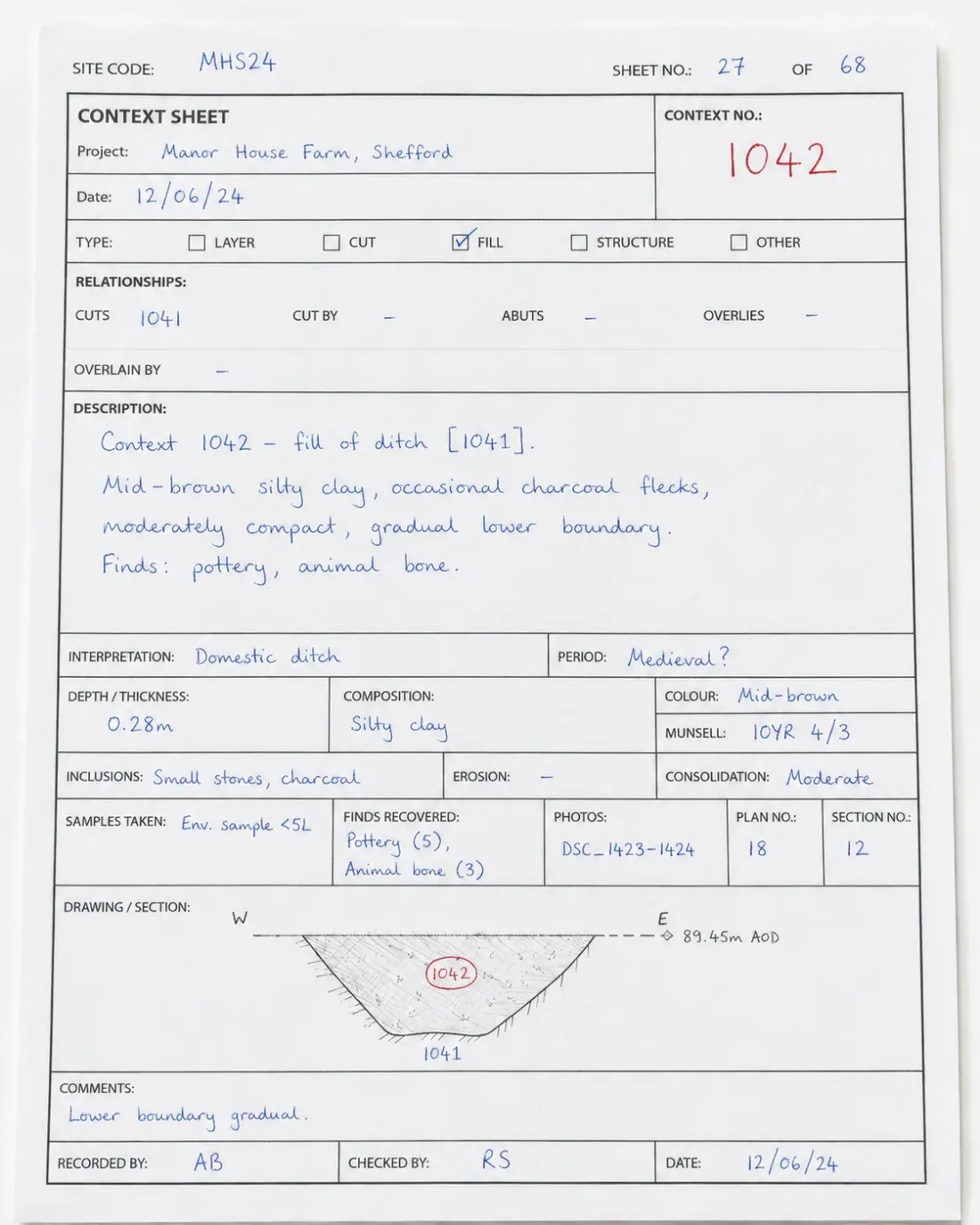
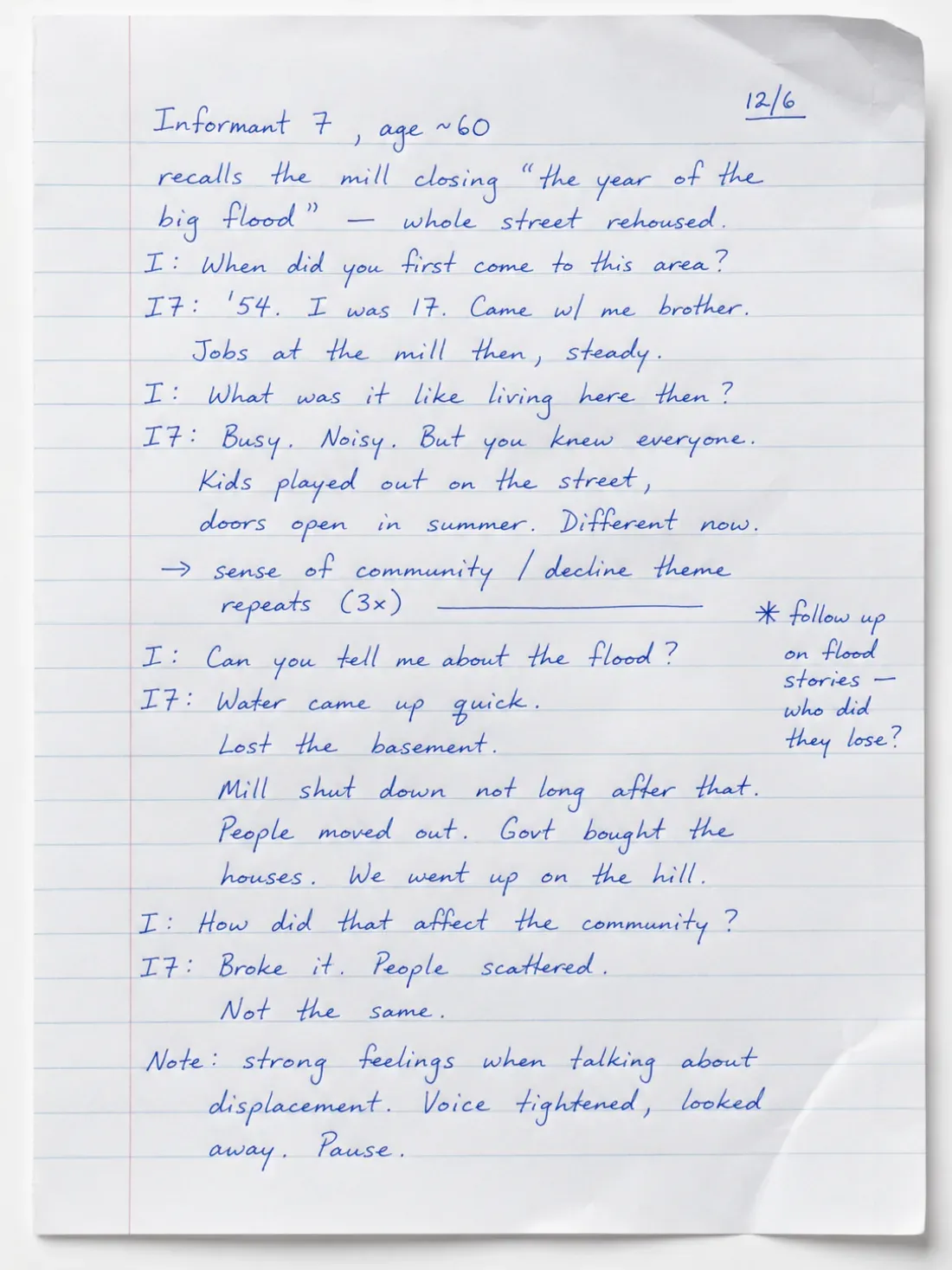
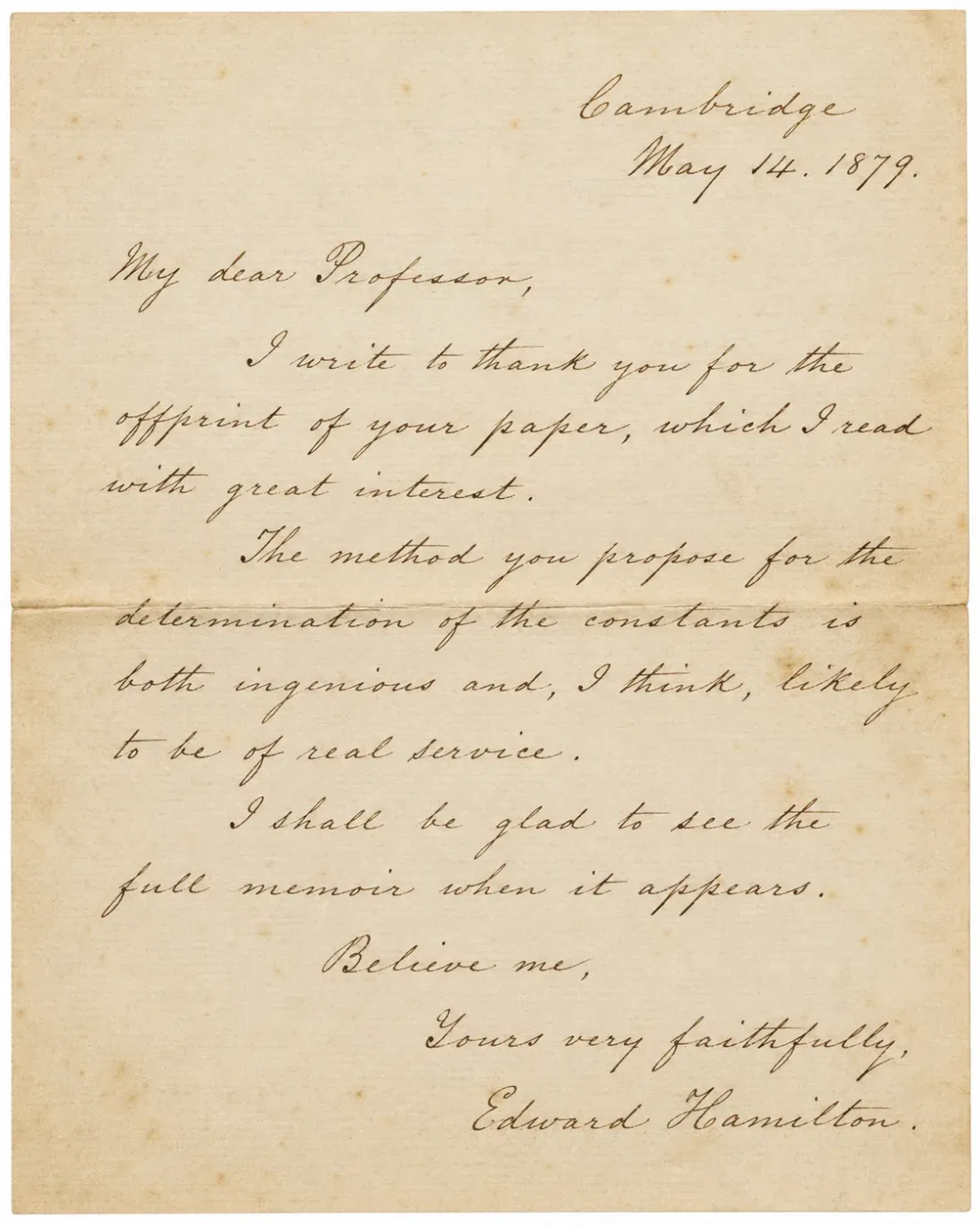
Lab Notebook Digitization | GLP/GMP Compliant Research Notes OCR | Handwriting OCR

Lab Notebook Digitization: Convert Research Notes to Searchable Digital Records

Last updated

Research buried in handwritten laboratory notebooks creates real problems. You cannot search for specific experiments, data gets stuck on paper during audits, and knowledge transfer between researchers becomes a manual typing project.

Laboratory notebook digitization converts handwritten research notes into searchable digital text. This matters for pharmaceutical companies managing GMP documentation, academic labs building searchable research archives, and any organization facing regulatory audits where finding specific entries quickly matters.

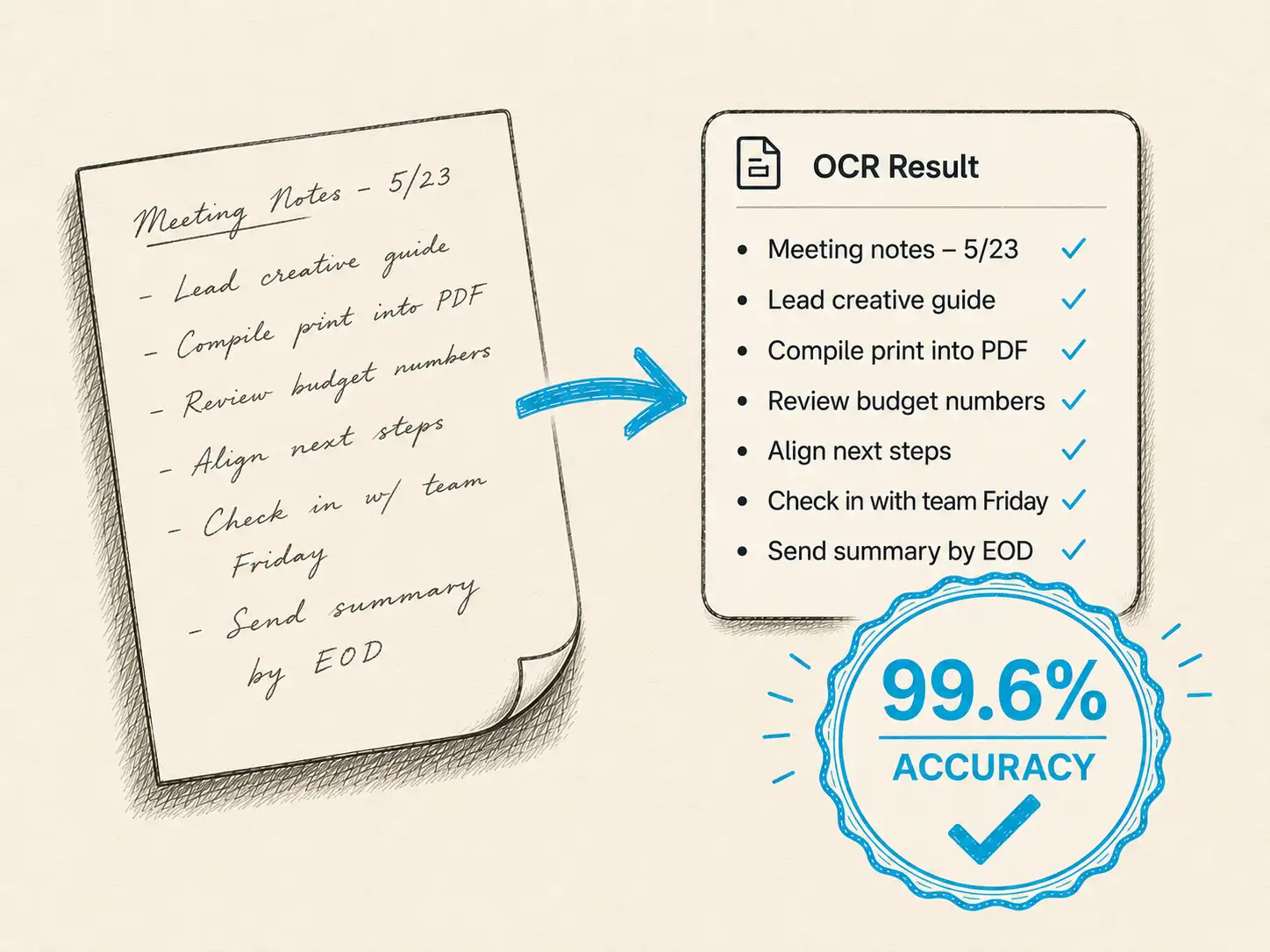
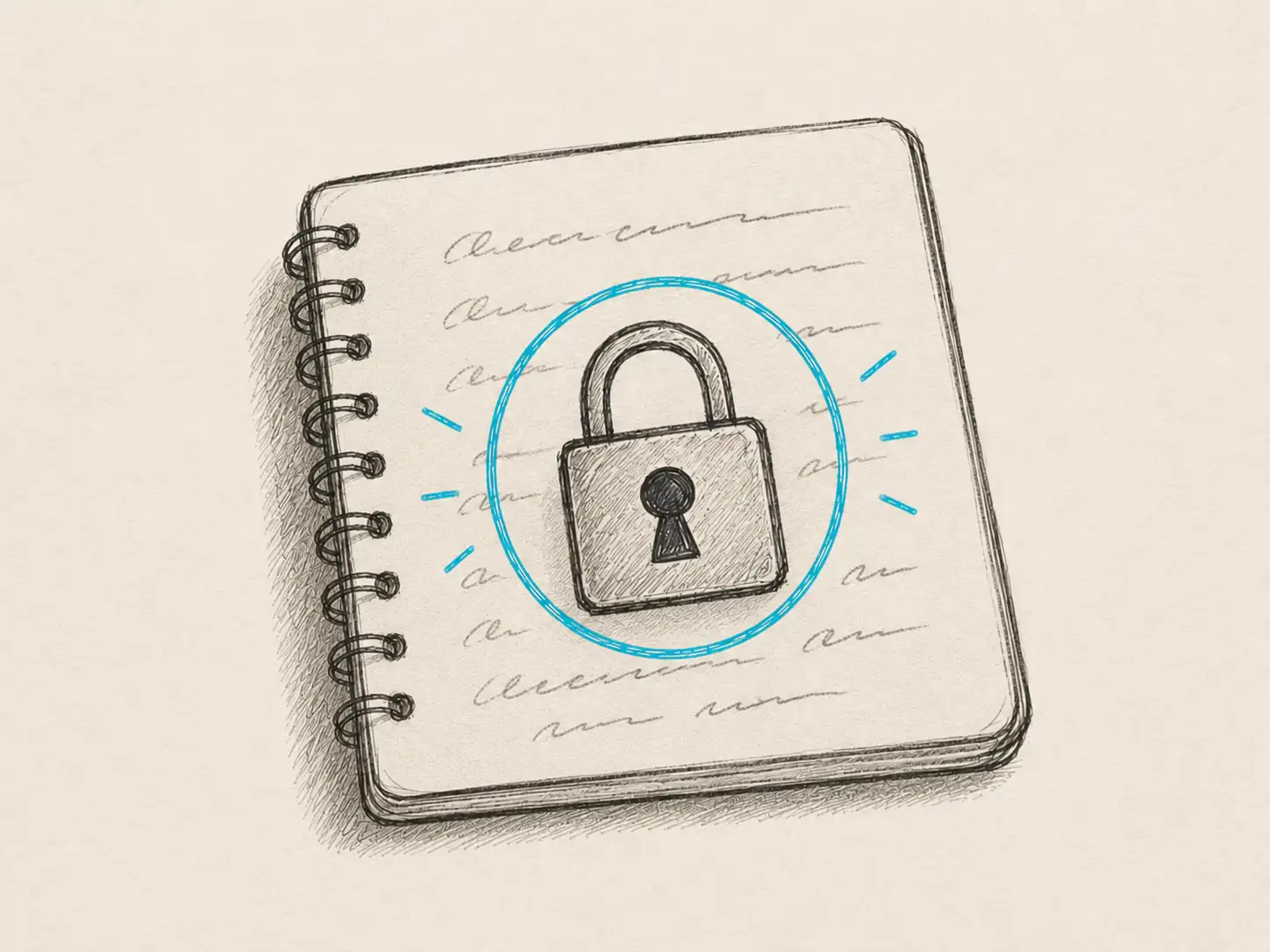
Modern lab notebook digitization uses AI-powered OCR designed for real-world scientific handwriting. Your data remains private, is processed only to deliver your results, and is not used for training. The process handles messy handwriting, multiple handwriting styles across research teams, and the abbreviations scientists actually use.

Quick Takeaways

  • Laboratory notebook digitization converts handwritten research notes into searchable, compliant digital records
  • GLP/GMP compliance requires maintaining data integrity, audit trails, and secure processing throughout digitization
  • Scientific handwriting OCR handles numerical data, dates, observations, and standard notation reliably when scanned clearly
  • Original notebooks must be retained as primary records per regulatory standards
  • Batch processing supports digitizing entire laboratory archives or individual experiment sections

Why Laboratories Need Digital Research Notes

Handwritten laboratory notebooks served science well for centuries. They still do. But modern research operations need searchable records.

Audit and Compliance Pressure

Regulatory inspections require finding specific experiments quickly. When an FDA auditor asks about a stability study from 18 months ago, searching through physical notebooks wastes time that you do not have.

GLP and GMP standards demand data integrity and traceability. Digital copies of laboratory notebooks create searchable backups while you maintain the original notebooks as primary records. This dual system meets compliance requirements without changing how researchers document their work.

Regulatory audits often require producing specific experimental records within hours, not days.

Knowledge Transfer Between Researchers

Graduate students leave. Postdocs move to industry. Principal investigators retire. Their laboratory notebooks contain years of methodology refinements, negative results that prevent repeated mistakes, and context that never makes it into publications.

Research notes transcription makes this institutional knowledge searchable. New researchers can find relevant experiments across notebooks without reading hundreds of pages. Research groups maintain continuity instead of starting from scratch.

Data Integration With Modern Systems

Laboratory Information Management Systems (LIMS) and Electronic Lab Notebooks (ELNs) require digital text. Historical data trapped in paper notebooks cannot populate these systems without manual retyping.

Converting handwritten laboratory records to searchable text enables:

  • Importing legacy data into LIMS platforms
  • Building searchable experimental databases across decades of research
  • Cross-referencing results between physical and electronic records
  • Populating method libraries with proven protocols

How Laboratory Notebook OCR Works

Scientific notebook OCR processes handwritten pages through specialized recognition designed for research documentation.

Upload and Processing

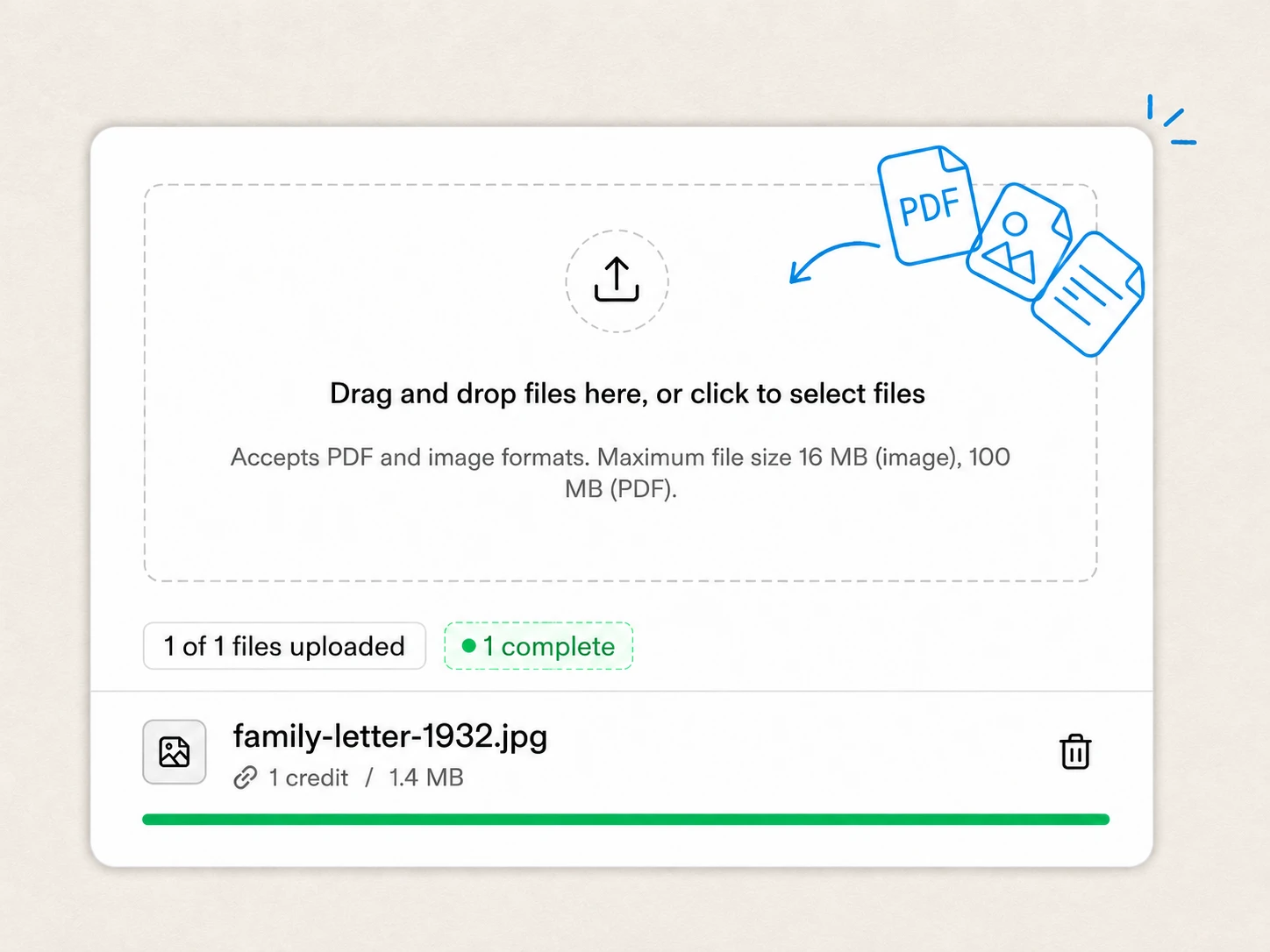
Scan laboratory notebook pages as PDF files or images. Multi-page PDFs work well for complete notebooks. Individual page scans work for specific experiments.

Minimum 300 DPI resolution produces reliable results. Higher resolution helps with small handwriting or dense data tables. Most modern scanners and smartphone scanning apps meet this standard easily.

The system processes pages in minutes. Batch processing handles entire notebooks without monitoring. Your files remain private and are not used for training.

Text Extraction and Structure

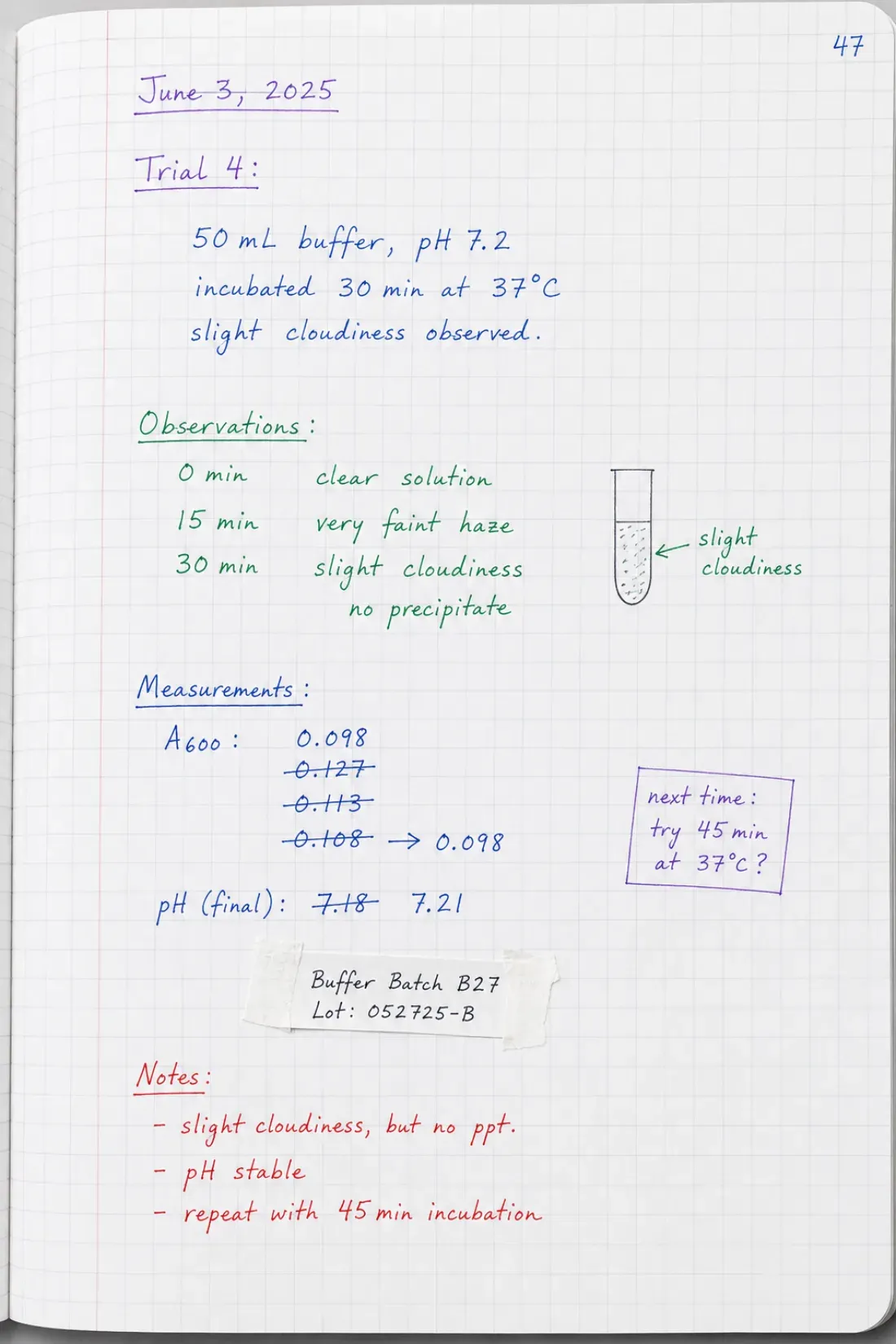
The OCR engine converts handwritten text into digital format. This includes:

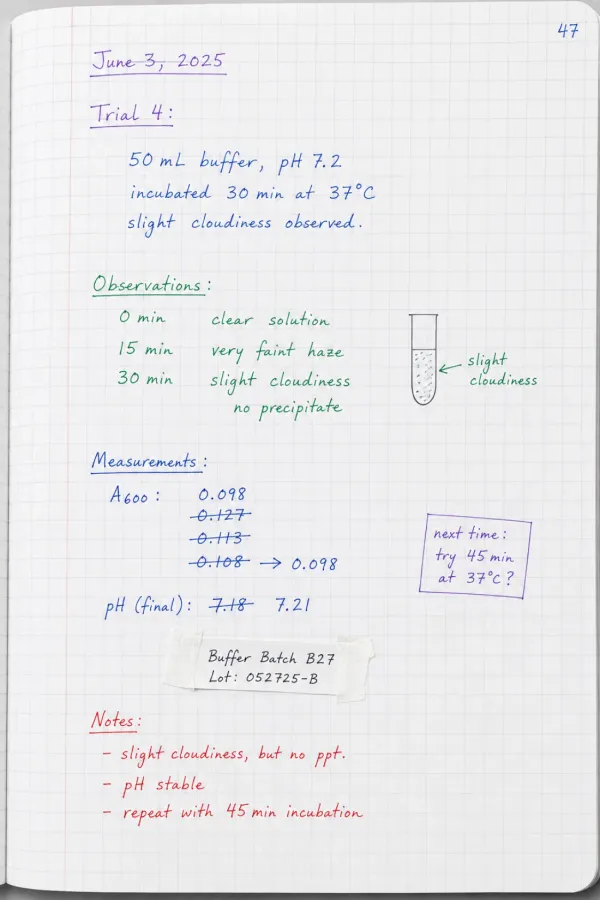
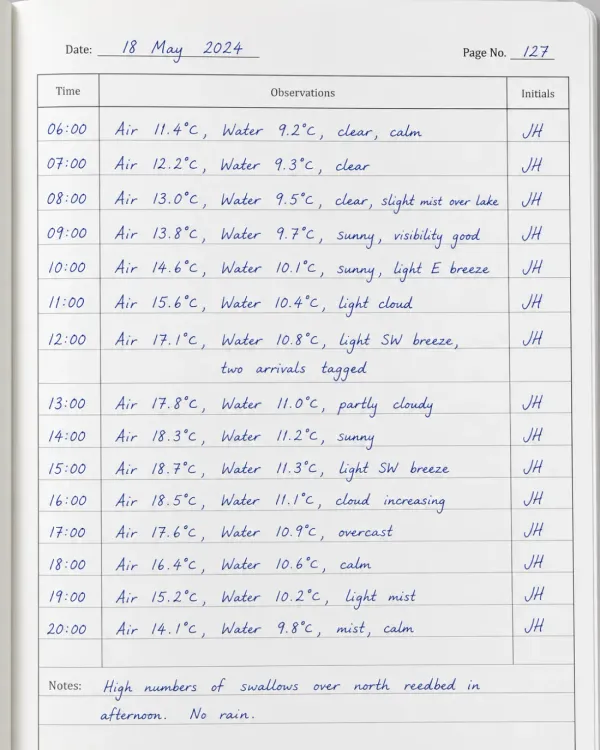
  • Experimental procedures and observations
  • Numerical measurements and results
  • Dates, times, and researcher signatures
  • Table headers and data entries
  • Chemical names and standard notation

The system attempts to maintain layout structure, separating entries and preserving table formats where possible. Complex layouts may require review, but standard chronological entries convert reliably.

Laboratory notebooks scanned at 300 DPI or higher produce significantly better OCR results than lower-resolution captures.

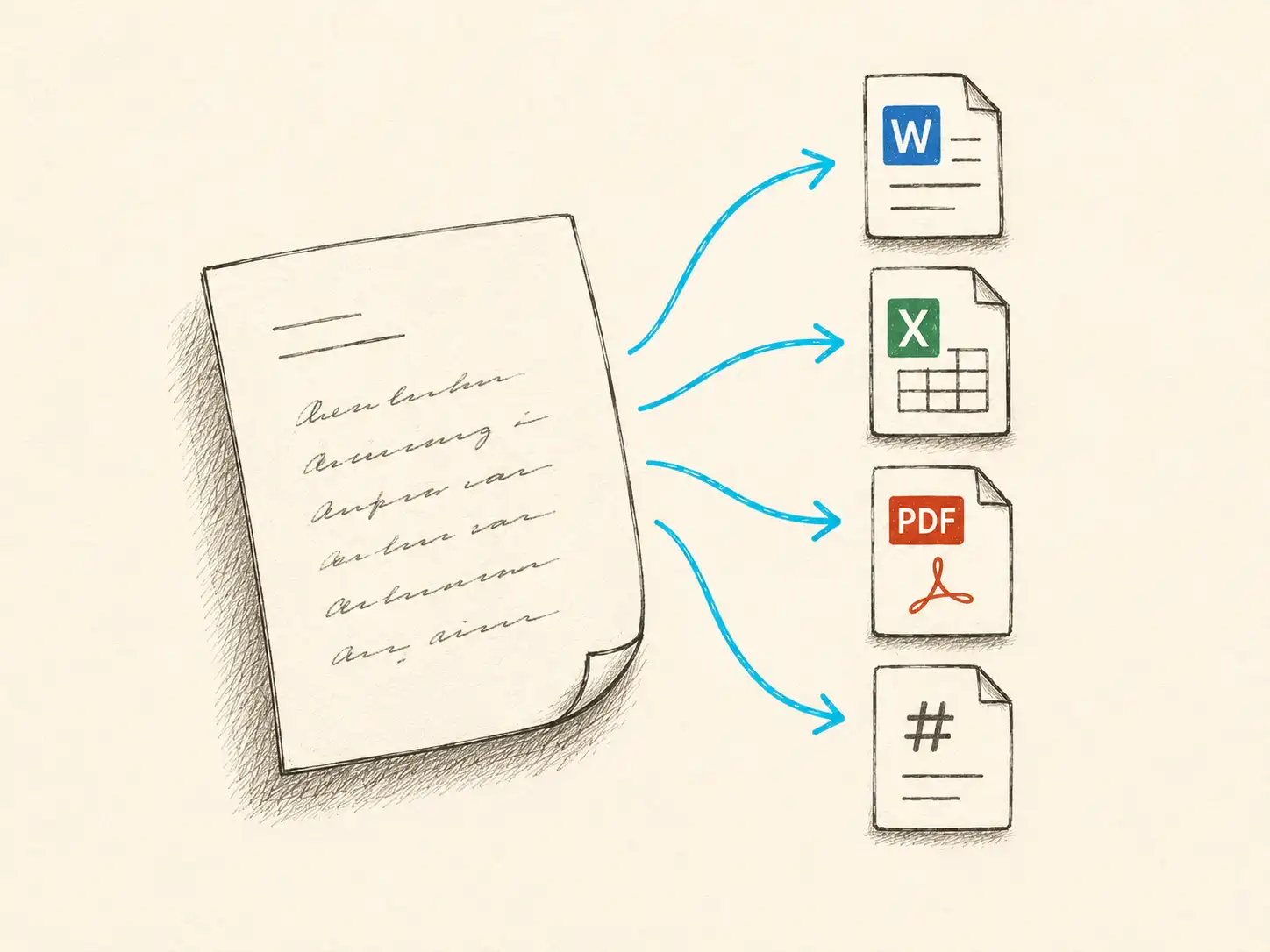
Output Formats for Laboratory Data

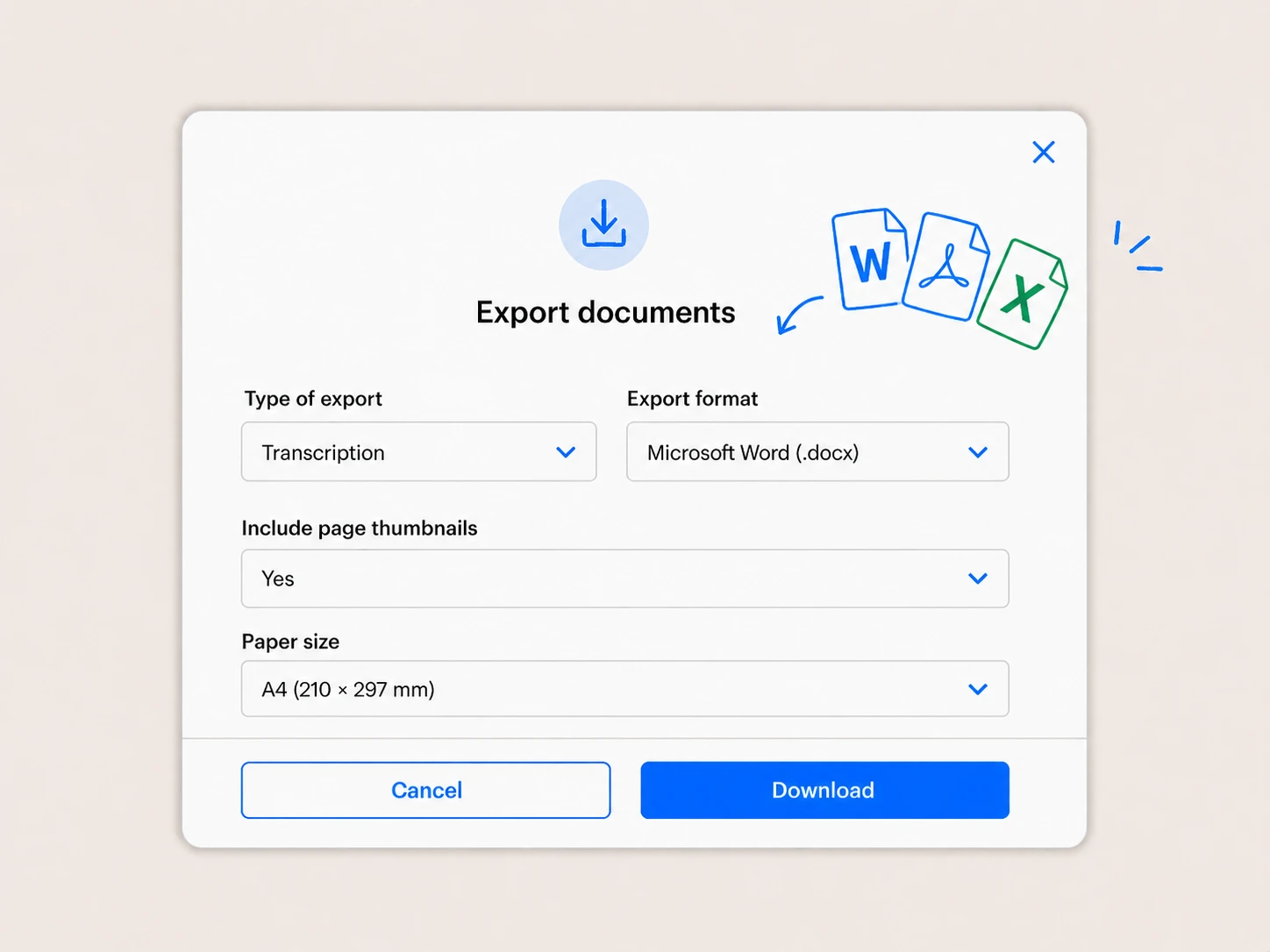
Export digitized laboratory notes in formats that match your workflow:

Format Best Use Case What You Get
Plain Text (.txt) Full-text search, archival Complete transcription, easy to index
CSV Tabular data, results tables Structured data for analysis
JSON Structured extraction, LIMS integration Metadata and values as key-value pairs
Word/PDF Documentation, reports Formatted text for sharing

Most research groups export as plain text for search systems or CSV for data that originated as tables.

Quality Control Process

Review critical entries after conversion. OCR accuracy varies with handwriting quality, ink clarity, and page condition. Spot-checking a sample of pages helps assess accuracy for your specific notebooks.

Flag important entries for manual verification:

  • Regulatory submissions
  • Published data sources
  • Critical measurements
  • Signatures and dates

This verification step does not eliminate the value of digitization. Even 85% accuracy makes notebooks searchable. You still maintain original notebooks as primary records per regulatory requirements.

GLP and GMP Compliance Considerations

Good Laboratory Practice (GLP) and Good Manufacturing Practice (GMP) standards set specific requirements for laboratory documentation. Digitization must support these requirements, not undermine them.

Data Integrity Requirements

FDA 21 CFR Part 11 and similar regulations require that electronic records maintain ALCOA+ principles: Attributable, Legible, Contemporaneous, Original, Accurate, plus Complete, Consistent, Enduring, and Available.

Laboratory notebook digitization addresses these by:

  • Creating legible digital copies of handwritten records
  • Maintaining original notebooks as primary, attributable records
  • Providing accurate transcription that preserves original meaning
  • Enabling secure storage and backup for long-term availability

The digital copy serves as a searchable reference. The original notebook remains the legal record of contemporaneous documentation.

Audit Trail and Traceability

GLP and GMP audits require demonstrating when records were created, who created them, and that they have not been altered inappropriately.

Best practices for compliant digitization:

  • Document the scanning date and responsible personnel
  • Maintain both original notebooks and digital copies
  • Store digital records in version-controlled systems if possible
  • Link digital copies to original notebook identifiers (researcher name, date, notebook number)

This creates a clear chain of custody from handwritten original to digital searchable copy.

GMP standards require preserving original laboratory notebooks as primary records even when digital copies exist.

Security and Access Control

Scientific research notes often contain proprietary methods, unpublished results, and confidential patient information in clinical settings. Digitization cannot compromise this confidentiality.

Processing should occur through secure channels. Your laboratory notebooks remain private during processing. Data is not stored longer than necessary to deliver results, not shared with third parties, and not used to train machine learning models.

After receiving your digital files, you control who can access them. Store them in secure laboratory file systems with appropriate access restrictions.

Use Cases for Scientific Notebook Digitization

Different research settings face different documentation challenges. Laboratory notebook digitization adapts to each.

Pharmaceutical and Biotech Companies

Drug development generates thousands of pages of GMP documentation. Stability studies, formulation development, analytical method validation, and batch records all start in laboratory notebooks.

Pharmaceutical companies digitize lab notes to:

  • Support regulatory submissions by quickly locating supporting data
  • Enable knowledge management across development programs
  • Facilitate technology transfer between development and manufacturing
  • Archive legacy research from acquired companies or retired programs

This matters during FDA or EMA inspections when producing specific experiments quickly demonstrates good documentation practices.

Academic Research Laboratories

University research groups accumulate decades of handwritten records. When principal investigators retire or graduate students complete degrees, their notebooks represent institutional knowledge.

Academic labs digitize research journals to:

  • Preserve methodology details that never make it into publications
  • Enable literature searches across physical notebook collections
  • Support thesis writing by making old experiments searchable
  • Maintain research continuity during personnel transitions

Many universities now require depositing laboratory notebooks with institutional archives. Digital copies make these archives searchable.

Clinical Research Organizations

Clinical trials generate extensive source documentation. Case report forms, patient observations, and adverse event records require careful preservation and easy retrieval during sponsor audits or regulatory inspections.

GLP-compliant laboratory records scanning helps CROs:

  • Maintain searchable archives of clinical study documentation
  • Quickly locate specific patient records during audits
  • Support data queries from sponsors or regulatory agencies
  • Preserve documentation for required retention periods (often 15-25 years)

Digital copies supplement original records without replacing them as source documents.

Quality Control Laboratories

QC labs process hundreds of samples using established methods. Analysts document results, deviations, and instrument maintenance in laboratory notebooks alongside formal reporting systems.

Digitizing QC laboratory notebooks:

  • Enables trend analysis across batches and time periods
  • Supports investigation of out-of-specification results
  • Documents analyst training and proficiency
  • Preserves institutional knowledge about method troubleshooting

This creates a searchable knowledge base without changing documentation workflows.

What Works Well (and What Requires Review)

Scientific handwriting varies widely. Some content converts reliably. Other content needs human review.

Content That Digitizes Reliably

Standard laboratory documentation converts well:

  • Dates, times, and sample identifiers
  • Numerical measurements with units
  • Prose observations and procedural notes
  • Standard chemical names and common abbreviations
  • Signature blocks and witness signatures
  • Simple tables with clear structure

Clear handwriting, good ink contrast, and organized layouts improve accuracy. Most laboratory notebooks meet these conditions for the majority of entries.

Content That May Need Review

Specialized notation presents challenges:

  • Hand-drawn chemical structures
  • Complex mathematical equations with subscripts and superscripts
  • Heavily abbreviated shorthand specific to individual researchers
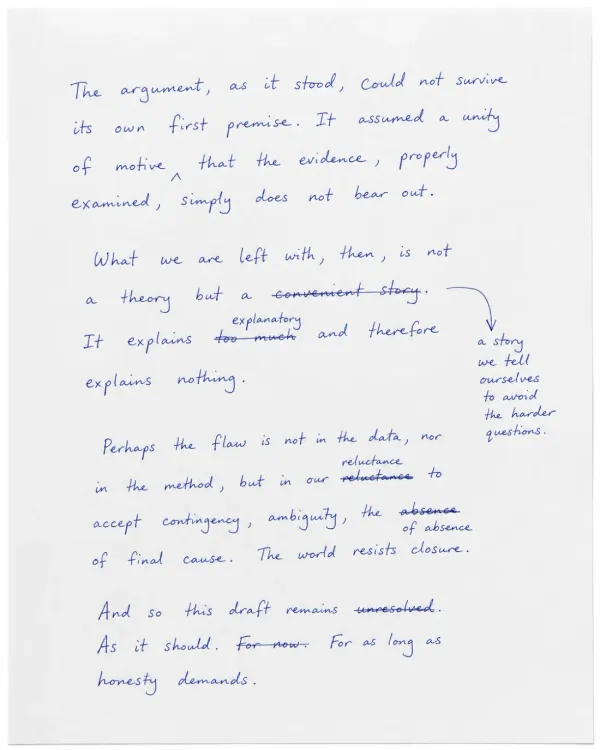
  • Overwritten corrections or marginal notes
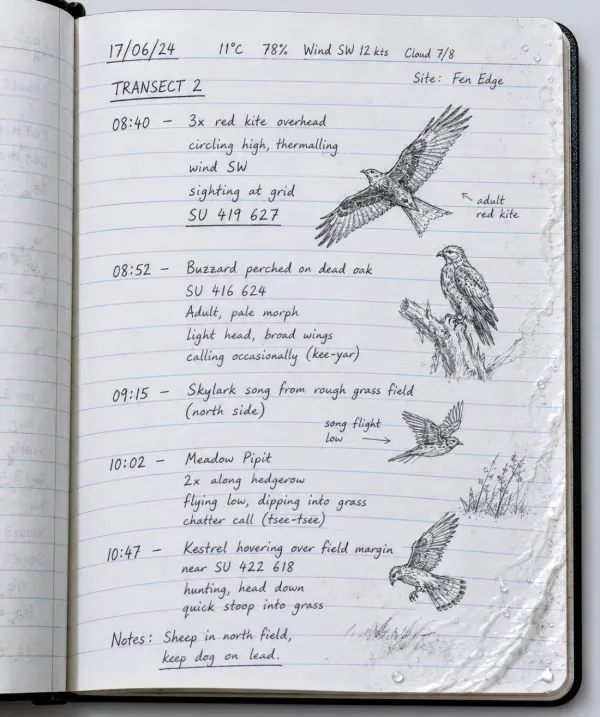
  • Faded ink or water-damaged pages
  • Dense data tables with minimal spacing

These elements may convert partially or incorrectly. Plan to review critical instances manually. For chemical structures, consider re-creating them in chemical drawing software. For complex equations, modern equation editors reproduce them more reliably than OCR.

Research groups typically find that 70-90% of laboratory notebook content digitizes accurately enough for search and reference purposes.

This level of accuracy still provides enormous value. Finding relevant experiments, even if you then verify details in the original notebook, beats reading hundreds of pages manually.

Privacy and Security for Research Documentation

Laboratory notebooks contain confidential research data. Proprietary methods, unpublished results, patient information in clinical settings, and competitive advantages in industrial research all require protection.

Data Processing Security

Your laboratory notebooks remain private during processing. Files are processed only to deliver your results, not stored longer than necessary, and not used to train machine learning models. This is not a feature you enable. It is how the system works by default.

Research documentation security matters particularly for:

  • Pre-publication academic research
  • Proprietary pharmaceutical formulations
  • Clinical trial patient data
  • Trade secrets in industrial research

Your data remains yours throughout processing and after delivery of results.

Control and Deletion

After digitization, you receive the text files. What you do with them after that point is entirely your decision. Store them in your laboratory network, institutional repository, or secure cloud storage according to your organization's policies.

The processing system does not retain copies of your notebooks or extracted text after delivery. Delete the original uploaded scans from the platform when you have downloaded results if you prefer.

Compliance With Data Protection Regulations

Research institutions operate under various data protection requirements depending on location and funding sources. GDPR in Europe, HIPAA for clinical research in the United States, and institutional review board requirements for human subjects research all impose data handling restrictions.

Laboratory notebook digitization processes files without storing or reusing content. This supports compliance with data minimization principles common across privacy regulations. However, you remain responsible for ensuring your digitization workflow meets specific regulatory requirements for your institution and research area.

Getting Started With Laboratory Notebook Digitization

Converting handwritten research notes to digital text does not require special software or training.

Preparation and Scanning

Start with a test batch before digitizing entire archives. Select 10-20 pages representing typical content. Include pages with clear handwriting, messier handwriting, tables, and any specialized notation common in your notebooks.

Scan these pages at 300 DPI or higher. Most flatbed scanners, multifunction printers, and document scanners handle this easily. Smartphone scanning apps work for individual pages but may introduce distortion with large batches.

Save scans as PDF (for multi-page documents) or high-quality JPEG or PNG files.

Processing and Review

Upload scanned pages to the OCR platform. Processing takes a few minutes per notebook page. Batch processing handles multiple notebooks without monitoring.

Download results in your preferred format. Review a sample of the test batch, comparing digital text to original pages. This shows you what accuracy to expect for your specific handwriting styles and content types.

Based on this test, decide:

  • Whether accuracy meets your needs for searchable reference copies
  • Which types of content require manual review or re-creation
  • What scanning resolution works best for your notebooks

Scaling to Full Archives

After validating the process with test pages, scale up to complete notebooks or archive sections.

Organize scans by notebook number, researcher, or date range. This organization carries through to output files, making it easier to manage large collections.

Budget approximately 2-5 minutes of hands-off processing time per notebook page. A 100-page notebook processes in a few hours. Planning scanning time takes longer than processing time.

Integration With Laboratory Systems

After digitization, integrate searchable text into your laboratory knowledge management approach:

  • Import text files into document management systems
  • Create searchable PDF versions combining images and extracted text
  • Load structured data into LIMS or database systems
  • Build search indexes across multiple notebooks or research groups

The format you choose during export should match how you plan to use the digitized content.

Cost Considerations for Research Organizations

Laboratory notebook digitization costs depend on volume, urgency, and whether you process continuously or in periodic batches.

Credit-Based Processing

OCR processing uses credits based on document complexity and length. A typical notebook page costs 1-3 credits. Exact costs depend on resolution, content density, and processing options selected.

Credit packages scale with volume. Research organizations processing many notebooks benefit from higher-volume options. Individual researchers digitizing a few notebooks for specific projects use smaller packages.

Time Savings Calculation

Compare OCR costs to manual transcription alternatives. Typing a single page of handwritten laboratory notes takes 15-20 minutes for moderately dense content. A 100-page notebook represents 25-30 hours of manual typing.

If a research assistant's time costs $25-40 per hour, manual transcription of that notebook costs $625-1,200 in labor alone. OCR processing costs a small fraction of this while completing in hours instead of days.

For organizations digitizing large archives, the cost advantage becomes more dramatic. Savings compound across dozens or hundreds of notebooks.

Return on Investment

The value of searchable laboratory notebooks extends beyond immediate transcription savings:

  • Reduced audit response time during regulatory inspections
  • Faster knowledge transfer when researchers leave
  • Prevention of repeated failed experiments by finding negative results
  • Easier technology transfer for manufacturing scale-up
  • Long-term preservation of institutional research knowledge

These benefits accumulate over years but begin immediately when notebooks become searchable.

Alternatives and When They Make Sense

Laboratory notebook digitization is not the only option for research documentation management. Other approaches suit different situations.

Electronic Lab Notebooks (ELNs)

ELNs eliminate handwritten records entirely by capturing data digitally from the start. This works well for new projects but does not address legacy notebooks already in existence.

Many research organizations run hybrid systems: new work goes into ELNs while historical notebooks remain on paper. Digitizing legacy notebooks creates a unified searchable archive spanning both formats.

Manual Transcription Services

Professional transcription services handle specialized notation better than OCR in some cases. Complex chemical structures, unusual symbols, and heavily abbreviated personal shorthand may require human transcribers.

Consider manual transcription for small volumes of critical documentation where accuracy requirements exceed OCR capabilities. For large volumes, the cost and time requirements often make manual transcription impractical.

Maintained Paper Archives

Some organizations simply keep laboratory notebooks in secure storage and accept that historical research requires manual page-by-page review.

This works when:

  • Historical research needs are infrequent
  • Archive volume is manageable
  • Regulatory requirements are minimal
  • Budget for digitization is not available

The limitation comes during audits, knowledge transfer needs, or cross-notebook searches. These situations reveal the constraint of paper-only systems.

Conclusion

Laboratory notebook digitization transforms handwritten research notes into searchable digital records that support modern research operations while maintaining regulatory compliance. Whether you manage pharmaceutical development documentation, academic research archives, or clinical trial records, making handwritten content searchable reduces audit time, preserves institutional knowledge, and integrates legacy data with modern laboratory systems.

The process is straightforward. Scan notebook pages, process them through OCR designed for scientific handwriting, and receive searchable text in formats matching your workflow. Your laboratory notebooks remain private throughout processing and are not used for training. Original notebooks remain the primary record per GLP and GMP requirements, while digital copies provide searchable reference versions.

Start with a test batch to verify accuracy for your specific handwriting and content types. Scale to complete notebooks or archives based on results. The time savings compared to manual transcription, combined with improved searchability during audits and research, justify digitization for most research organizations.

HandwritingOCR provides the tools to convert years of handwritten research documentation into searchable knowledge bases. Try processing your first laboratory notebook with free credits at https://www.handwritingocr.com/try.

Frequently Asked Questions

Have a different question and can’t find the answer you’re looking for? Reach out to our support team by sending us an email and we’ll get back to you as soon as we can.

Can lab notebook digitization meet GLP and GMP compliance requirements?

Yes. When digitizing lab notebooks for regulatory compliance, the process must maintain traceability, audit trails, and data integrity. HandwritingOCR processes documents without training on your data, maintains secure processing, and enables you to retain original records alongside digital copies as required by GLP/GMP standards.

How accurate is OCR for scientific handwriting with equations and chemical structures?

OCR accuracy for scientific notebooks depends on handwriting quality and content complexity. Standard text and numerical data convert reliably. Chemical structures, complex equations, and specialized notation may require review. We recommend spot-checking critical entries and maintaining original notebooks as primary records.

What file formats work best for laboratory notebook scanning?

PDF and high-resolution images (PNG, JPEG, TIFF) work best. Scan at 300 DPI minimum for handwritten content. Multi-page PDFs are supported for complete notebook digitization. Export results as plain text, CSV for tabular data, or JSON for structured extraction.

How should laboratories handle original notebooks after digitization?

Regulatory standards require retaining original laboratory notebooks as primary records. Digital copies serve as searchable references and backup documentation. Follow your institution's record retention policies, which typically require preserving originals for the duration of regulatory requirements (often 5-20 years depending on industry).

Is batch processing available for multiple laboratory notebooks?

Yes. Upload multiple notebooks or individual pages in bulk. The system processes each page and organizes results by document. This supports large-scale digitization projects for laboratory archives, research group transitions, or institutional record preservation.