
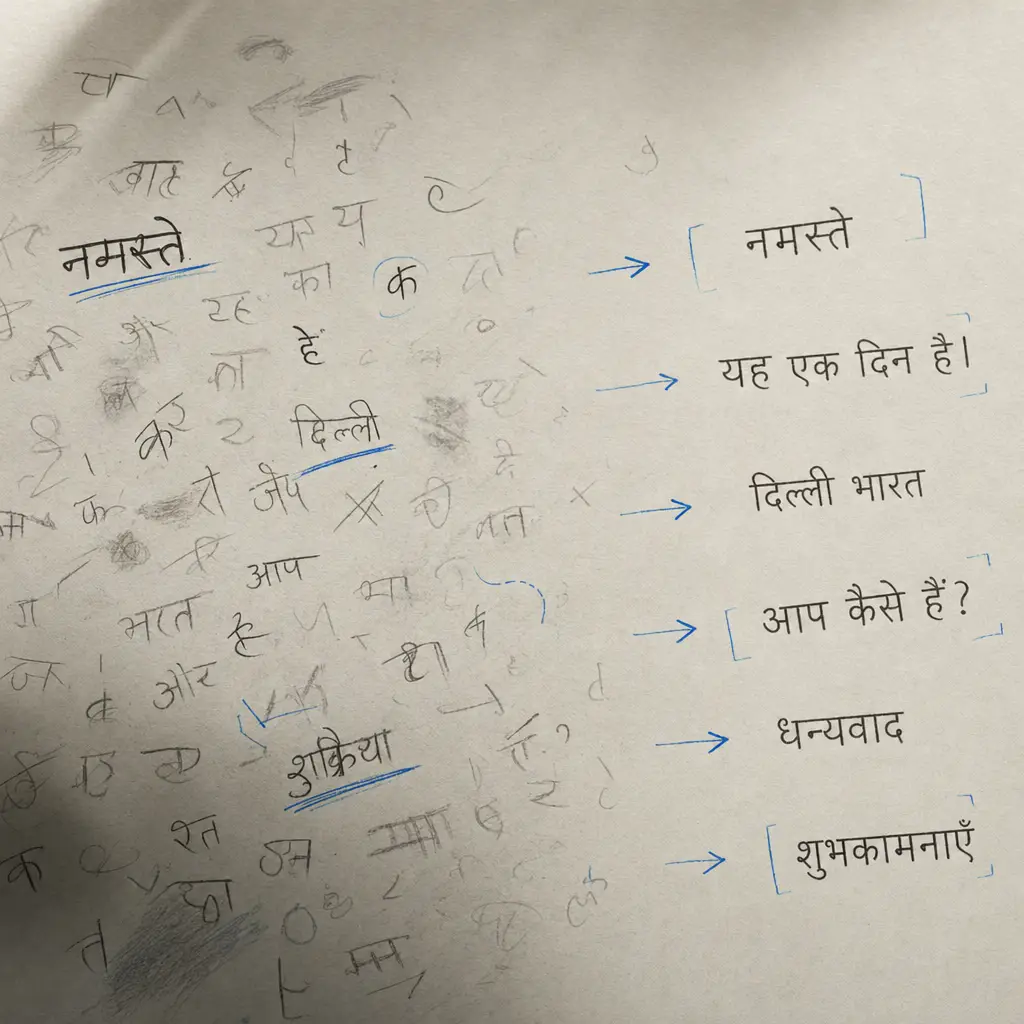
Converting Hindi handwriting to digital text is simpler than you might think. Whether you’re working with handwritten notes, letters, or documents in Devanagari script, modern OCR technology can handle the conversion accurately.
This guide walks you through the process of converting Hindi handwriting to text using specialized OCR tools.
Quick Takeaways
- OCR software with Hindi language support is essential for accurate text conversion
- Clear, well-lit scans or photos produce the best results
- HandwritingOCR supports Hindi and over 300 other languages
- You can convert PDF files, images, or scanned documents
- Review and edit converted text to catch any recognition errors
Why Convert Hindi Handwriting to Digital Text
Digitizing Hindi handwritten documents makes them searchable, editable, and easier to share. Students can convert lecture notes, researchers can digitize historical documents, and professionals can archive handwritten records.
Converting handwritten Hindi text to digital format preserves valuable information while making it accessible across all your devices.
The challenge with Hindi handwriting lies in the complexity of Devanagari script. Characters connect in different ways, and the script includes modifiers that change pronunciation and meaning. Quality OCR software trained on Hindi script handles these nuances effectively.
Choosing the Right OCR Tool for Hindi
Not all OCR software supports Hindi script equally well. When selecting a tool to convert Hindi handwriting to text, look for these capabilities:
Language support: The software must specifically support Hindi and Devanagari script. Generic OCR tools designed only for English won’t recognize Hindi characters accurately.
Handwriting recognition: Many OCR tools handle printed text well but struggle with handwriting. Choose software specifically trained on handwritten text recognition.
File format compatibility: Your tool should accept multiple input formats including PDF, JPG, PNG, and TIFF files.
Privacy and security: If you’re converting sensitive documents, ensure the service protects your data and doesn’t use your files for training purposes.
HandwritingOCR meets all these requirements. The platform supports Hindi along with over 300 languages, handles handwritten text accurately, and processes your documents privately without using them for model training.
Step-by-Step: Converting Hindi Handwriting to Text
Follow these steps to convert your handwritten Hindi documents into editable digital text.
Step 1: Prepare Your Document
If your Hindi handwriting is on paper, create a digital version first. Use a scanner or smartphone camera to capture clear images.
For best results:
- Ensure good lighting without shadows or glare
- Keep the camera or scanner perpendicular to the page
- Capture the full page without cutting off text
- Use higher resolution settings when available
Save your scans as PDF or image files. For multi-page documents, PDF format works most efficiently.
Step 2: Upload to OCR Software
Upload your files to your chosen OCR platform. HandwritingOCR accepts PDF, JPG, PNG, TIFF, HEIC, and GIF formats up to 20MB.
You can upload files through the web interface or use the API for automated processing. The platform automatically detects page count and checks your available credits before processing.
Step 3: Select Hindi Language
Configure the OCR software to recognize Hindi script. This step is essential for accurate conversion.
HandwritingOCR automatically detects languages in your document, including Hindi. The system applies specialized processing for Devanagari script to handle the unique characteristics of Hindi handwriting.
Step 4: Process the Document
Start the OCR conversion. The software analyzes your handwritten Hindi text and converts it to digital format.
Your documents remain private during processing and are never used to train AI models or used for training.
Processing time depends on document length and complexity. Most documents convert within minutes.
Step 5: Review and Edit
Once processing completes, review the converted text. OCR technology achieves high accuracy, but handwriting variation means some characters may need correction.
Check for:
- Correctly recognized Devanagari characters
- Proper spacing between words
- Accurate rendering of modifiers and diacritical marks
- Preservation of document structure
Make any necessary edits directly in the output file.
Step 6: Export Your Results
Download the converted text in your preferred format. HandwritingOCR provides exports to:
- Plain text (TXT)
- Microsoft Word (DOCX)
- JSON for structured data
Choose the format that works best for your workflow.
Tips for Better Hindi Handwriting OCR Results
These practices improve accuracy when you convert Hindi handwriting to text.
Write clearly: Legible handwriting produces better OCR results. If you’re creating documents you plan to convert later, write neatly with consistent character formation.
Use quality scans: Higher resolution scans capture more detail. Aim for at least 300 DPI when scanning handwritten Hindi documents.
Maintain consistent lighting: Shadows and uneven lighting interfere with character recognition. Scan or photograph documents in well-lit conditions.
Process clean documents: Smudges, stains, or torn pages reduce accuracy. Clean documents or edit scanned images to remove artifacts before processing.
Batch similar documents: If converting multiple documents, group those with similar handwriting styles together. This helps you develop an efficient workflow.
Common Challenges with Hindi Handwriting Recognition
Hindi script presents unique challenges for OCR systems. Understanding these helps you anticipate potential issues.
Connected characters: Hindi handwriting often connects characters within words. Advanced OCR systems trained on Hindi script recognize these connections, but clarity improves results.
Modifiers and diacritics: Devanagari script uses various modifiers that change character pronunciation. These marks must be recognized accurately for correct text conversion.
Character similarity: Some Hindi characters look similar, particularly in handwritten form. Context-aware OCR systems use surrounding text to disambiguate similar characters.
Mixed scripts: Documents that combine Hindi with English or numbers require OCR software that handles multiple scripts simultaneously.
HandwritingOCR’s AI models are trained to handle these challenges, processing Hindi handwriting with high accuracy even when documents include multiple scripts or challenging handwriting styles.
Alternative Uses for Hindi OCR Technology
Converting Hindi handwriting to text serves many purposes beyond simple digitization.
| Use Case | Application |
|---|---|
| Education | Students convert lecture notes to searchable study materials |
| Research | Historians and genealogists digitize historical Hindi documents |
| Business | Companies archive handwritten forms and records |
| Personal | Individuals preserve letters, diaries, and family documents |
| Translation | Digitized text can be translated to other languages more easily |
The ability to search digitized Hindi text transforms how you access and use information from handwritten sources.
Privacy Considerations When Converting Hindi Documents
Many Hindi handwritten documents contain personal or sensitive information. Choose OCR services that protect your data.
HandwritingOCR encrypts your files both during transmission and storage. Your documents are processed only to deliver your results, never used for model training or shared with anyone else.
You control deletion timing. Documents automatically delete after your specified period, or you can remove them manually at any time through the dashboard or API.
For healthcare, legal, or other regulated industries, HandwritingOCR provides HIPAA compliance and can host data within specific regions to meet regulatory requirements.
Converting Hindi Handwriting at Scale
If you need to convert large volumes of Hindi handwritten documents, batch processing and API access streamline the workflow.
Batch processing: Upload multiple documents simultaneously rather than processing them one at a time. This saves time when digitizing archives or large collections.
API integration: Integrate Hindi OCR directly into your applications or workflows using the HandwritingOCR API. This enables automated processing without manual file uploads.
Custom solutions: For specialized requirements or very high volumes, custom processing pipelines can be developed to match your specific workflow.
HandwritingOCR’s API supports all features available in the web interface, allowing seamless integration of Hindi handwriting conversion into your existing systems.
Getting Started with Hindi Handwriting Conversion
Ready to convert your Hindi handwriting to digital text? HandwritingOCR makes the process straightforward.
The platform supports Hindi along with over 300 languages, processes handwritten text with high accuracy, and keeps your documents completely private. You can export results to Word, plain text, or structured data formats.
Try HandwritingOCR free with complimentary credits. Upload your first Hindi handwritten document and see how quickly it converts to editable digital text. No commitment required, and you’ll have results in minutes.
Frequently asked questions
Can OCR accurately convert Hindi handwriting to text?
Yes, modern OCR tools can accurately convert Hindi handwriting to text. HandwritingOCR supports Hindi script and achieves high accuracy even with cursive and varied handwriting styles.
What file formats work for Hindi handwriting OCR?
You can use PDF, JPG, PNG, TIFF, HEIC, and GIF formats. For multi-page documents, PDF format is recommended for best results.
Do I need special software for Hindi handwriting conversion?
You need OCR software that specifically supports Hindi script. HandwritingOCR supports over 300 languages including Hindi and Devanagari script.
How can I improve accuracy when converting Hindi handwriting?
Use clear, well-lit scans or photos without shadows. Ensure the handwriting is legible and the image quality is high. HandwritingOCR processes even challenging handwriting effectively.