
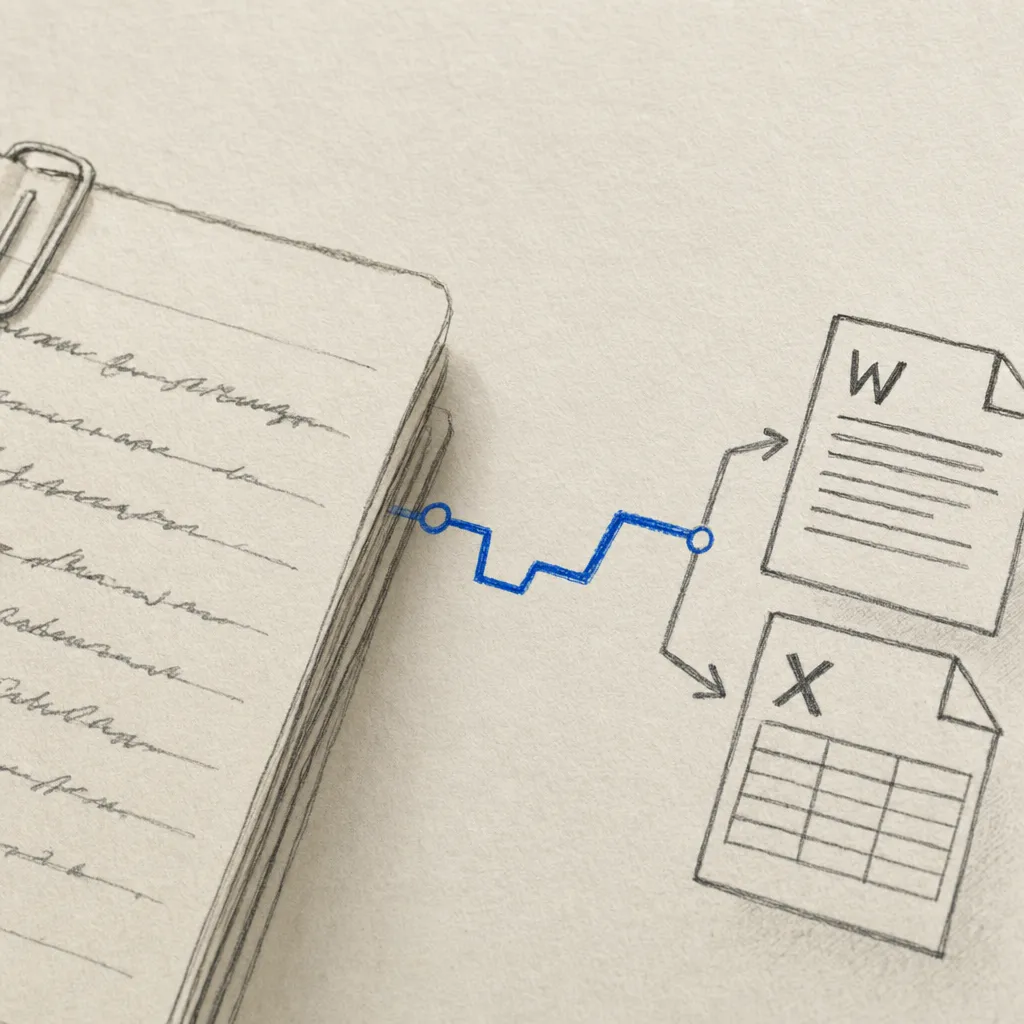
Automation platform
Zapier
Automate handwriting processing and connect Handwriting OCR to the tools your team already uses.
Integrations
Watch a cloud folder, send supported PDFs and images to Handwriting OCR, and save the finished Word, Excel or CSV result back—without manual downloading and re-uploading.
Automation platform
Automate handwriting processing and connect Handwriting OCR to the tools your team already uses.
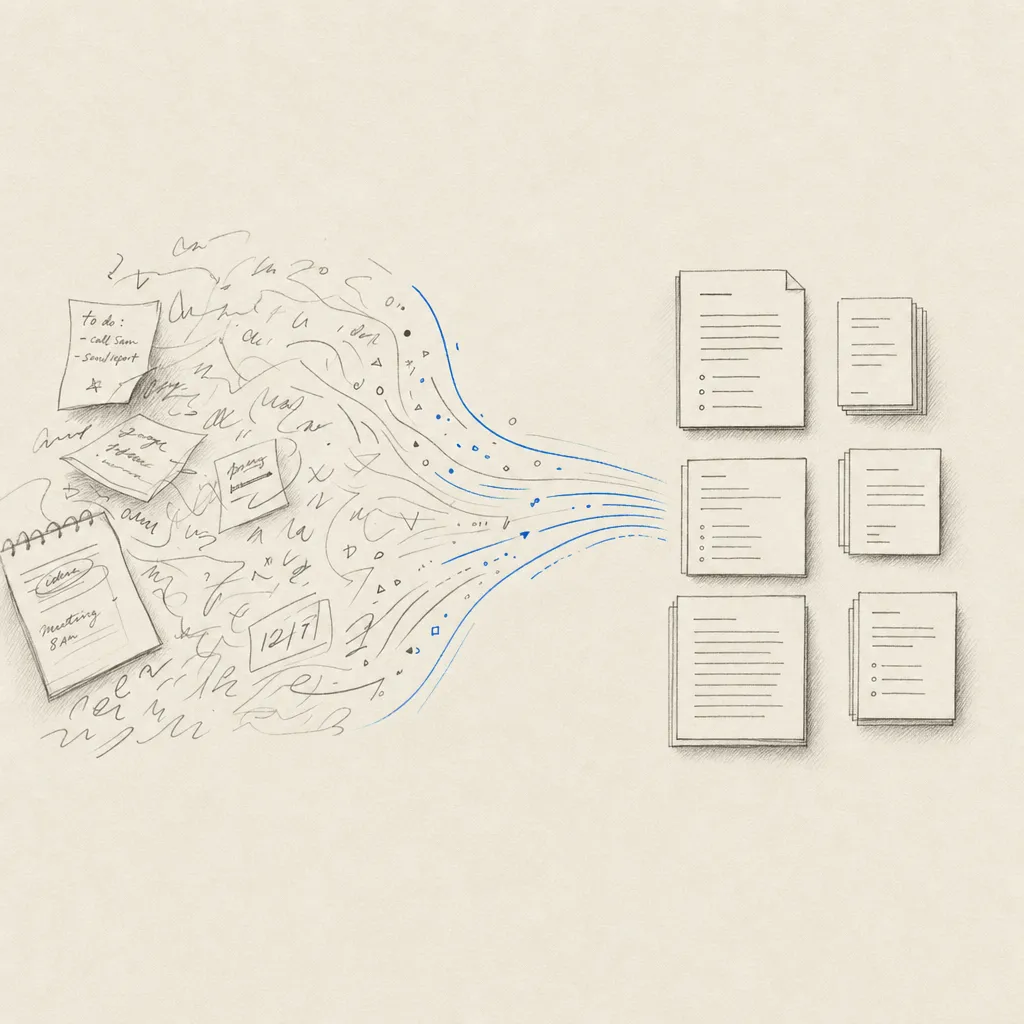
Cloud storage
Watch a Drive folder with Zapier or process selected files with the Google Workspace add-on.
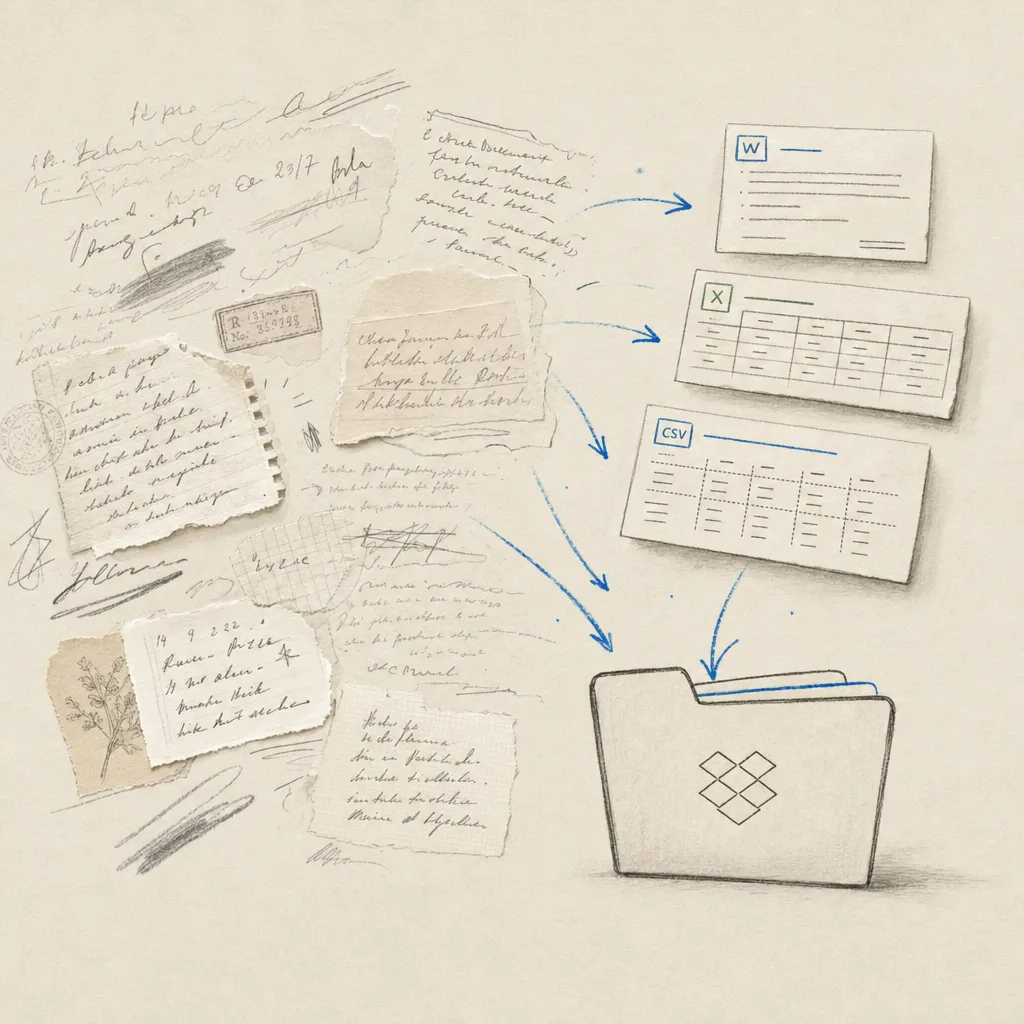
Cloud storage
Send supported Dropbox files for handwriting recognition and save completed results back automatically.
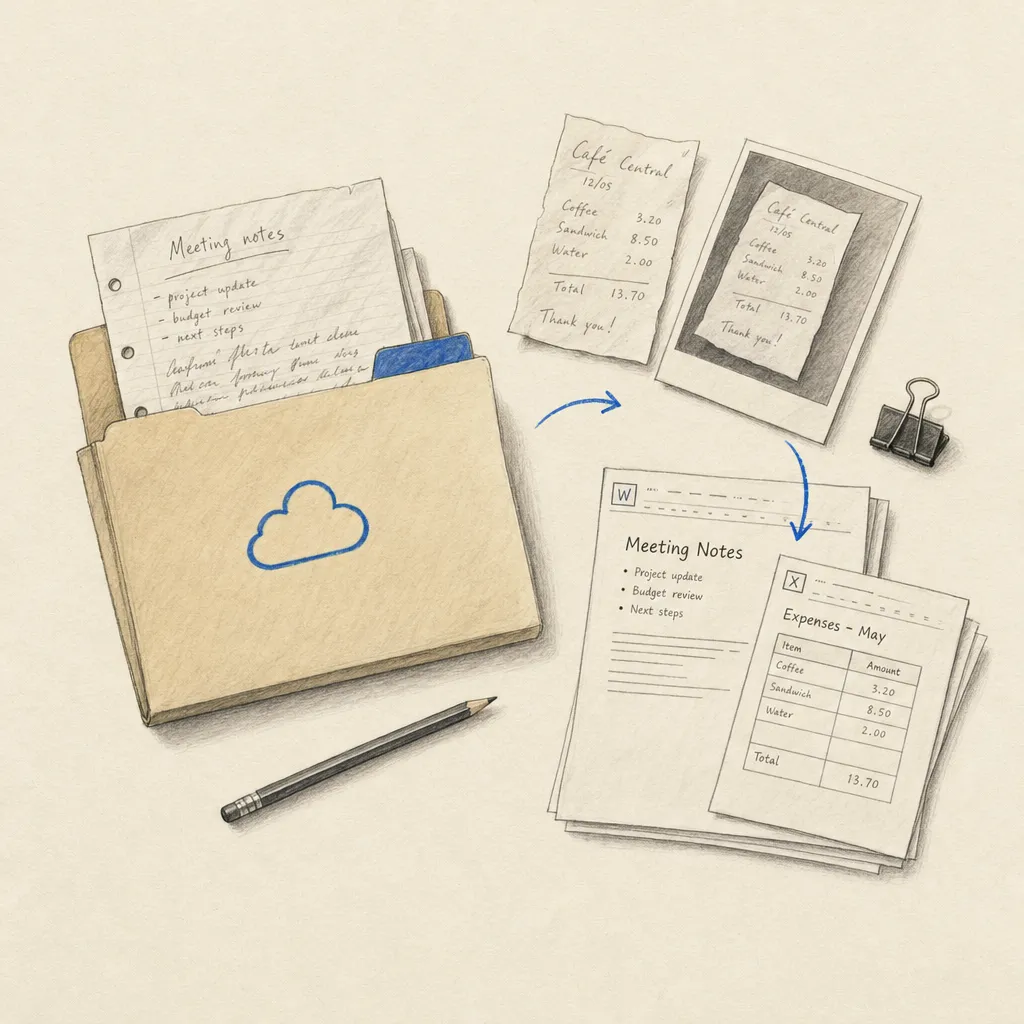
Cloud storage
Turn a OneDrive folder into a two-step handwriting intake and results workflow with Zapier.
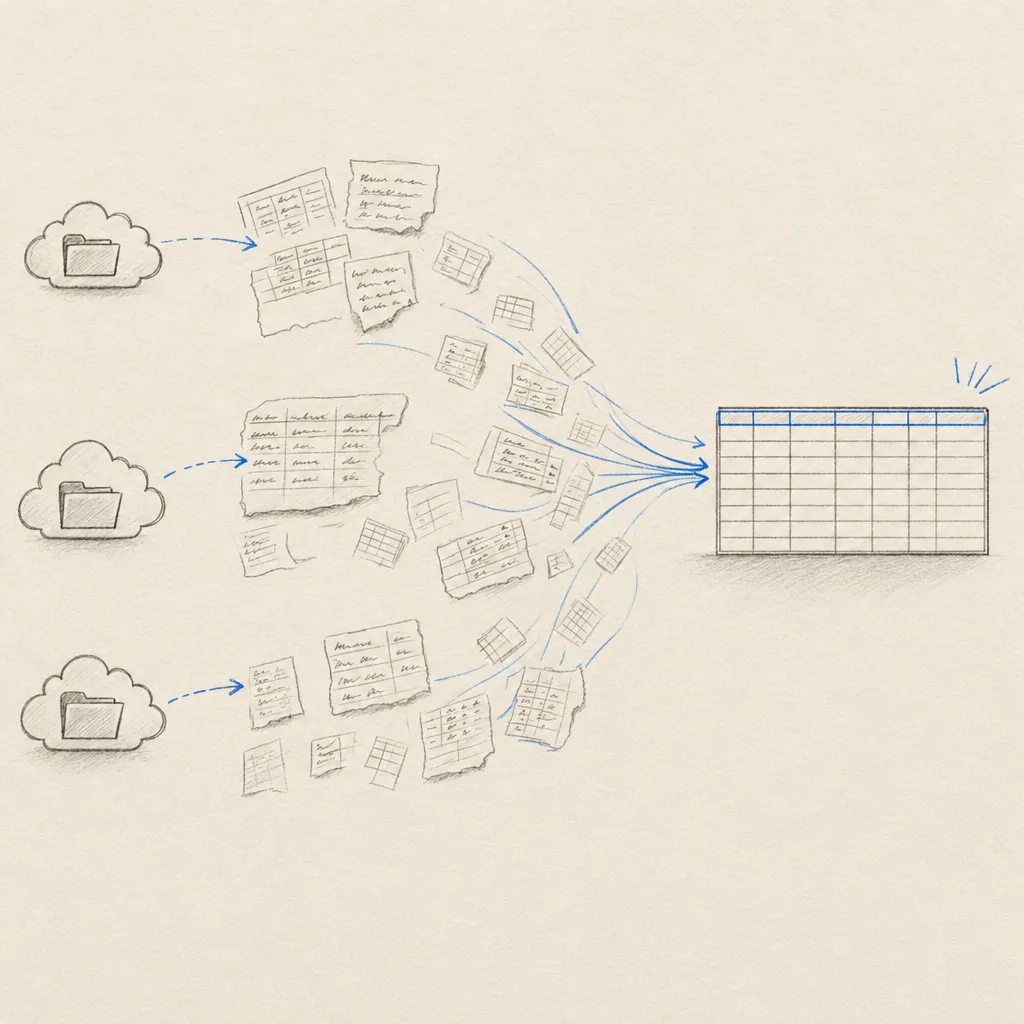
Workflow
Watch a cloud folder for handwritten tables and save completed Excel workbooks with two-step Zapier templates.
Automatic folders
Google Drive, Dropbox and OneDrive each have transcription and table extraction intake templates, plus a return template. Unsupported input files stop inside the Handwriting OCR action, so the workflow stays at two steps without a separate Zapier Filter.
For spreadsheets, follow the cloud-folder table extraction guide.
Files you choose
The Google Workspace add-on is the manual alternative: select a file or email attachment, choose the extraction job, and save the result to Drive as a Google Doc or Sheet.