
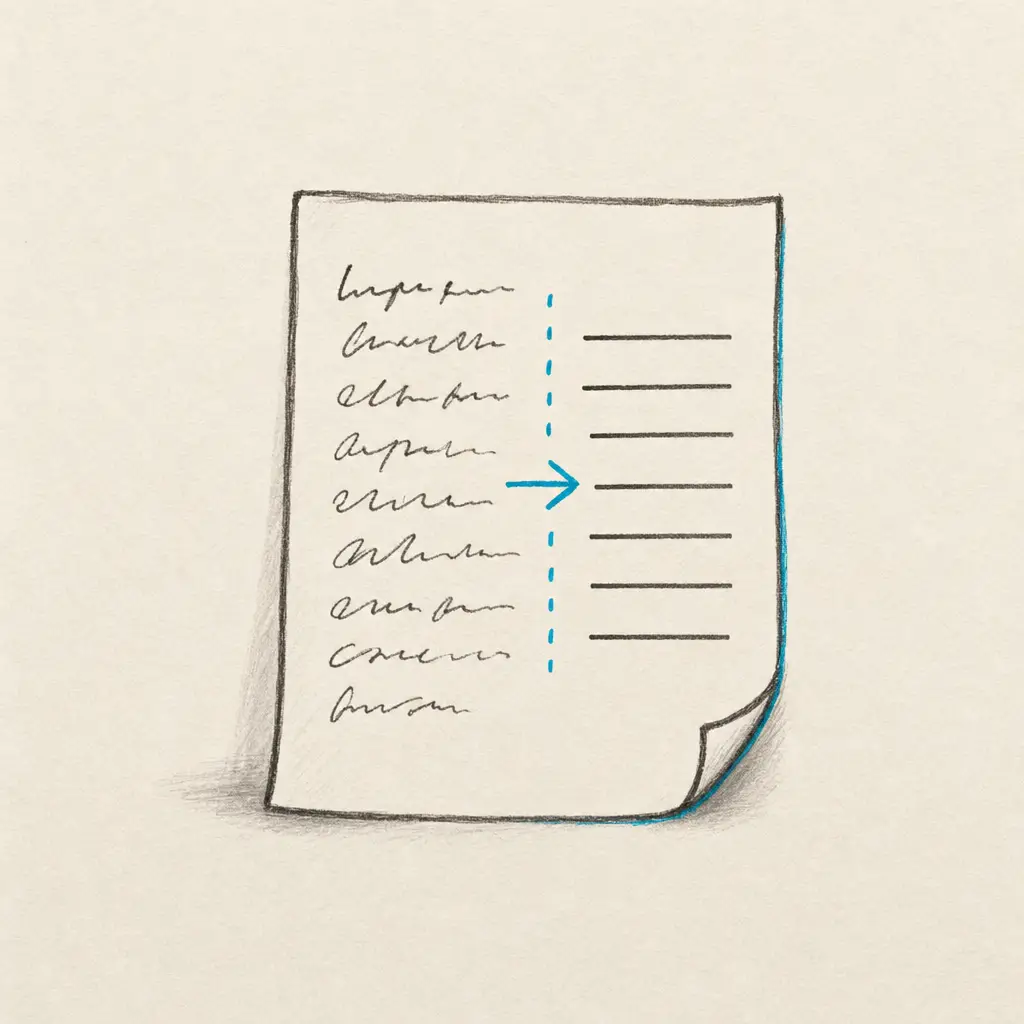
Converting handwriting to text can be incredibly useful for digitizing notes, making documents searchable, and enhancing accessibility. Whether you have handwritten meeting notes, old letters, journal entries, or research documents, converting them to digital text saves time and makes your content easy to organize and search. Online OCR (Optical Character Recognition) tools provide a fast, convenient way to convert handwriting to text online without installing software or purchasing specialized hardware. This comprehensive guide walks you through the process, from choosing the right tool to getting the most accurate results from your handwritten documents.
Quick Takeaways
- Online handwriting OCR tools convert paper notes, scanned documents, and PDFs to editable text without installing software
- High-quality images or scans with clear handwriting produce the most accurate conversion results
- Specialized handwriting OCR handles cursive, messy writing, and difficult scripts better than general OCR tools
- Privacy-focused services like HandwritingOCR guarantee your documents are processed securely and never used for AI training
- Most online tools support multiple export formats including TXT, DOCX, and PDF for easy integration into your workflow
Steps to Convert Handwriting to Text Online
For device-specific solutions, you might also want to explore how to convert handwriting to text on iPad, on Android, or on iPhone.
1. Choose an OCR Tool
Select an online OCR (Optical Character Recognition) tool that supports handwriting recognition. The best choice depends on your specific needs. HandwritingOCR is purpose-built for handwriting and offers specialized AI models trained on varied handwriting styles. Other options include Google Keep for simple notes and Microsoft OneNote for users already in the Microsoft ecosystem.
Specialized handwriting OCR tools achieve significantly higher accuracy than general-purpose OCR because their AI models are trained specifically on handwritten text patterns, not just printed characters.
2. Prepare Your Document
Make sure your handwritten notes are clear and legible. High-quality scans or photos improve the accuracy of text conversion. Use good lighting when photographing documents, and ensure the page is flat with no shadows or glare. If scanning, use at least 300 DPI resolution for best results.
3. Upload the Document
Upload your handwritten note, PDF, or image to the chosen OCR tool. For example, you can convert handwriting in PDFs or images to text using HandwritingOCR.
4. Process the Document
Follow the instructions on the OCR tool to process the document. This usually involves selecting a language and clicking on a ‘Convert’ or ‘Recognize’ button. Most modern tools process documents in seconds, even for multi-page PDFs.
5. Review and Edit
Once the text is extracted, review it for accuracy. OCR tools might not be perfect, especially with messy handwriting. Edit the text as needed. Specialized handwriting OCR tools typically require minimal corrections compared to general-purpose alternatives.
6. Download or Save the Text
After editing, you can download, save, or export the text in the format of your choice, such as TXT, DOCX, or PDF.
Tips for Better Conversion
- High-Quality Images: Use high-resolution images or scans for better accuracy.
- Legible Handwriting: Clear and neat handwriting is easier to convert than messy or rushed script.
- Consistent Lighting: Ensure that the document image has even lighting with no shadows or glare.
- Check Language Settings: Make sure the OCR tool recognizes the language used in the handwritten document.
Even small improvements in image quality can dramatically increase conversion accuracy. Taking an extra moment to photograph your document in good lighting pays off.
Popular Tools for Handwriting to Text Conversion
| Tool | Best For | Accuracy | Privacy |
|---|---|---|---|
| HandwritingOCR | Paper documents, PDFs, difficult handwriting | Highest | Guaranteed private, not used for training |
| Google Keep | Quick notes, casual use | Medium | Cloud-based, check privacy policy |
| Microsoft OneNote | Digital notes, Microsoft ecosystem | Medium-High | Part of Microsoft 365 |
HandwritingOCR
A dedicated tool easily accessible at HandwritingOCR. HandwritingOCR is known for its high accuracy and guarantees data privacy. Both consumer and business users can use the service to extract handwritten and printed text from documents. It offers a user-friendly web app and API, and you can get a free trial with 5 free page credits by signing up.
Your documents remain private and are processed only to deliver your results. They are not used to train AI models or shared with anyone else.
Google Keep
A free note-taking app that includes OCR capabilities. Users can create notes and extract text from images directly within the app. While convenient, it might not be as accurate as dedicated OCR tools. See our detailed guide on how to convert handwriting to text in Google Keep.
Microsoft OneNote
Integrates handwriting recognition within its digital notebook platform. It’s part of the Microsoft Office suite, so it’s a good option if you already use their products. OneNote is ideal for students and professionals who need to digitize handwritten notes regularly. Learn more about converting handwriting to text in Microsoft Office.
Privacy Considerations
When using online OCR services, it’s crucial to consider privacy and data security. HandwritingOCR guarantees data privacy, ensuring that your documents are processed securely. Your files are encrypted both in transit and at rest, and they are never used to train AI models or shared with third parties.
Always check the privacy policies of other OCR services to understand how your data will be used and stored. Look for services that:
- Use encryption for uploads and storage
- Delete documents after a reasonable period
- Do not use your data for AI training
- Do not share data with third parties
- Comply with data protection regulations like GDPR
Your handwritten documents often contain sensitive information. Choose an OCR service that treats privacy as a built-in principle, not an optional feature.
Convert Your Handwriting to Text Now
By following these steps and tips, you can efficiently convert your handwritten notes to digital text. Whether for personal or professional use, these converted texts can streamline your information management and enhance productivity.
Ready to convert handwriting to text online? Try HandwritingOCR free with 5 complimentary page credits. No credit card required. Your documents are processed securely and remain completely private.
For a complete overview of all handwriting conversion methods across different platforms and applications, visit our comprehensive guide on converting handwriting to text. If you have questions about the conversion process or need help choosing the right tool, check our FAQ page.
Frequently asked questions
What is the best online tool to convert handwriting to text?
HandwritingOCR is a dedicated online handwriting OCR tool known for high accuracy and data privacy. It handles messy handwriting, cursive, and multiple languages with a simple upload-and-download workflow.
Can I convert handwriting to text for free online?
Yes. HandwritingOCR offers a free trial with 5 page credits, requiring no credit card. This lets you test the service on your own documents before committing to a paid plan.
How accurate is online handwriting to text conversion?
Accuracy depends on handwriting clarity and the OCR tool used. Specialized handwriting OCR tools achieve high accuracy even with messy or cursive writing because they use AI models trained specifically on handwritten text.
Is it safe to upload handwritten documents to online OCR services?
With reputable services like HandwritingOCR, yes. Look for services that guarantee data privacy, use encryption, and do not train AI models on your documents. Always check the privacy policy before uploading sensitive material.
What file formats can I use to convert handwriting to text online?
Most online OCR tools support common formats like PDF, JPG, PNG, and TIFF. HandwritingOCR also supports HEIC and GIF files, making it easy to upload photos or scans from any device.